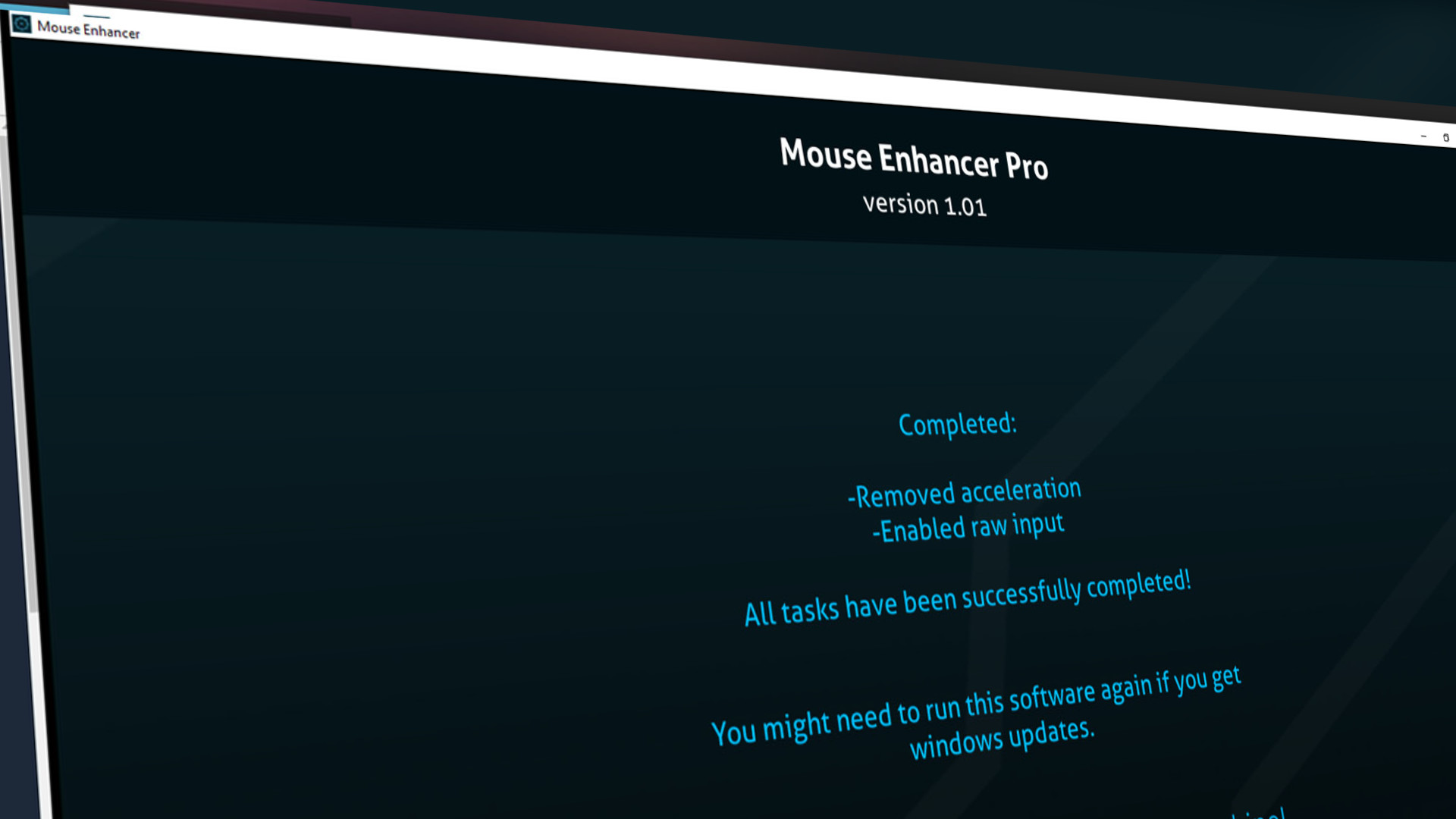
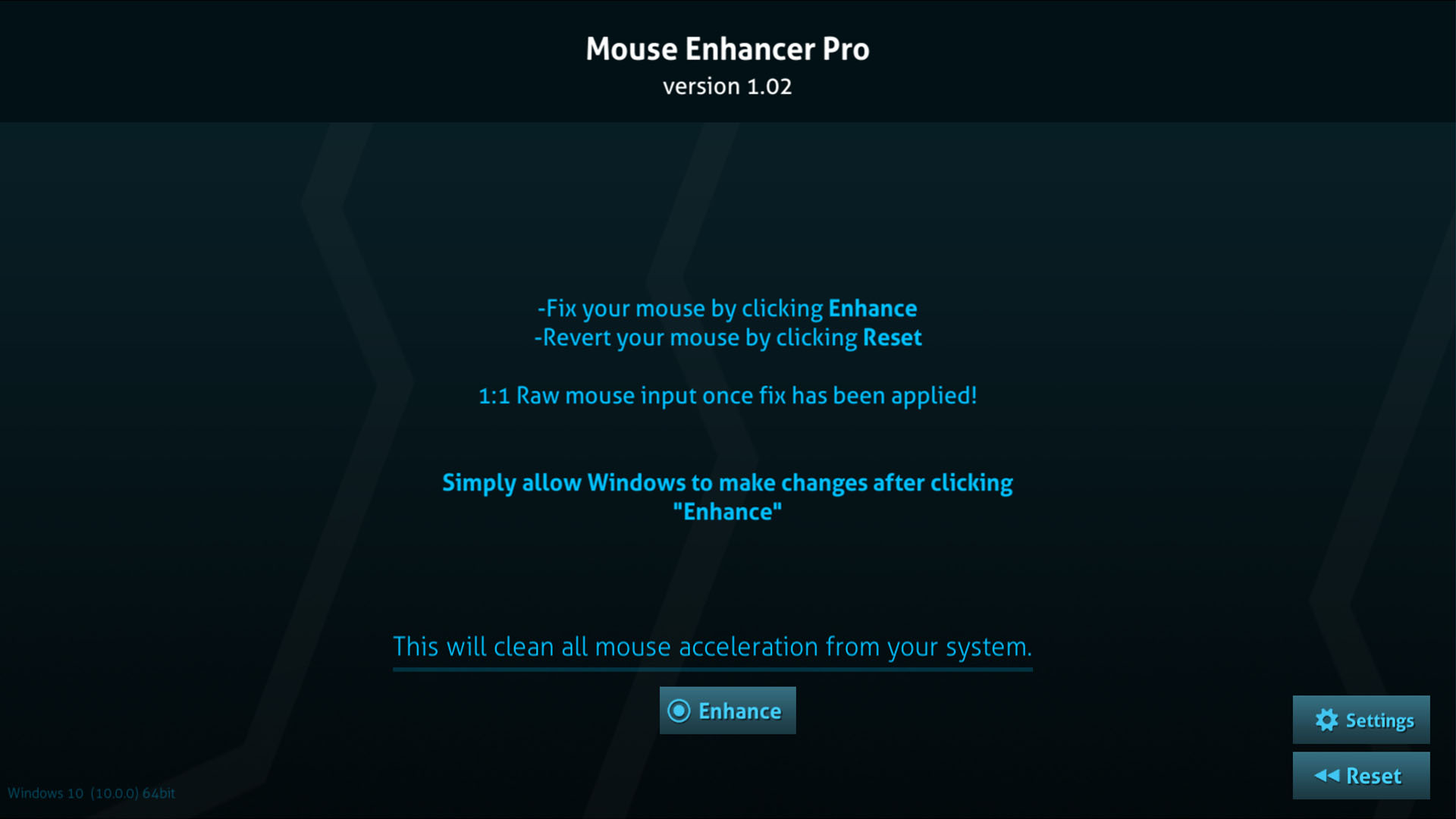
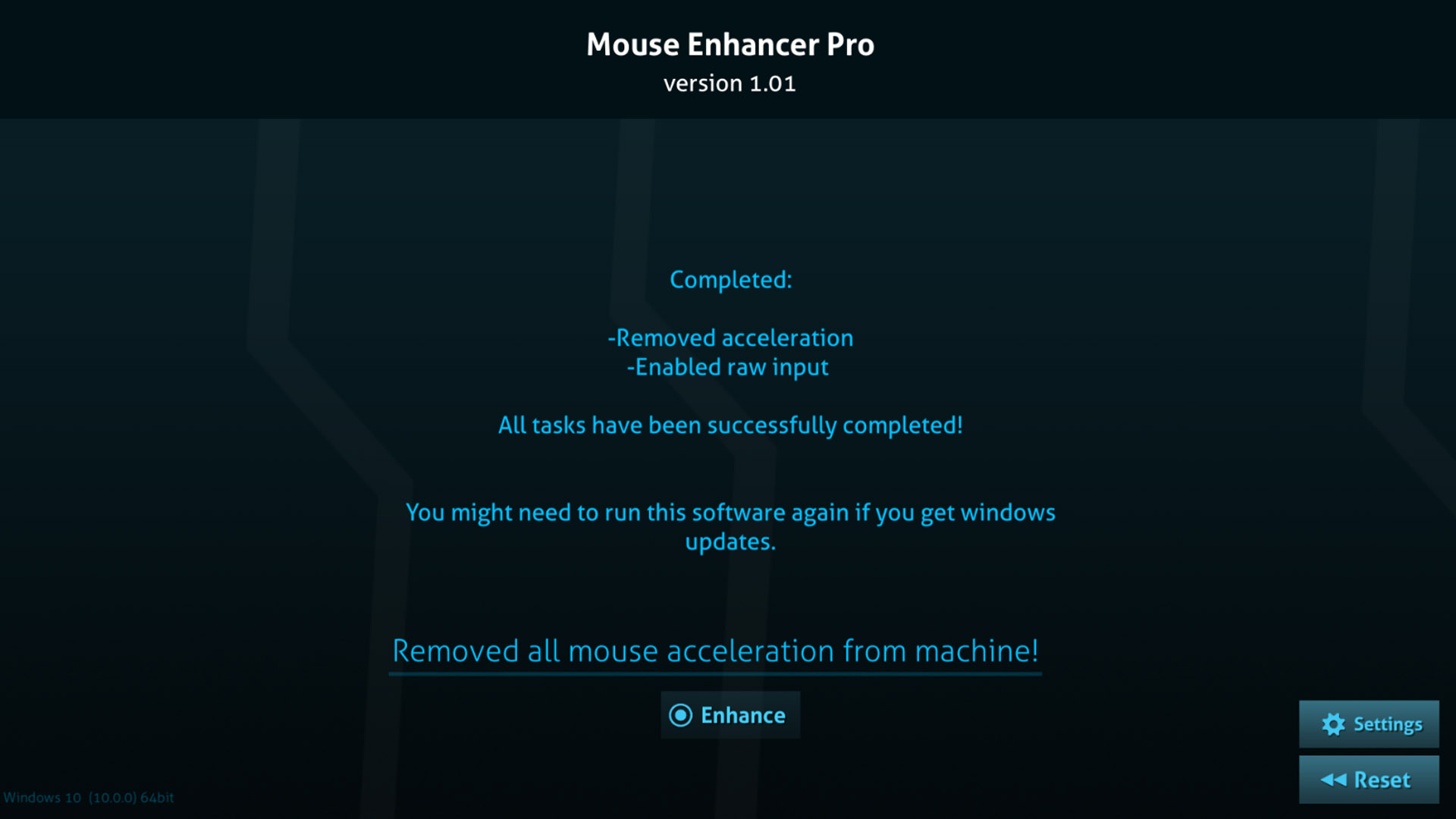
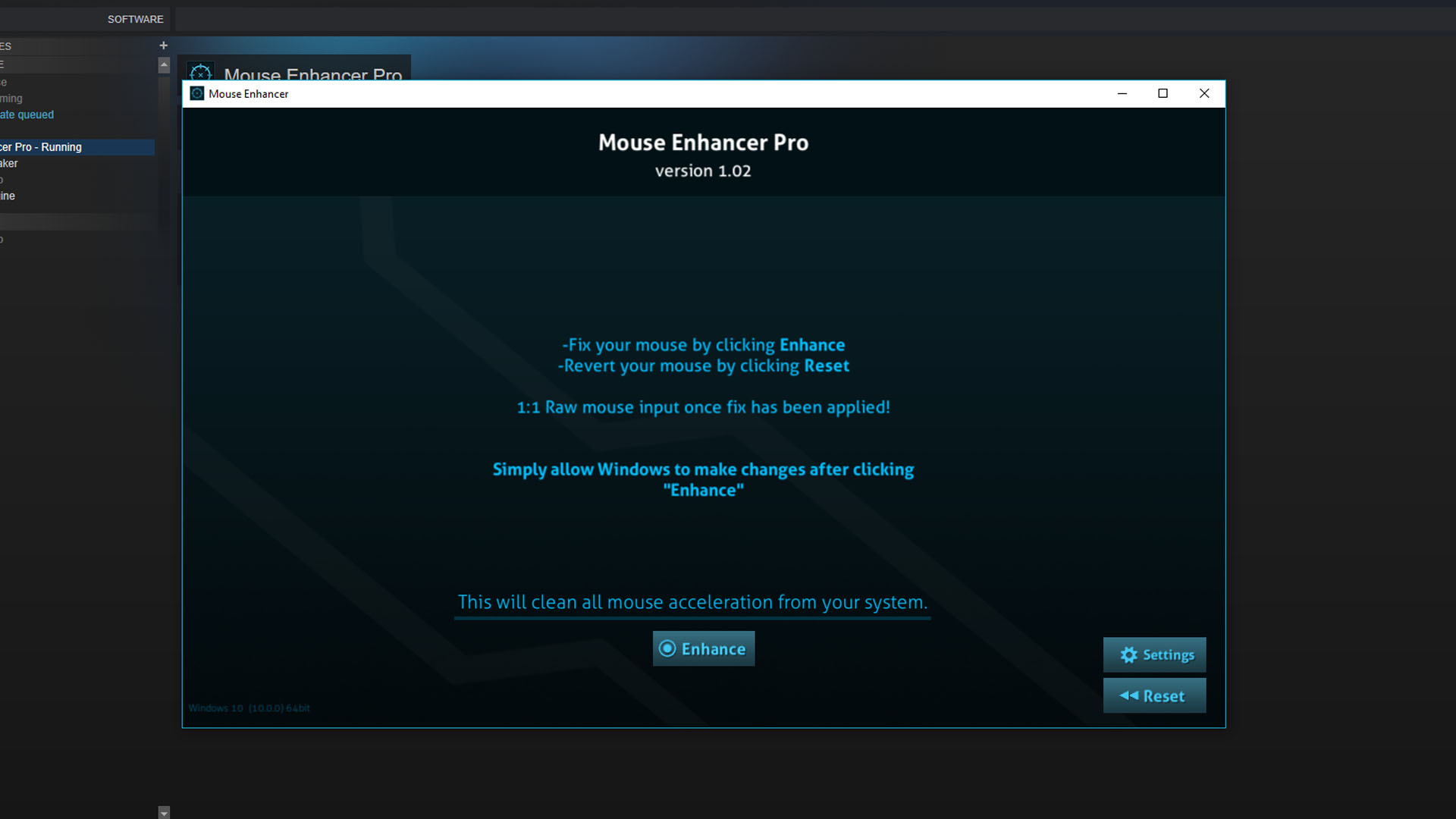
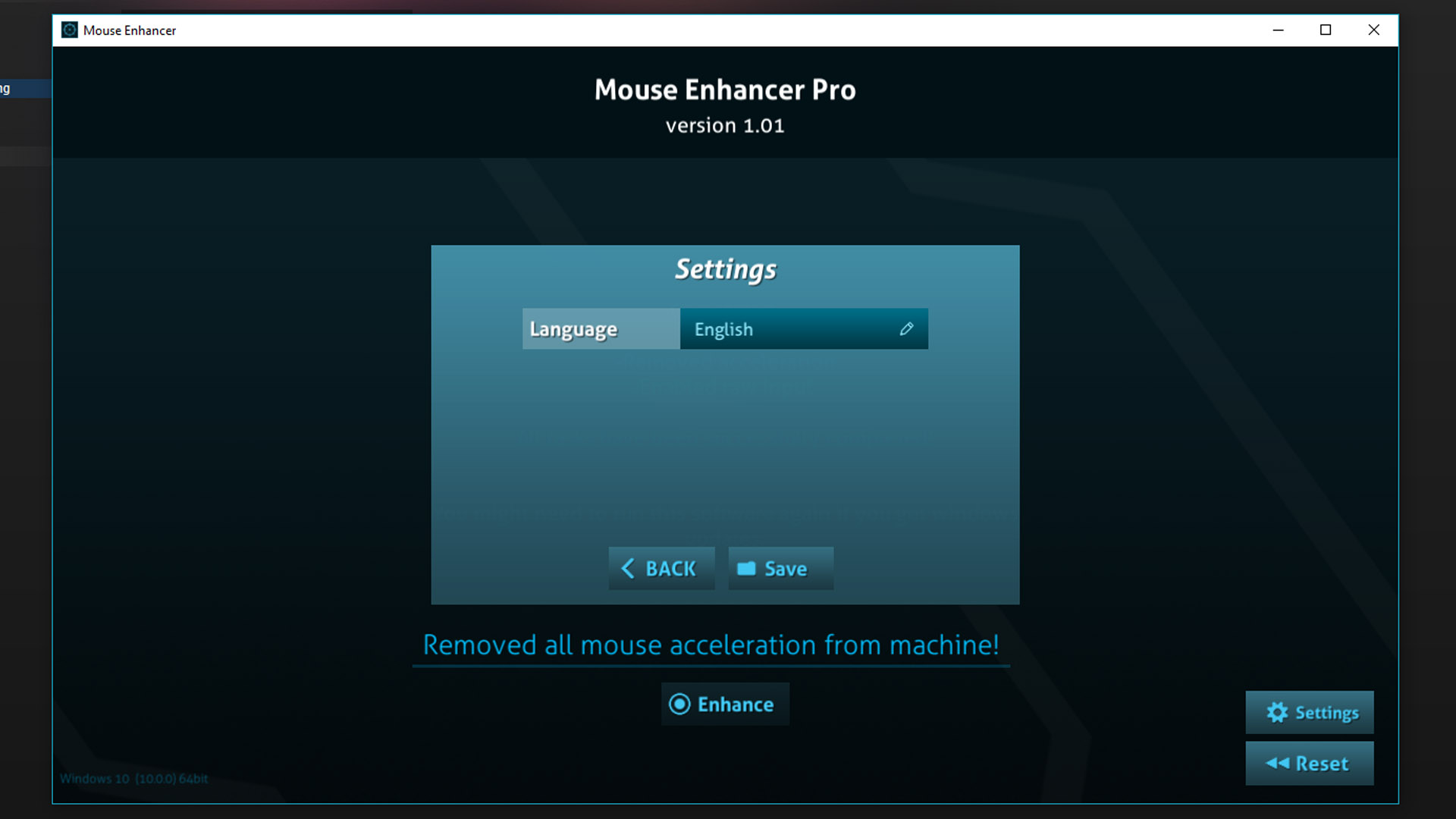
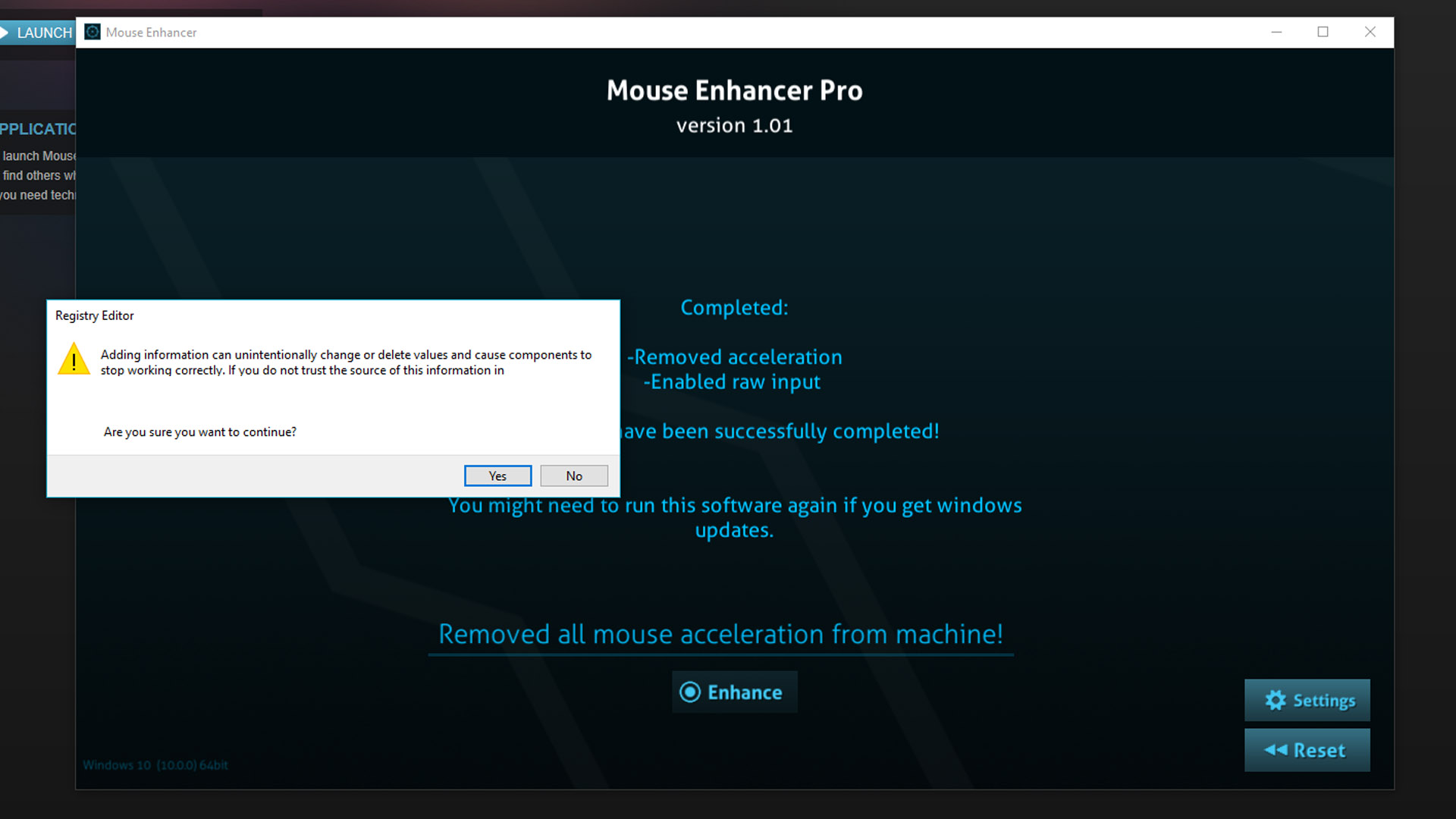
Fully disable all accelerated mouse input on your computer with a single click. Perfect for those wanting precise linear input without the hassle of changing code. Windows does not disable accelerated input entirely, but with this tool you can.
Mouse Enhancer Pro helps you entirely kill mouse acceleration and get raw linear input that is enforced, when you disable enhance pointer precision in windows It’s not entirely disabling acceleration.
Turn off mouse acceleration and force linear input in seconds
Smart revert allows you to go back if you don’t like the changes
Zero curve input which allows you to be precise
Removes annoying windows filters on your mouse
Kill mouse smoothing filters that add annoying velocity to your mouse
The tool enforces relative input and disables mouse smoothing. This means input will feel 1:1 and have no delay or change depending on your flick or movement speed, it can be really bad for FPS games that require absolute accuracy.
This tool can be great for general computer use, games or even graphic artists that need pinpoint accuracy.
Leaving mouse acceleration enabled or not entirely disabling it could lead to:
Feeling like your mouse is slower than your aim
Jittery slow input
Mouse moves differently depending on movement speed
Great for games and software such as: Counter-Strike: Global Offensive Overwatch PUBG Fortnite Apex Legends Fortnite Rust League of Legends Rainbow Six Siege Realm Royale Graphic Tablets Graphic Illustration
And anything else you can think off. Improve your precision in seconds!