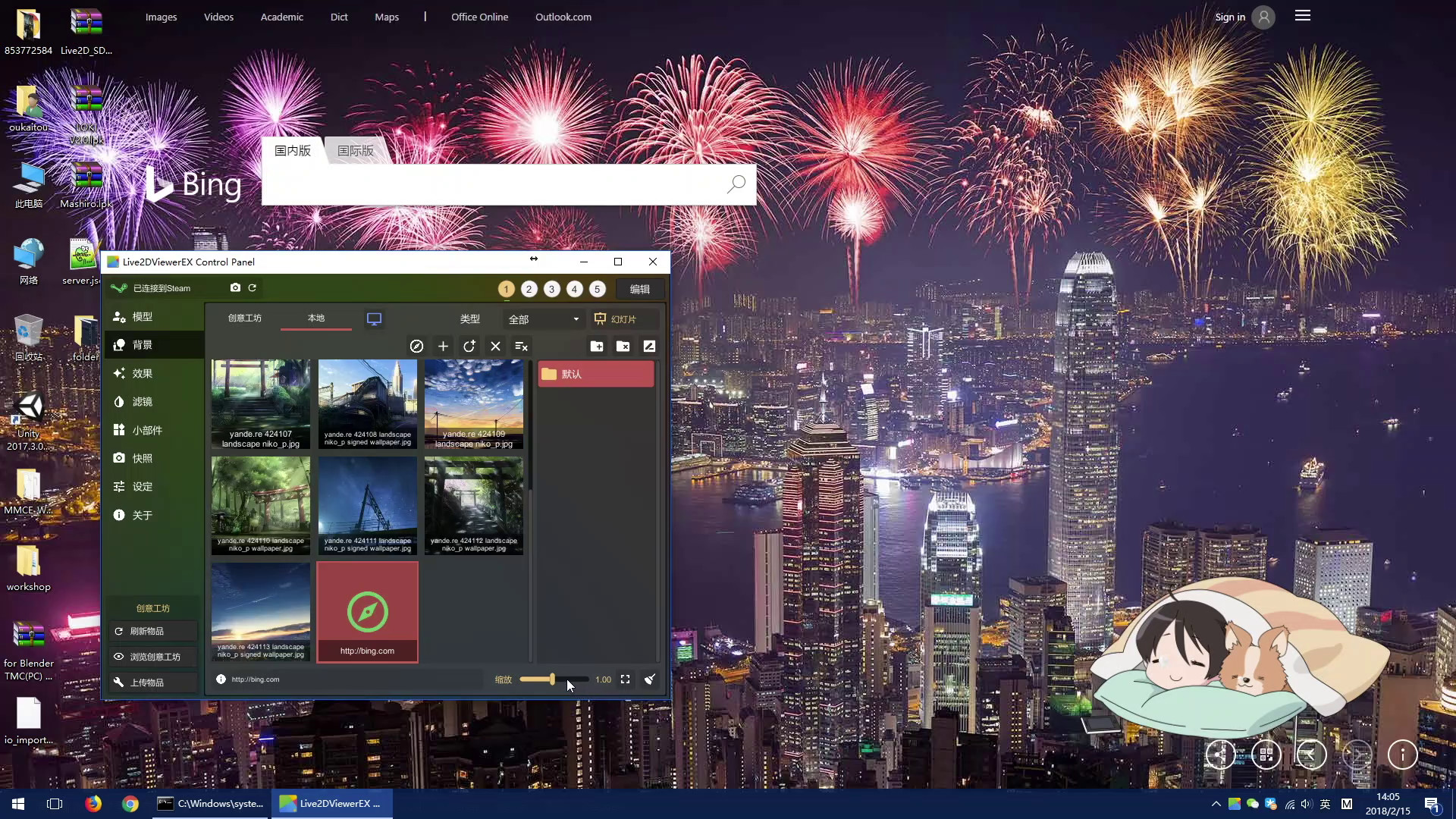
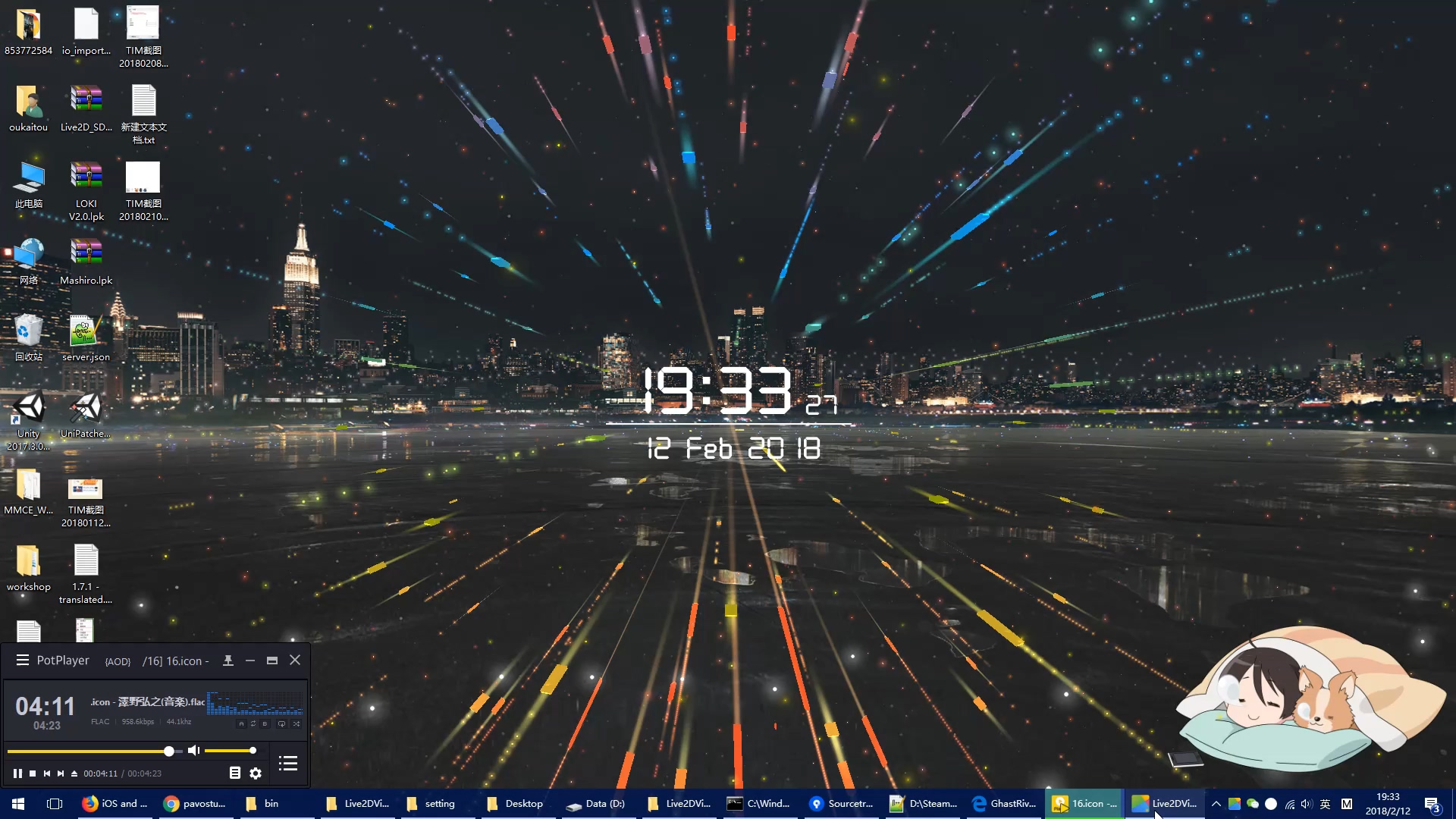
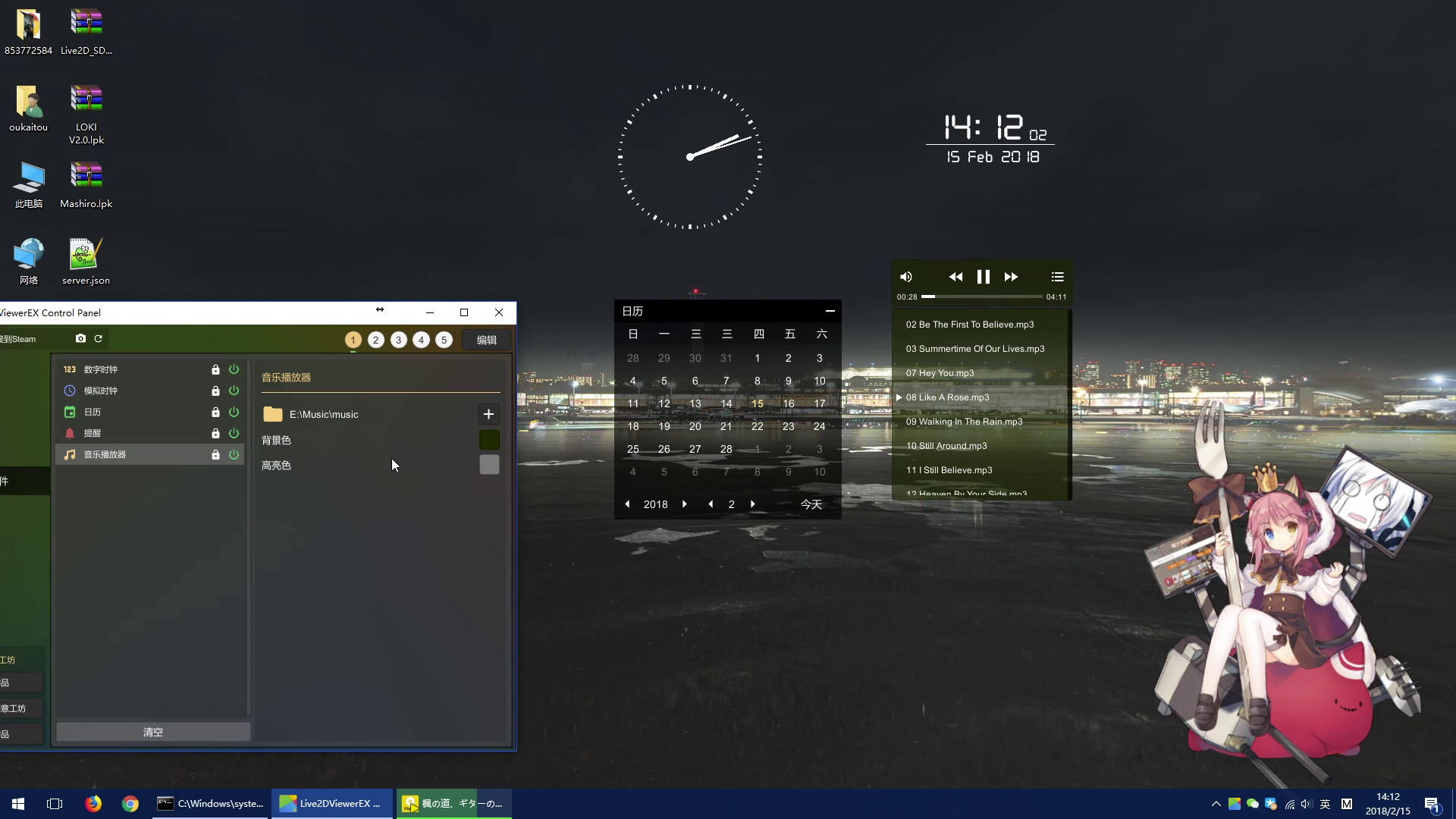
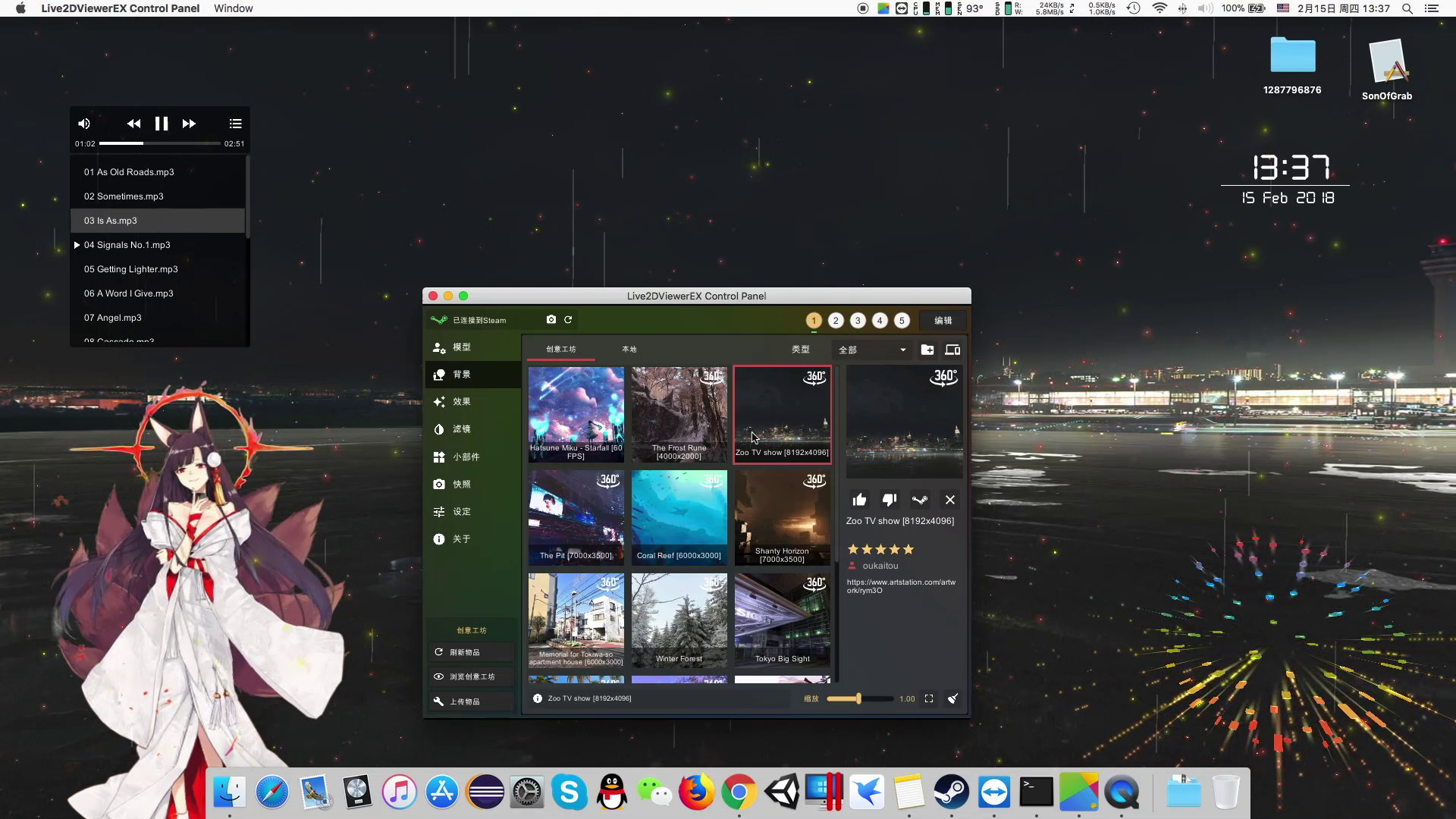
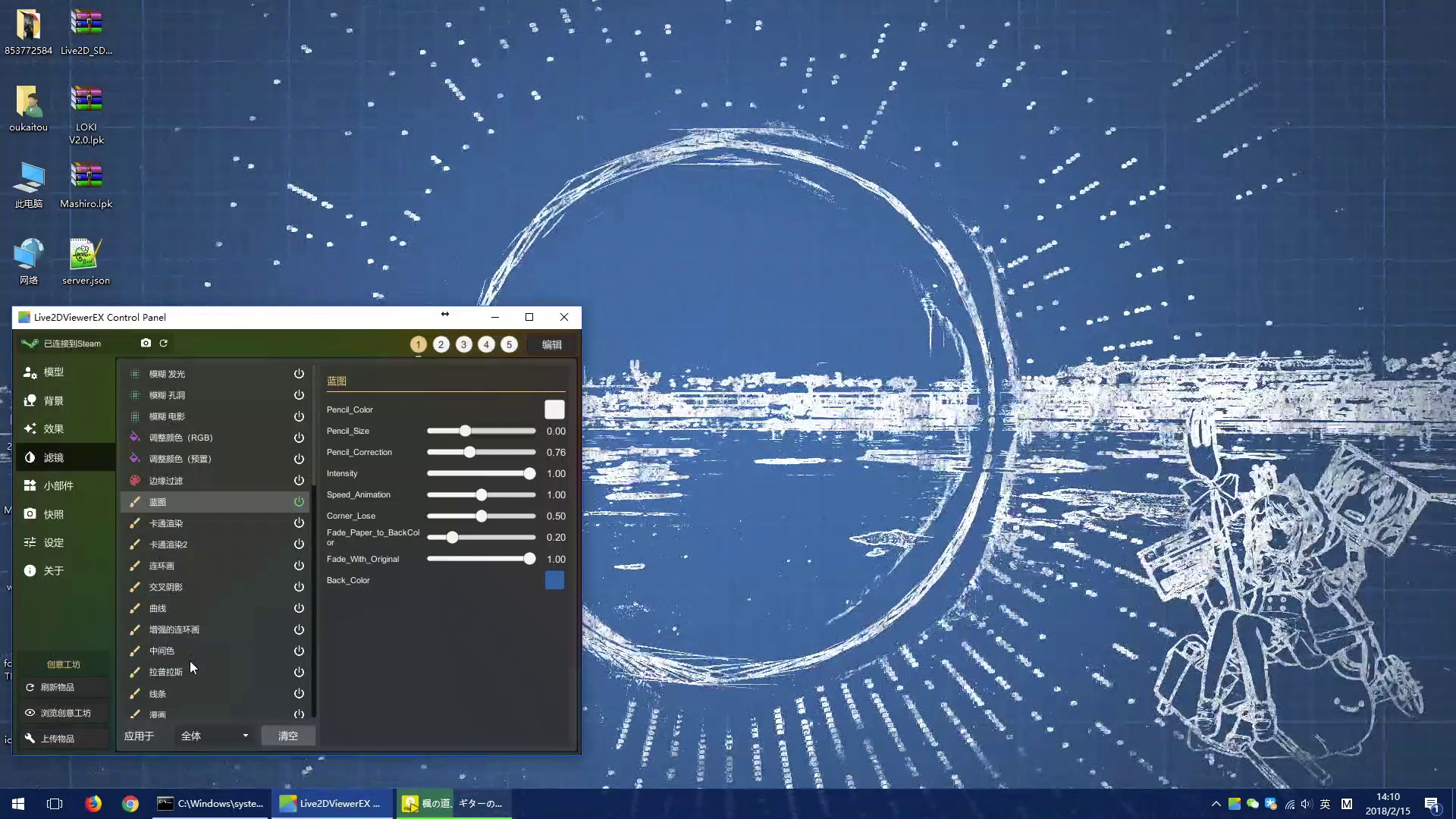
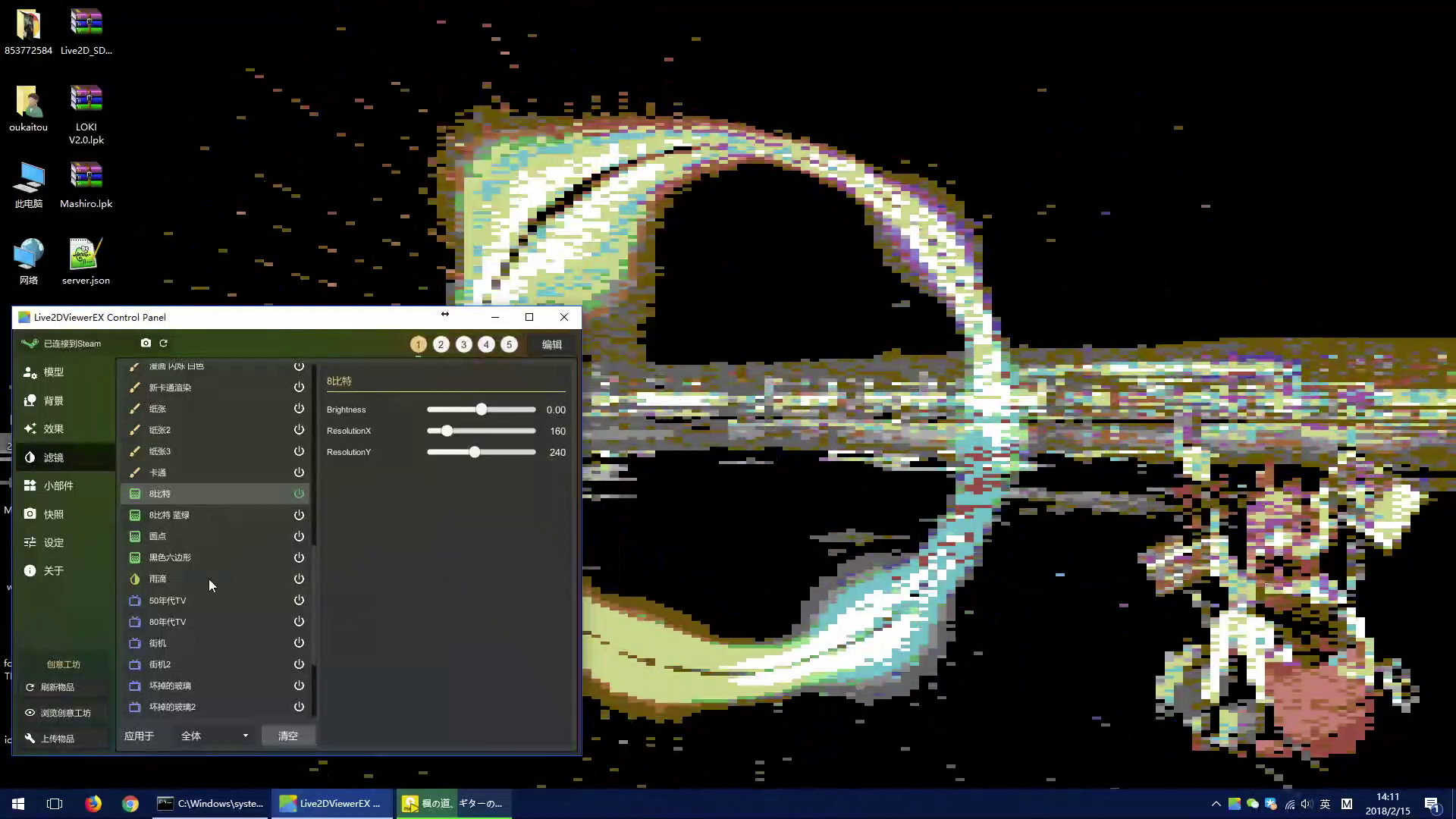
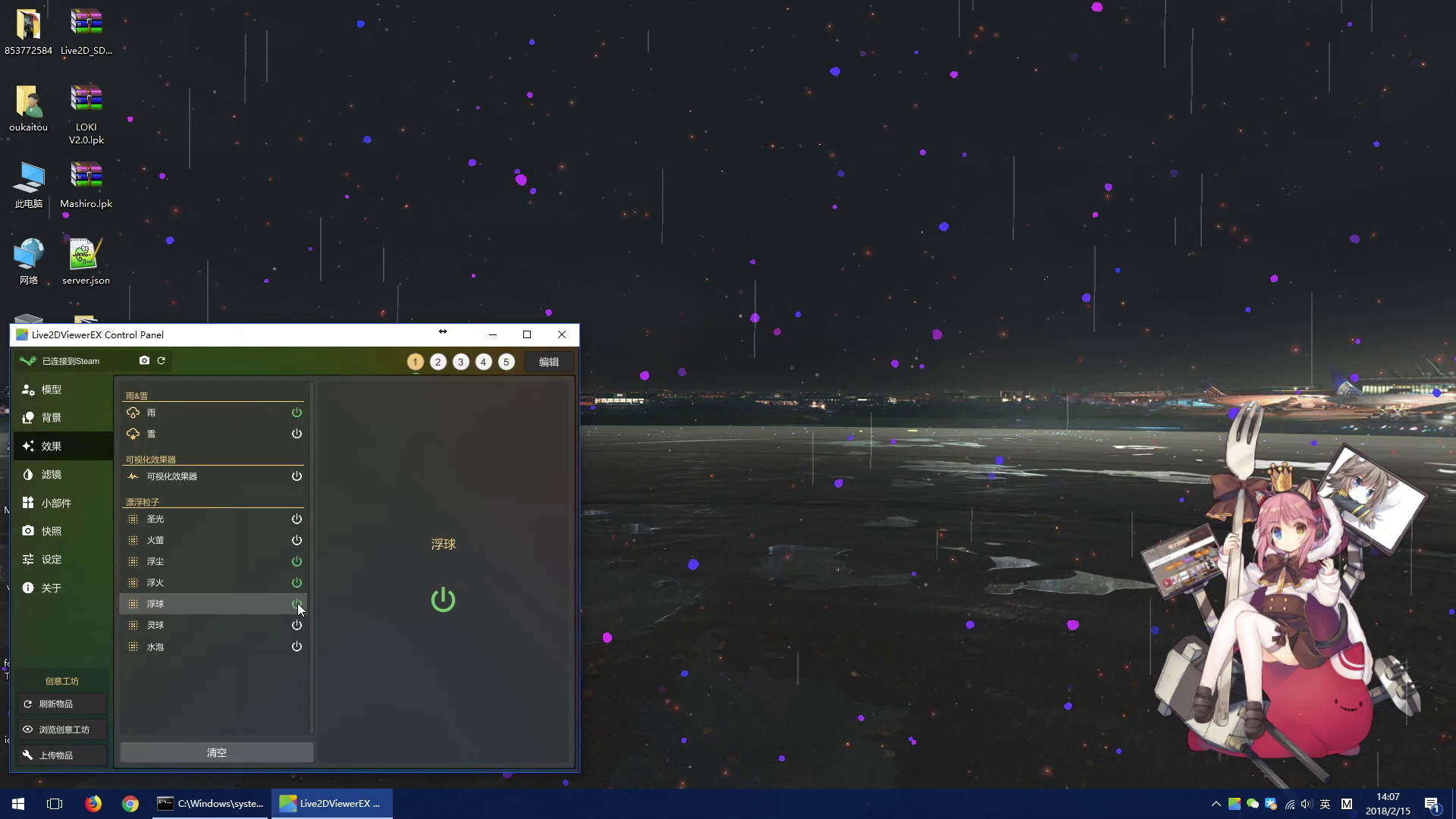
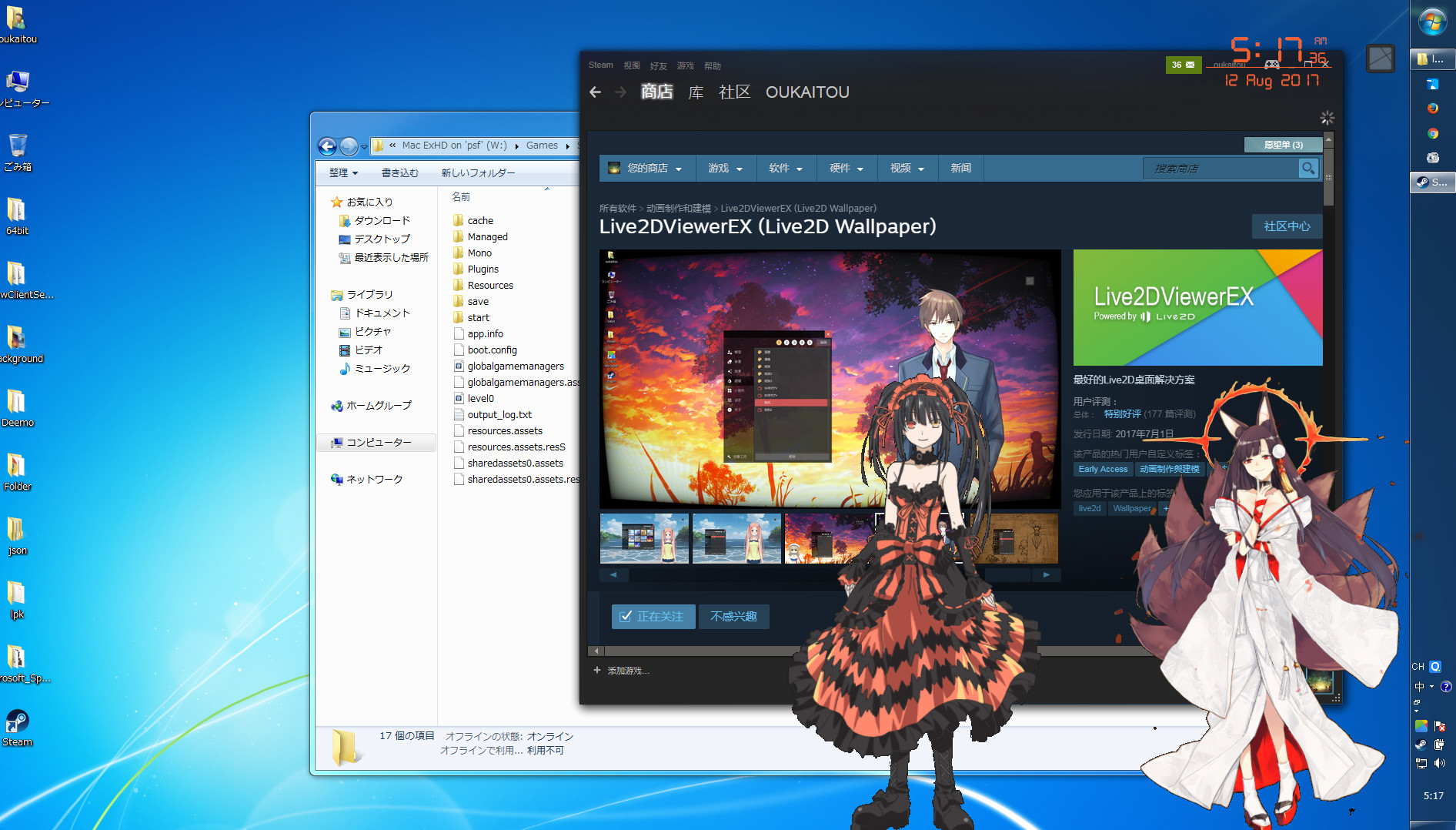
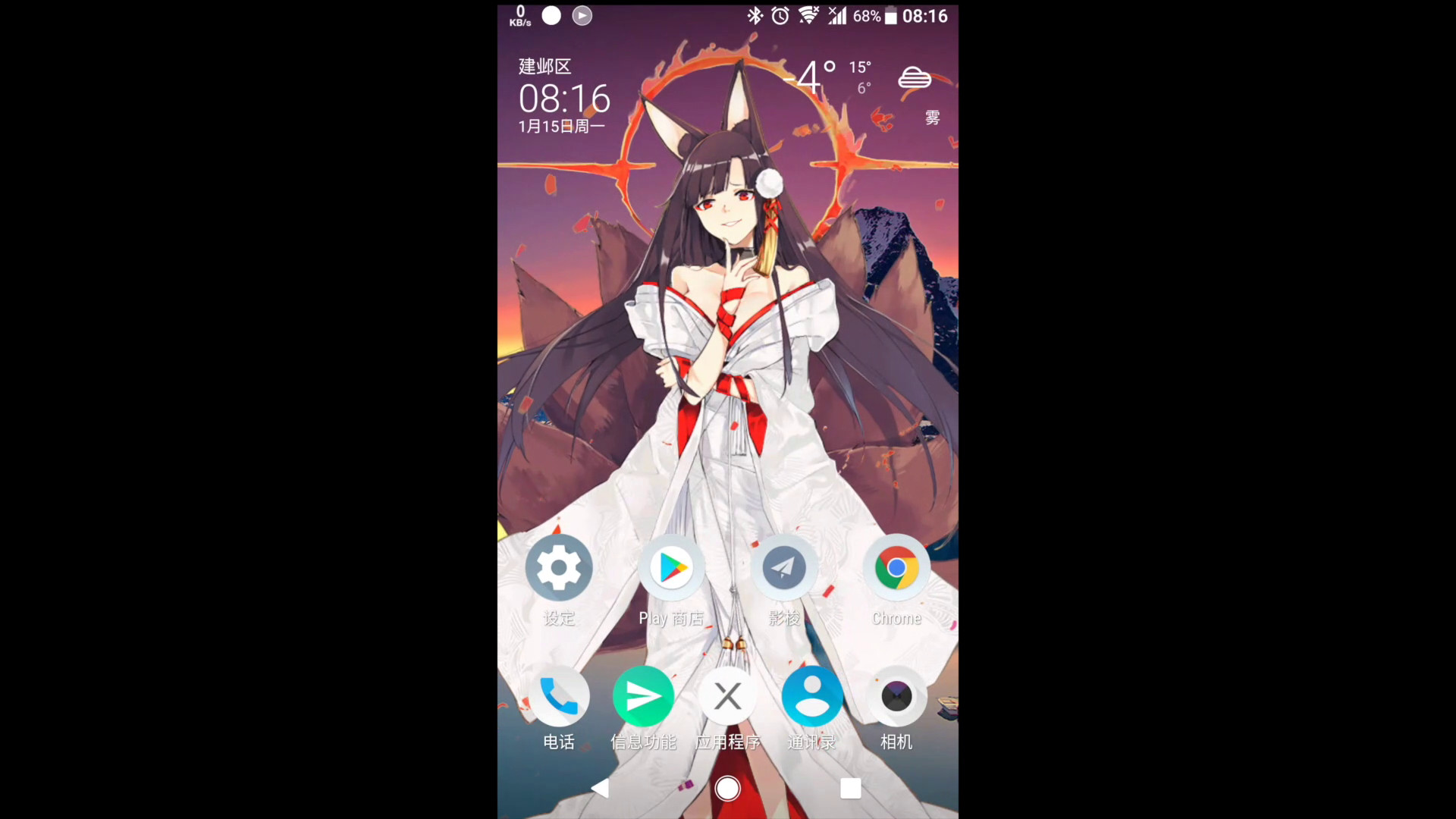
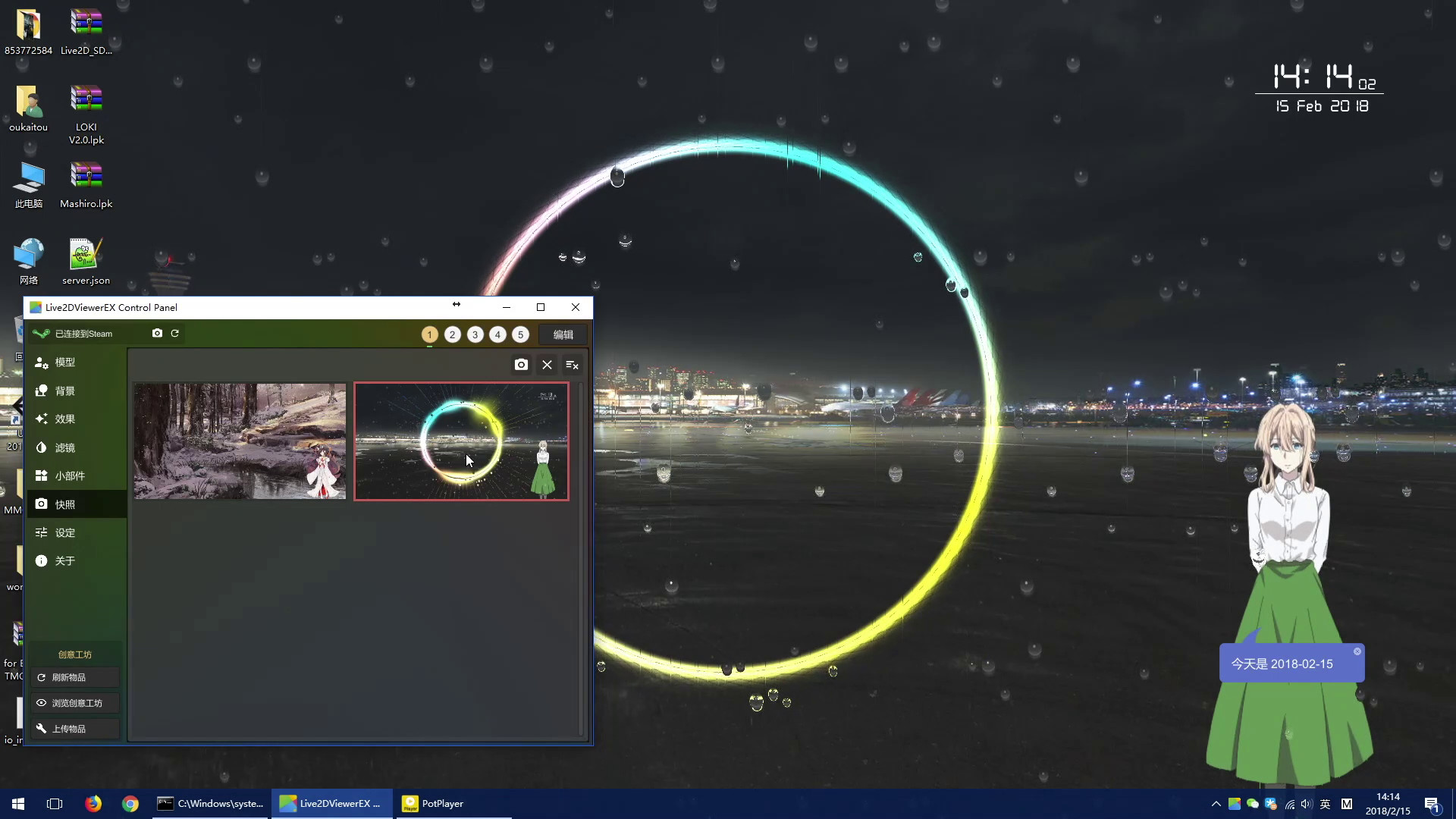
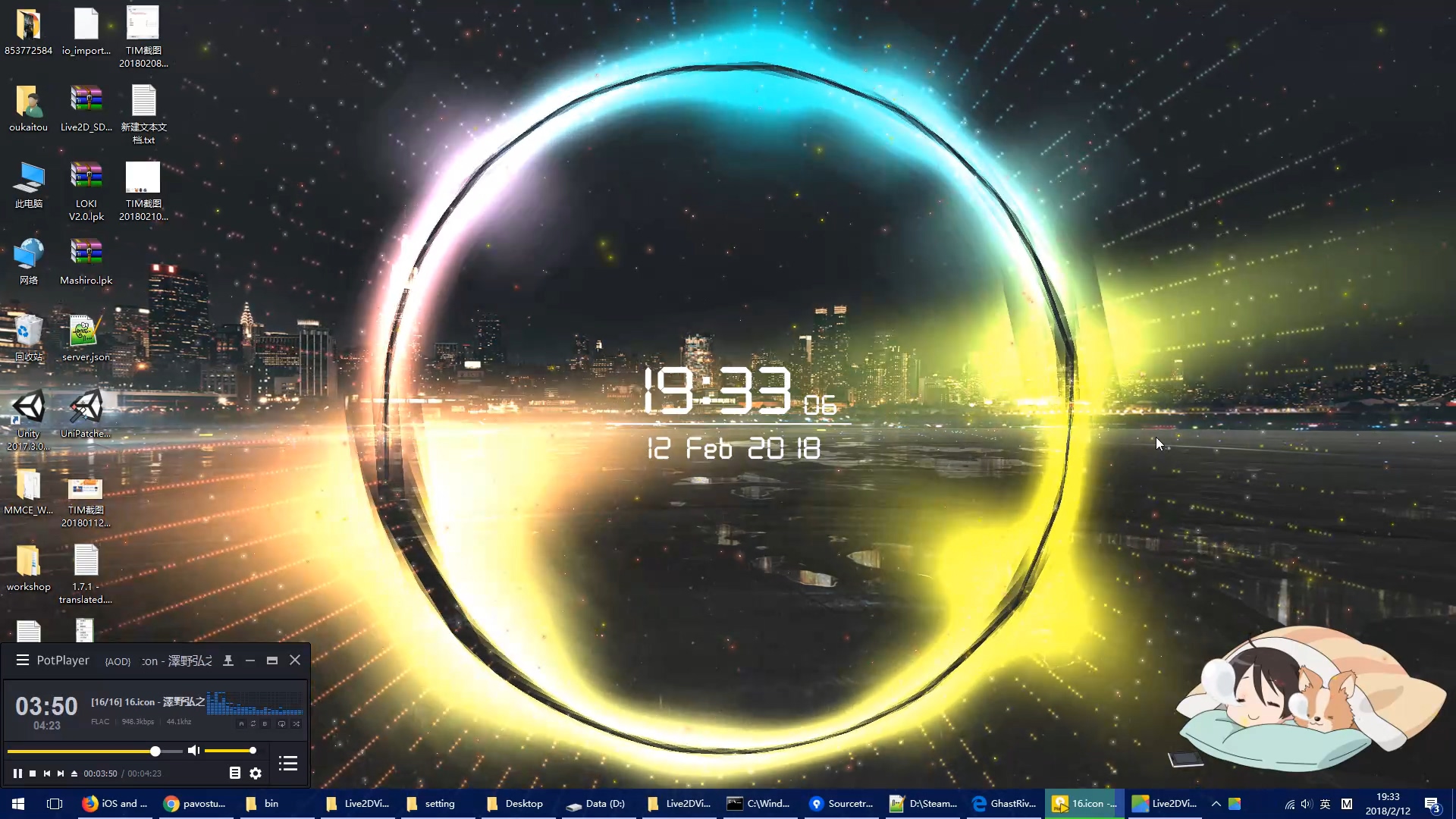
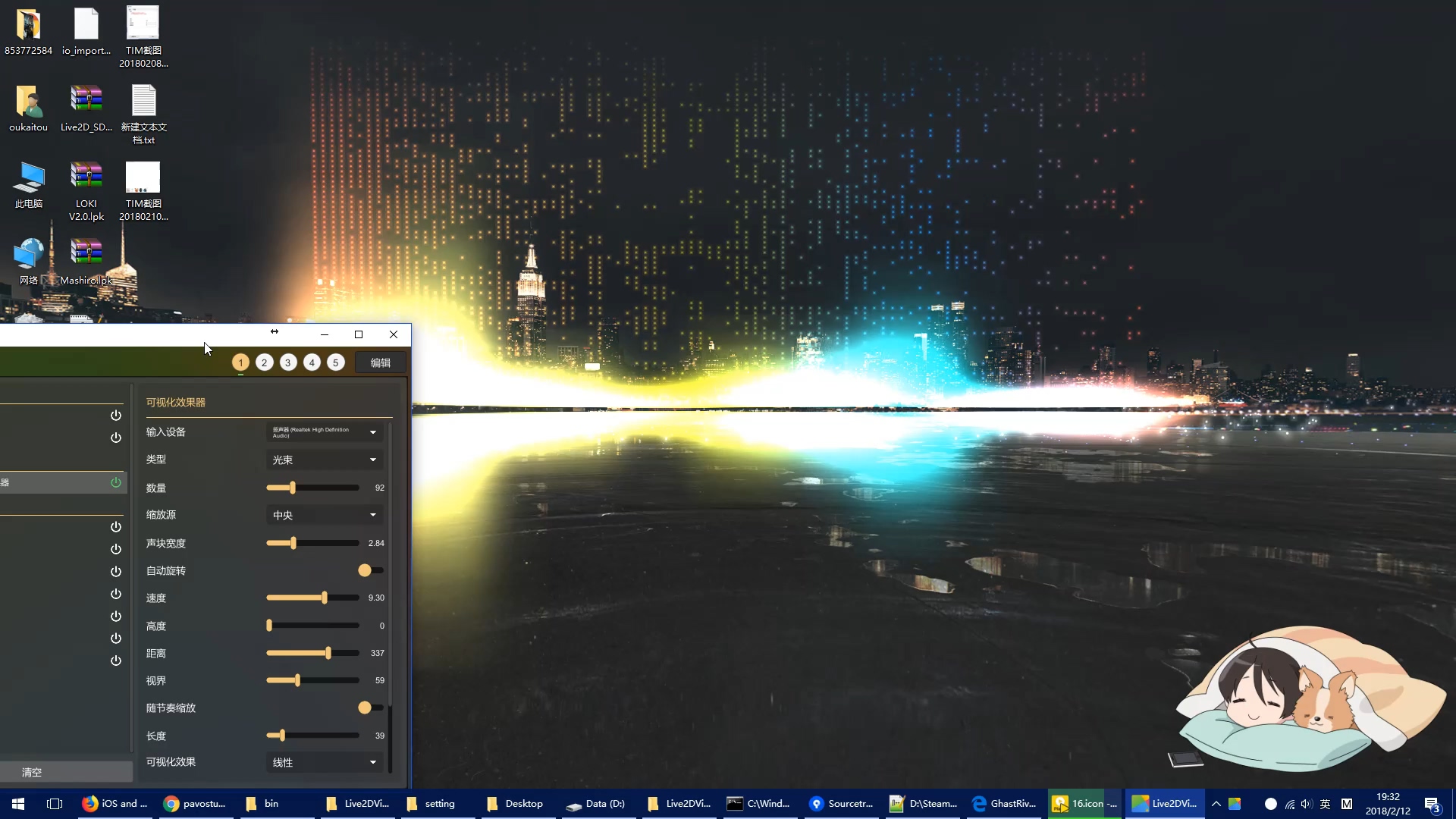
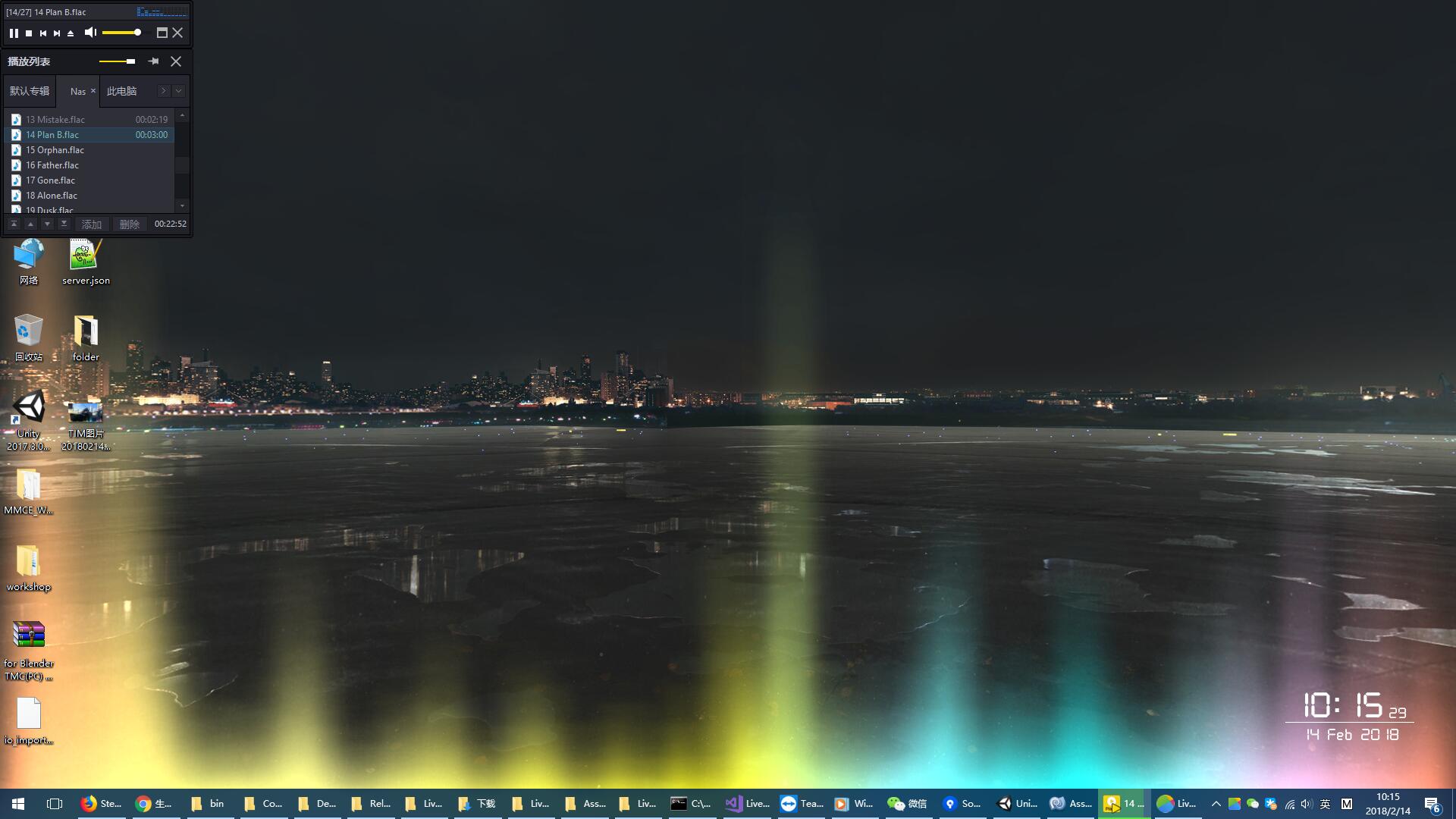
The best cross-platform Live2D solution, three display modes (Wallpaper / Desktop / Desktop Window), multiple platforms (Windows / MacOS / Android / iOS), high-precision facial capture, and many other features.
If you want to use Wallpaper Engine or your own wallpaper at the same time, right-click the tray icon-> Launch Mode, choose Desktop Mode
Workshop items are uploaded by the user. In case of model issues, please contact the uploader directly. This software does not guarantee anything related to the model
Live2DViewerEX is not belong to Live2D Inc. , it is an unofficial product
Widget: Digital Clock, Analog Clock, Calander, Reminder, Music Player, Resource Monitor, Desktop Icon...
Scene: Save & load scene
ExAPI: write software yourself and interact with Live2DViewerEX
Workshop
Multi-display
Support for Cubism SDK 4
Note
About the price Depending on exchange rate, development and maintenance costs and Live2D SDK license fee, the price may be adjusted at any time without notice
About discount There are no discount plans at the moment
About performance and resource usage Application have been optimized for performance and resource usage, but the amount of resources used varies with the content being loaded. In general, Desktop Mode takes up less resources than Wallpaper Mode, please select the appropriate launch mode as needed