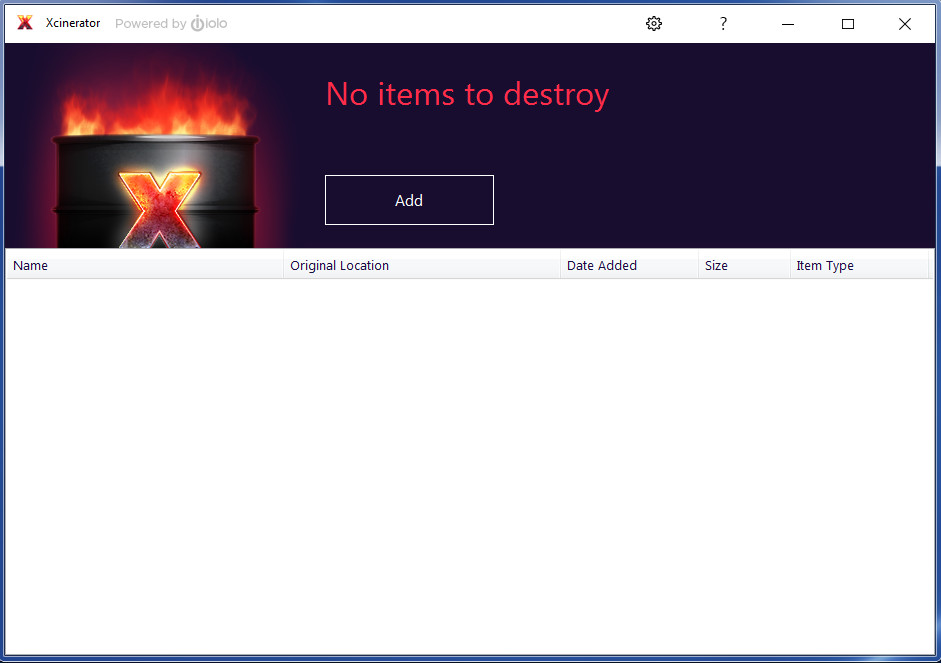
Introducing Xcinerator, the specialized privacy tool from iolo technologies that safely and permanently erases data, superseding Department of Defense security standards and ensuring that your most sensitive files can never be recovered.
Xcinerator™ Erase Your Most Private Data. Permanently.
Private photos, videos, torrents, emails and chats can all be accessed with standard recovery techniques even after you’ve deleted them.
Introducing Xcinerator, the specialized privacy tool from iolo technologies that safely and permanently erases data, superseding Department of Defense security standards and ensuring that your most sensitive files can never be recovered.
Permanently destroys your sensitive files, torrents, movies, photos, emails, chats and more
Wipes away all traces from your hard drives and flash drives
Lets you choose individual files to wipe or entire folders
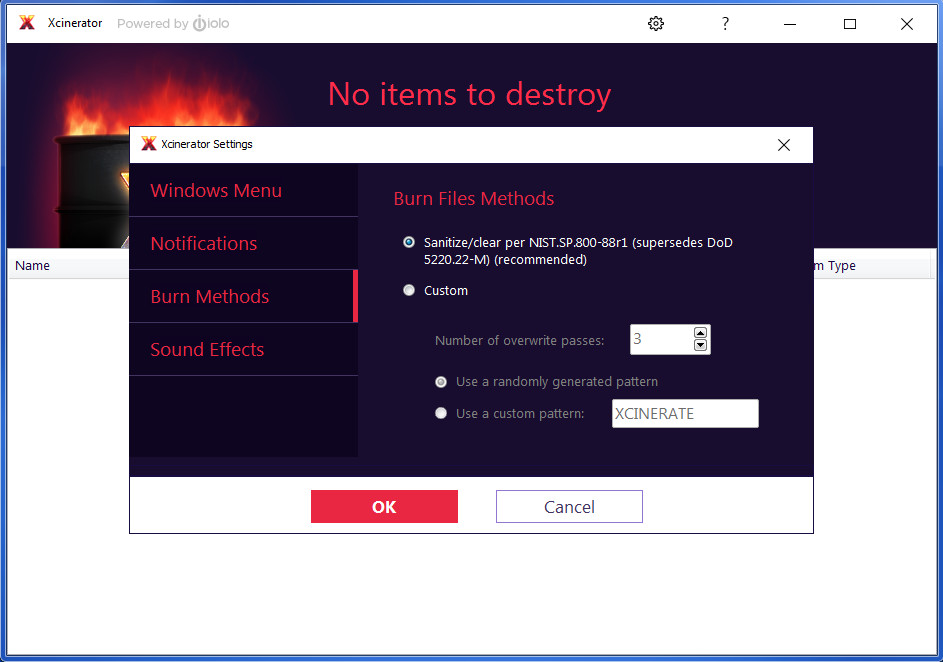
Sanitizes/clears data per NIST.SP.800-88r1 purging standards (supersedes DoD 5220.22-M)
Protects you from even the most advanced recovery and forensic techniques
How it works
Using Xcinerator is easy:
Xcinerating a file or folder is easy
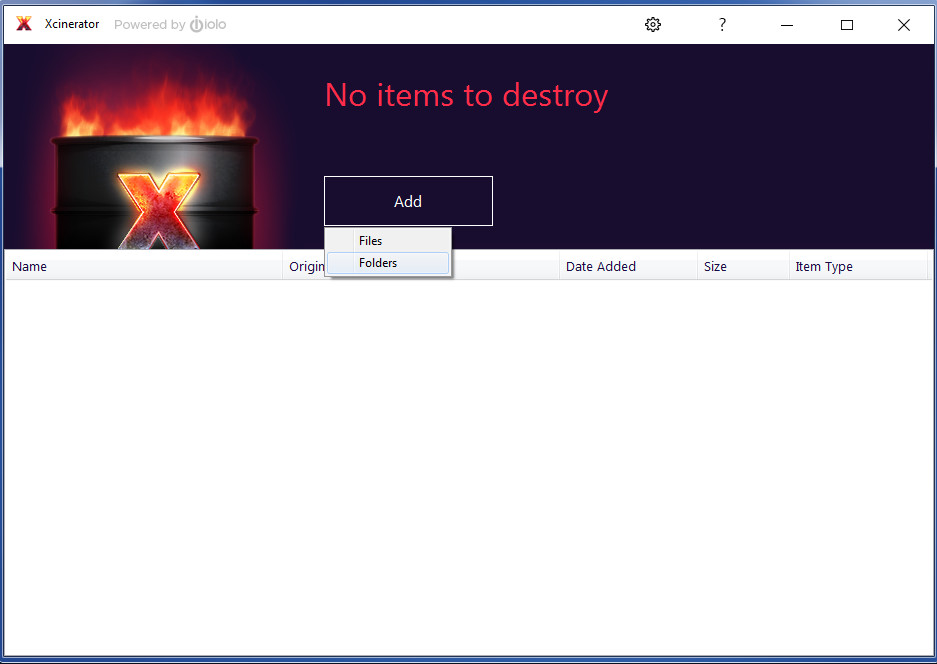
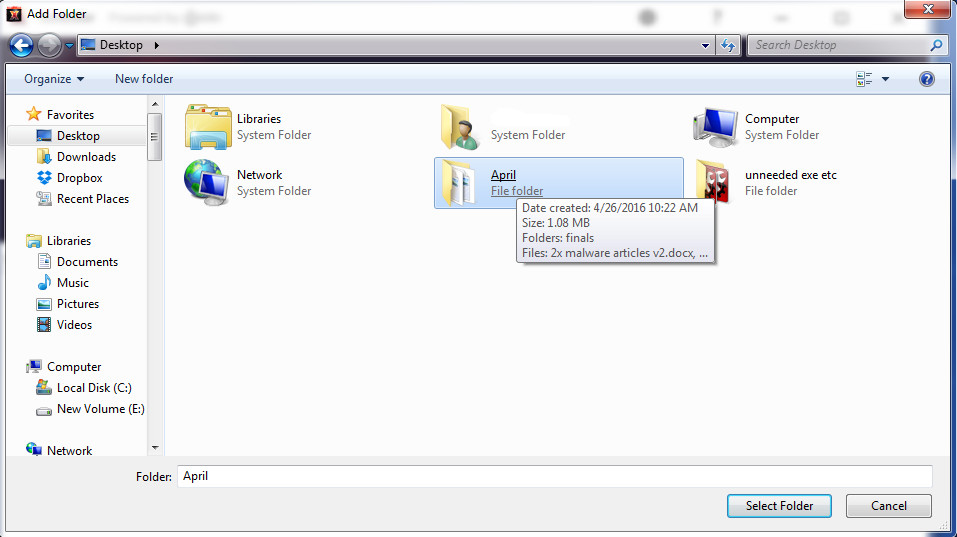
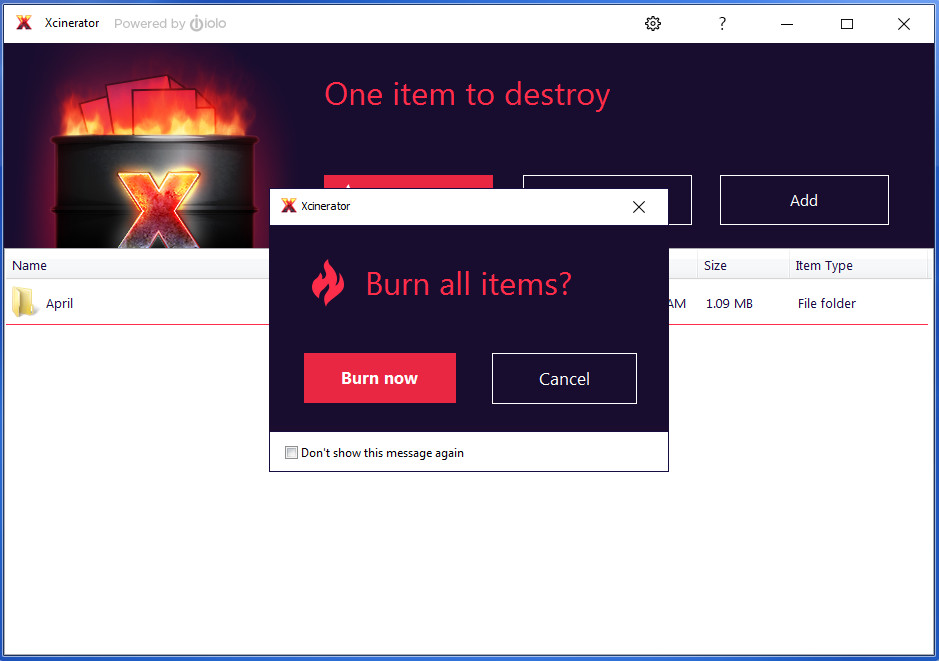
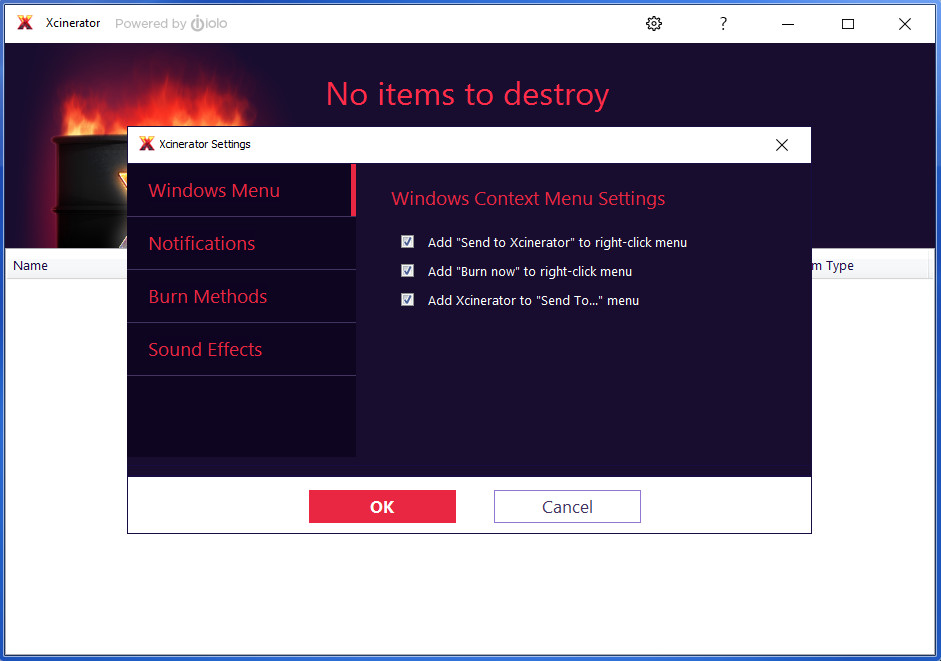
Right-click on a file or folder and send it to the Xcinerator
Drag and drop files and folders into the open Xcinerator app
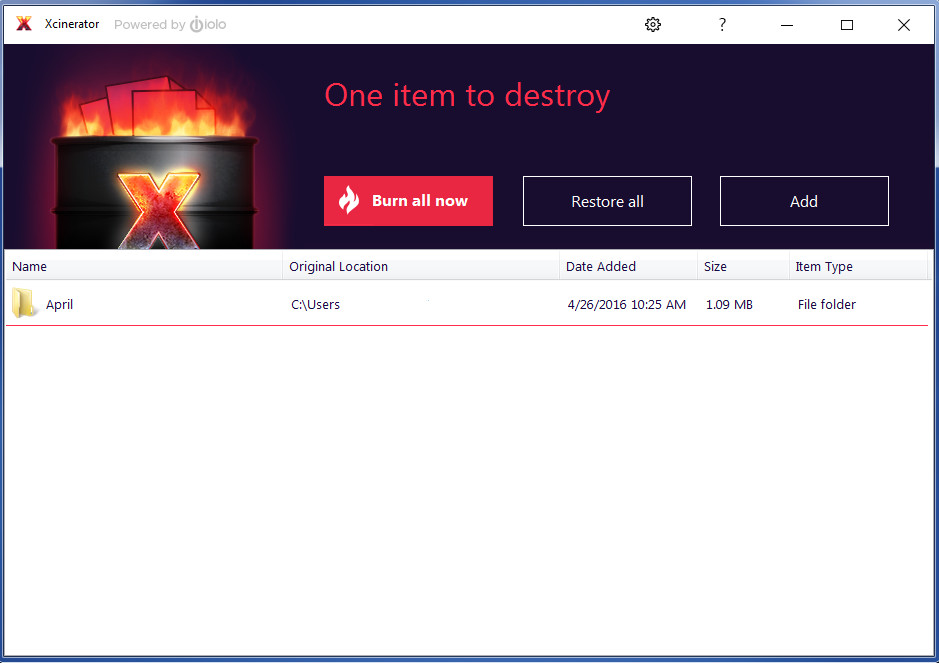
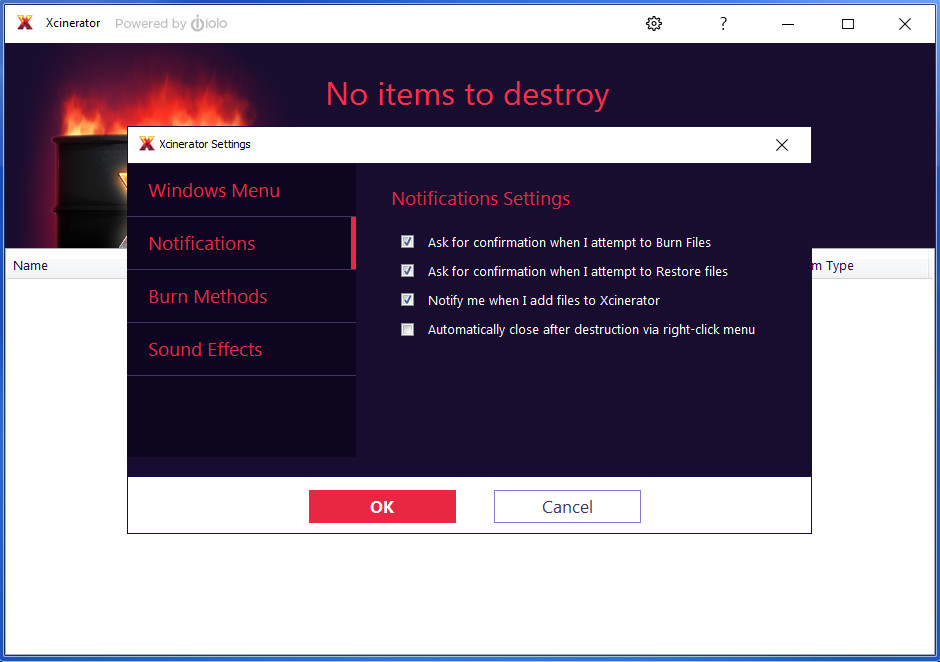
From the main interface, you can also configure exactly how your sensitive files and folders are Xcinerated:
Permanently delete files using techniques that supersede U.S. DoD specs
Have custom or random text written over your sensitive files and folders
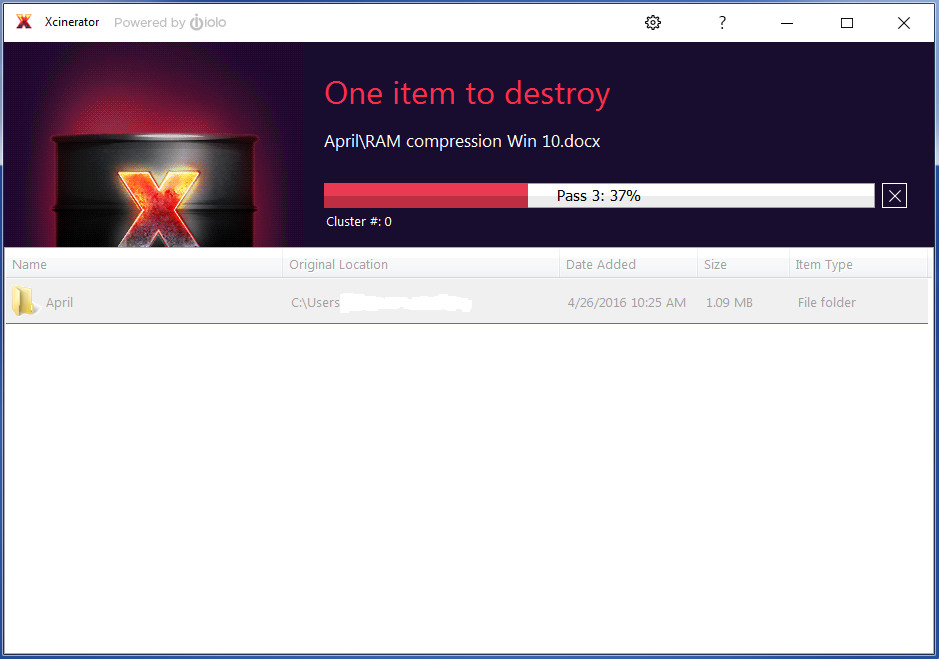
Choose the number of burn passes Xcinerator makes to completely eliminate files
If you change your mind before you’ve burned the files, simply click Restore all to move files back to where they were
Additional Notes: Internet connection for help menu access, Xcinerator will work on files stored on an SSD, but because these drives have a finite number of disk wipes available, it could prematurely age your SSD during the overwrite process.