
The saga of the Dark Lord, Magus Drakhen Lee, begins in this 25+ hour long epic JRPG celebration of classic 16-Bit titles infused with a mature and darker story filled with intrigue from a very different perspective.
We're happy to announce that we've launched the "Rebirth" Update for Chronicles of a Dark Lord: Episode I Tides of Fate on Steam. This update is free for all Steam owners, and should automatically install, depending on your settings.
The following is a comprehensive list of all the features and changes you can expect for the update:
Features of this update:
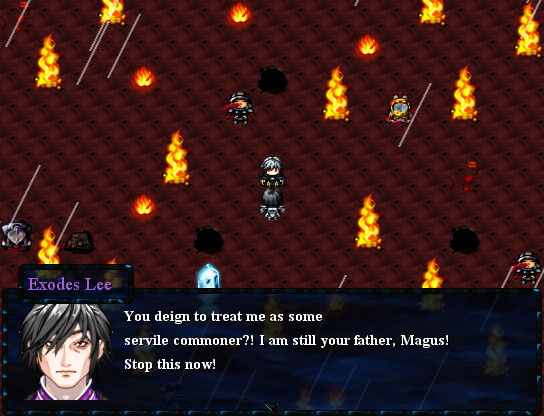
1) Revised dialogue for many of the major cut-scenes of the game. NPC dialogue has been mostly left as-is (save for grammar and spelling fixes). We felt that some of the dialogue in the game, especially for the more significant cut-scenes, needed to be more on par with the quality of Episode 2's writing, and act as more of a tie-in rather than the disconnect that was there before.
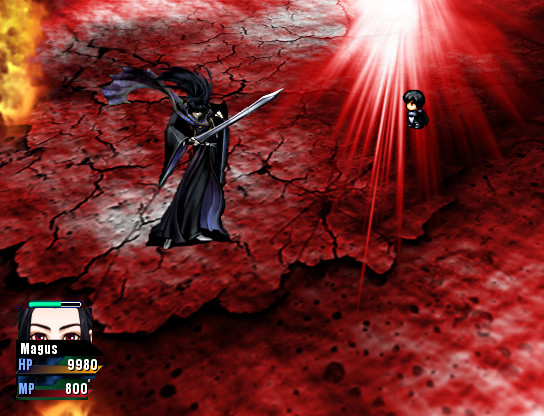
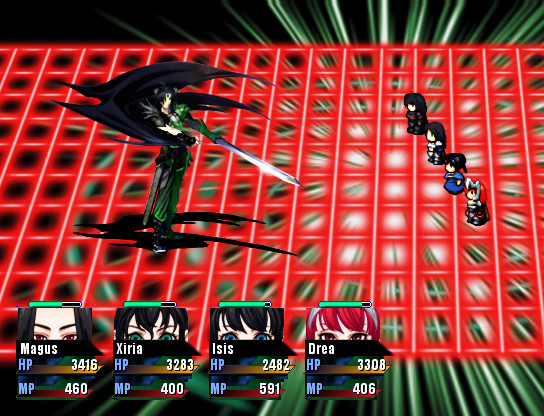
2) The current sprites for the party members that are seen in towns/overworld are no longer the same sprites seen in combat. In-combat sprites are now larger, more detailed sprites.
3) Resolution options before the start of the game. When the update goes into effect and the game is launched, you'll be greeted with a choice of resolutions. Due to the native resolution of the engine (544x416), we had to keep the width multiples of 544 in order to have the best display quality. The following will be the options: "Full Screen", "1632x1080", "1088x768", "544x416". Please note that you won't be able to see the Achievements pop up in Full Screen, due to how the Steam client manages them with the engine.
4) Steam Achievements - Achievements are now implemented in the game. Note that older saves are compatible, but that you won't be able to unlock earlier achievements without starting a new game, which we strongly recommend.
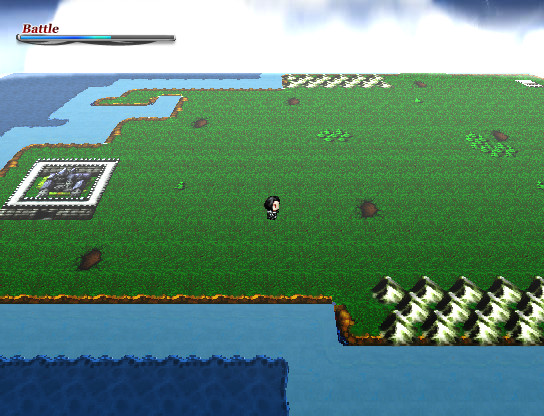
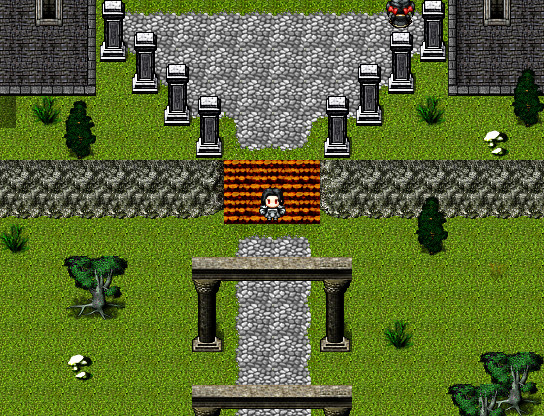
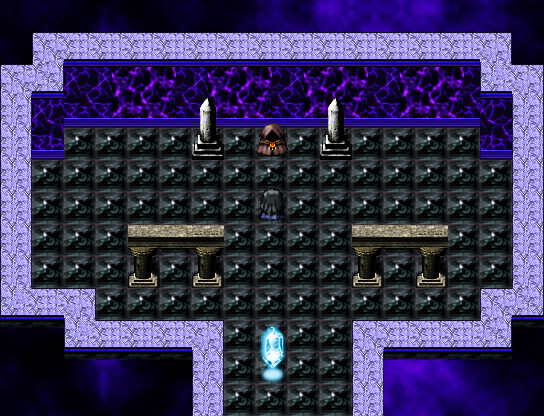
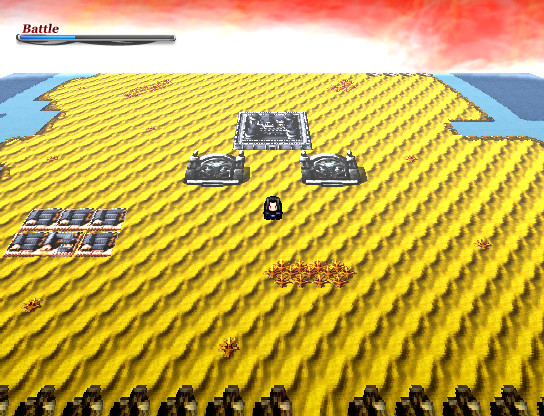
5) Minor graphical enhancements for the overworld, water, flooring, walls, objects, etc.
6) Tweaked some of the enemies' battle A.I. and re-balanced damage output for some skills.
7) Various bug fixes, gameplay smoothing.
We want to also note that due to the inherent limitations of the engine, we won't be able to fix the issue of those with Xbox/PC Controllers having to use the analog stick instead of the D-Pad to move your character around/navigate the menus. This is a known issue with these engines unfortunately, however if you press F1 at any time when the game is launched you'll be able to configure some of the button controls if you desire (but not the D-Pad controls unfortunately).
You can also press F5 at any time during gameplay to switch between Windowed and Full Screen. F6 can also be used at any time during gameplay to switched between Windowed Modes (dependent on the size of your screen). Please do not use F12, it can cause crash issues with the game.