We at WaveDNA respect the rapid and unstoppable flow of your creativity-- it’s what Liquid Rhythm is all about. But as smooth as Liquid Rhythm is, sometimes you want more than a keyboard and mouse to get the ideas in your head onto the screen.
That’s why the wizards in development designed an elegant workflow to make music production with Liquid Rhythm even more tactile: Liquid Rhythm’s MIDI script for Ableton Push in User Mode.
Using the existing Max For Live plugin for Ableton Live 9 and taking full advantage of the hands-on control made possible with Ableton Push, WaveDNA is proud to feature its most advanced MIDI script yet, providing control over many features in Liquid Rhythm. You can navigate over your arrangement, cut, copy, and paste regions, humanize notes, and produce and experiment with beats without ever touching a keyboard or mouse.
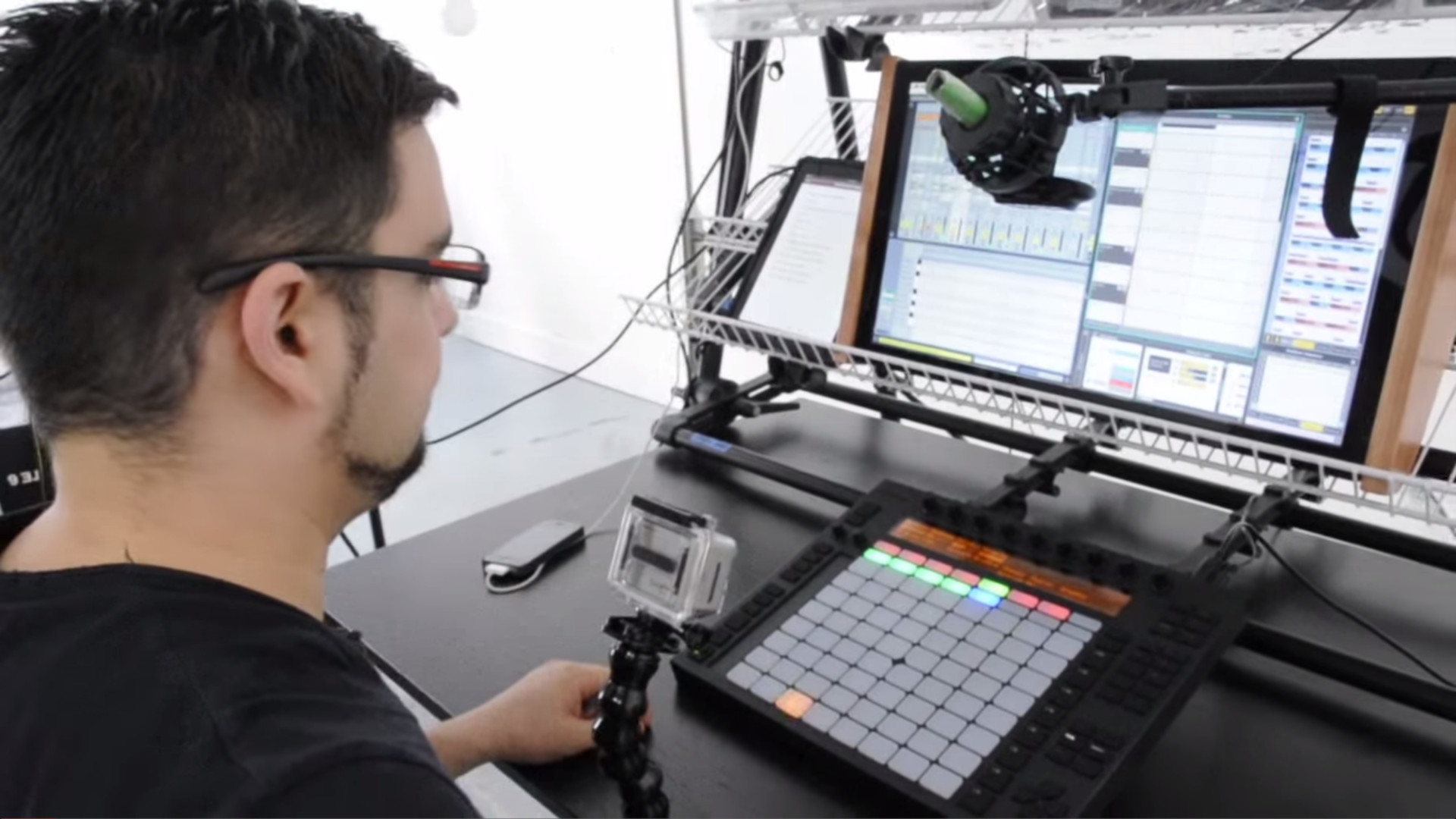
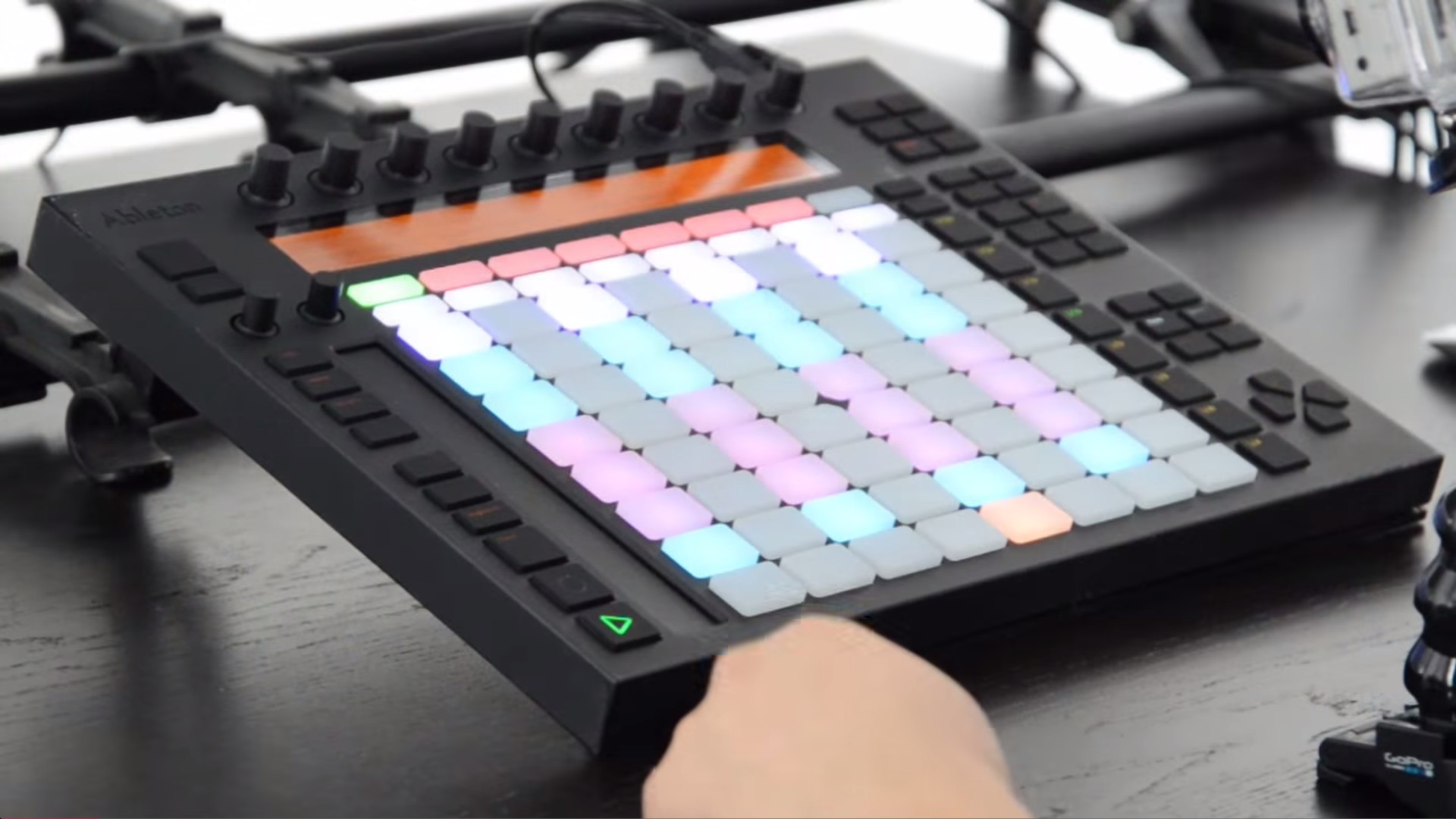
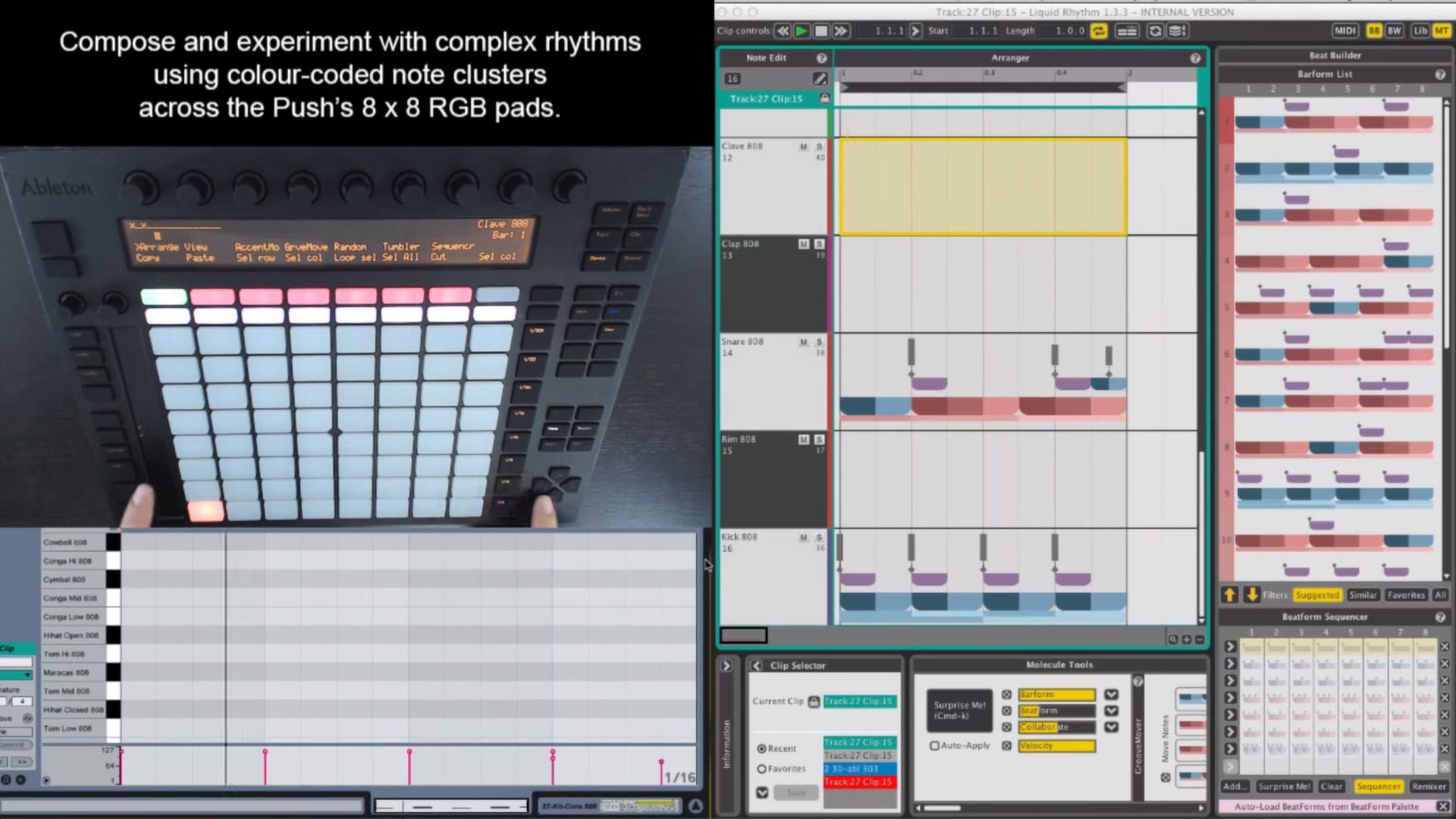
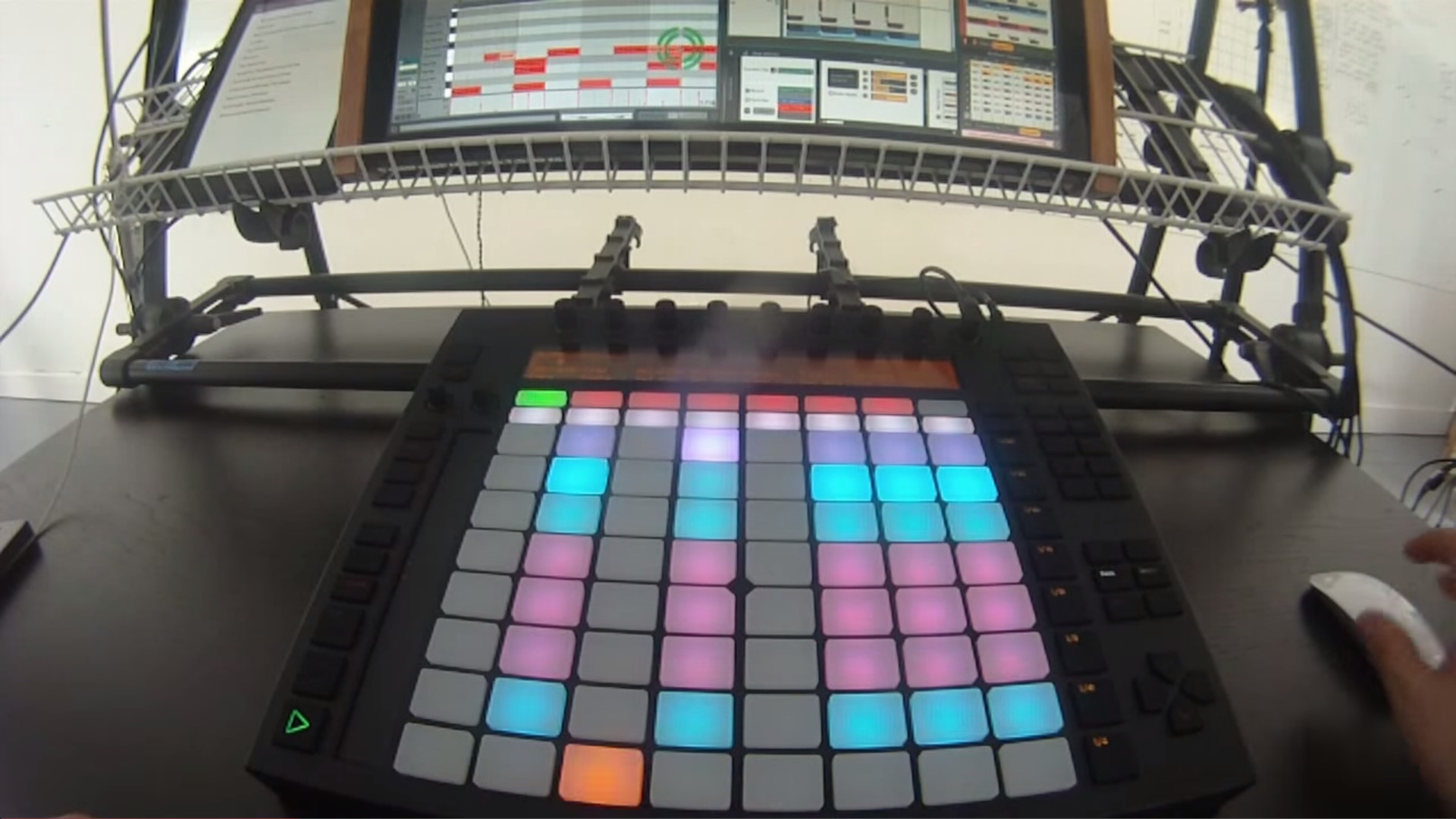
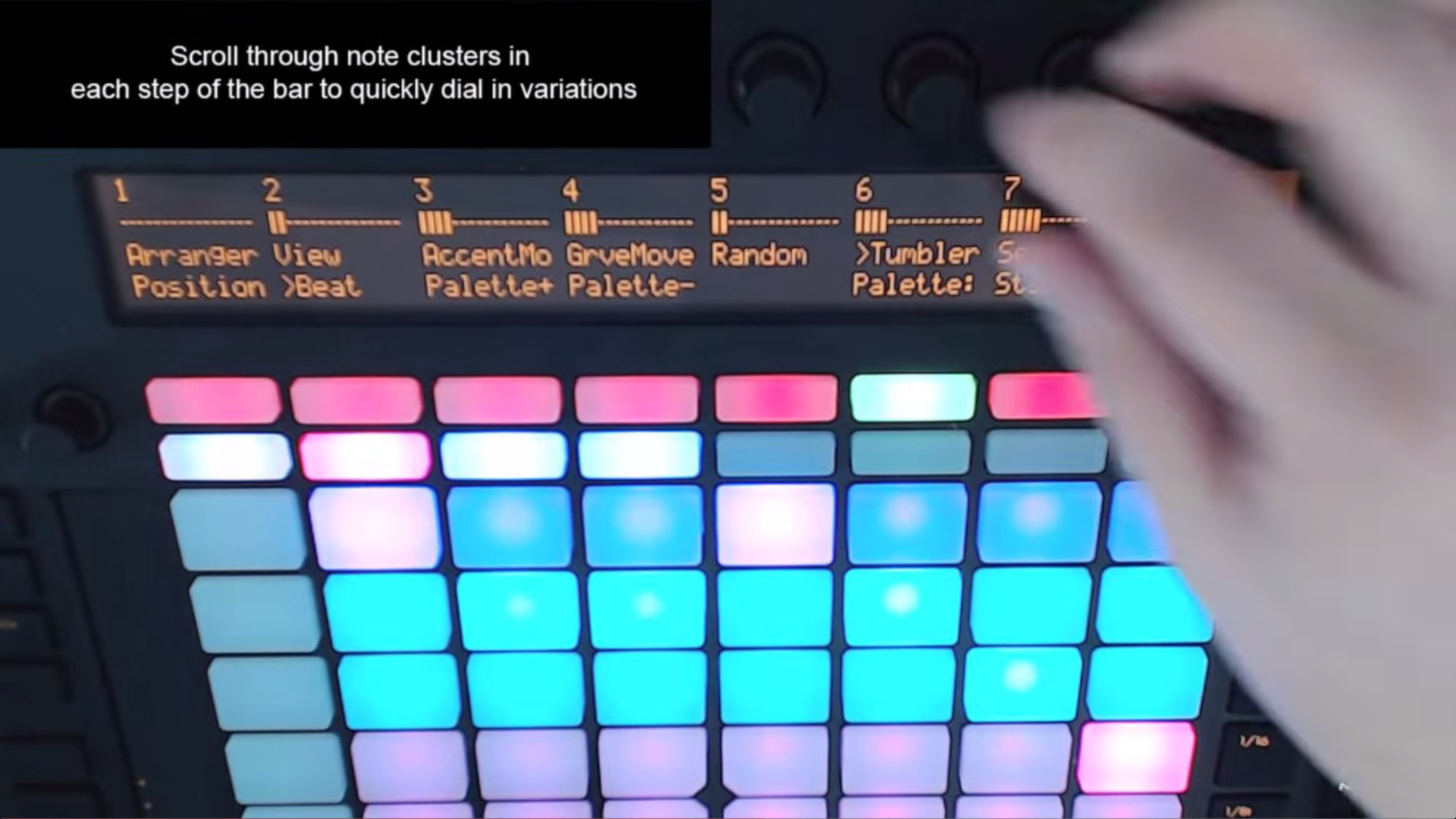
However, the most powerful (and fun!) control is this: The Push’s grid of colour RGB pads can be used to sequence Liquid Rhythm’s colour-coded note clusters. For a fantastic demo of this integration, watch this video featuring DJ Shine:
https://www.youtube.com/watch?v=SiQYHdoHOXs&feature=youtu.beFeatures:
- Edit the contents of Ableton Live clips using the flexibility of Liquid Rhythm’s creative tools and effortless tactile control of Ableton Push.
- Experiment with complex rhythm patterns by programming and swapping color-coded note clusters in Liquid Rhythm’s BeatForm Sequencer using the RGB pads on Push.
- Cycle clusters of notes through every step of Liquid Rhythm’s sequencer with the turn of Push’s knobs.
- Quickly navigate Liquid Rhythm’s arranger canvas using buttons and knobs on Push.
- Draw rhythm patterns using the 64 drum pads on Push.
- Adjust the swing and velocity of your beat with the 8 knobs on Push.
- Access Liquid Rhythm’s parameters and controls on Push through the multi-menu display.
Using Ableton’s Push controller with Liquid Rhythm is an exciting way to experiment with your rhythm tracks. It lets you program your ideas into Ableton Live very quickly, by providing a colour-coded interface for inspiring rhythmic improvisation.
For a more detailed overview of exactly how Liquid Rhythm integrates into Ableton Live and how the two are controlled using Ableton Push, watch this video:
https://www.youtube.com/watch?v=oFEGlgMVOcc&feature=youtu.be