Community:
https://discord.gg/zrd7VQUekg*
- Note: I'll refer to Bot Maker for Discord as "BMD" as it's easier to type out.
BMD is a list-based Discord bot maker. This sets it apart from other bot makers when it comes to ease-of-use, as a list-based system is simpler to follow and process due to
subtitles! (Subtitles: Previews of what you used inside actions, I'll get into what actions are just now!)
Bot Maker for Discord works like this: There's a list of commands (that only you can define). Each command has a list of actions. Simple, right?
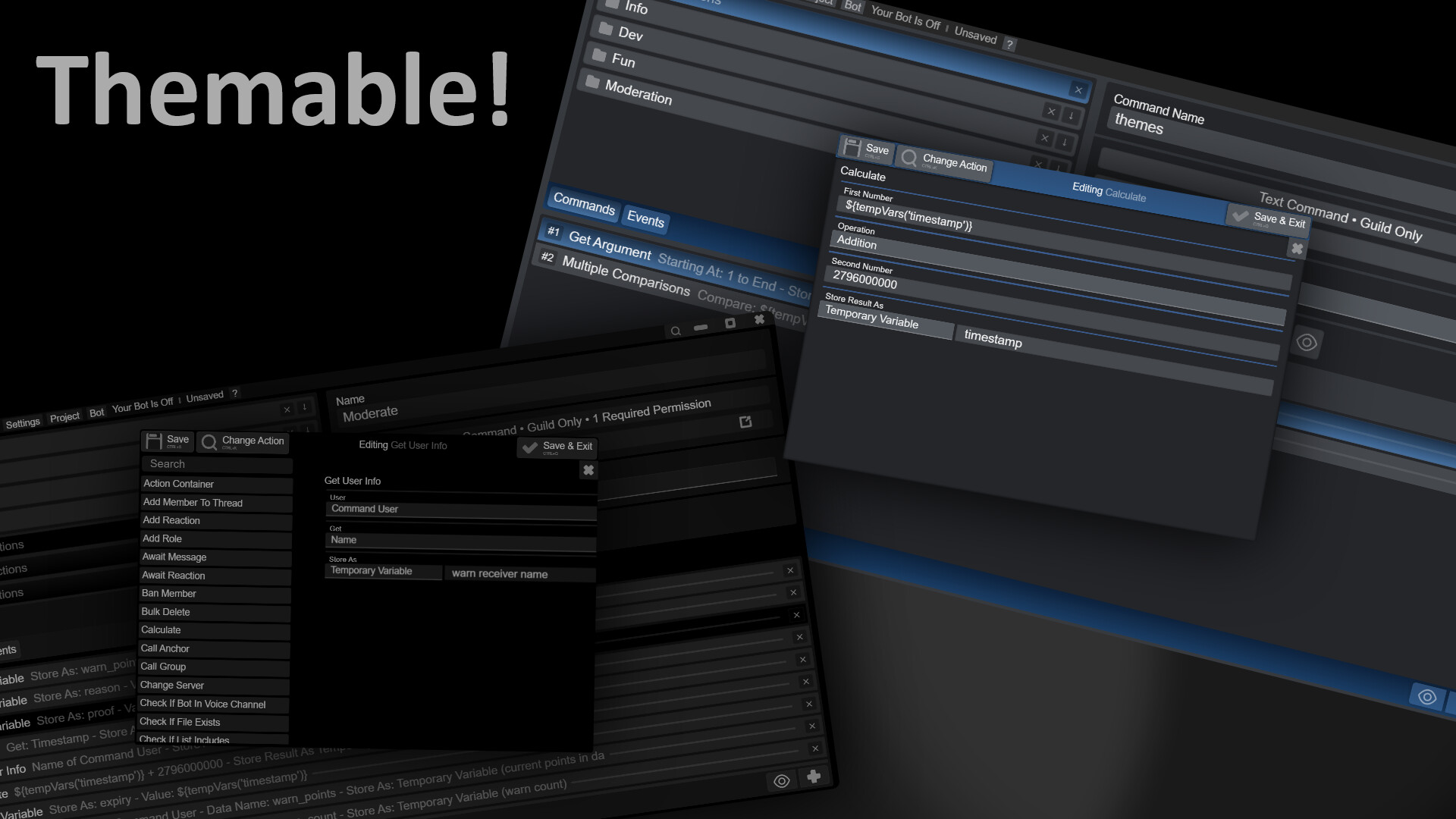
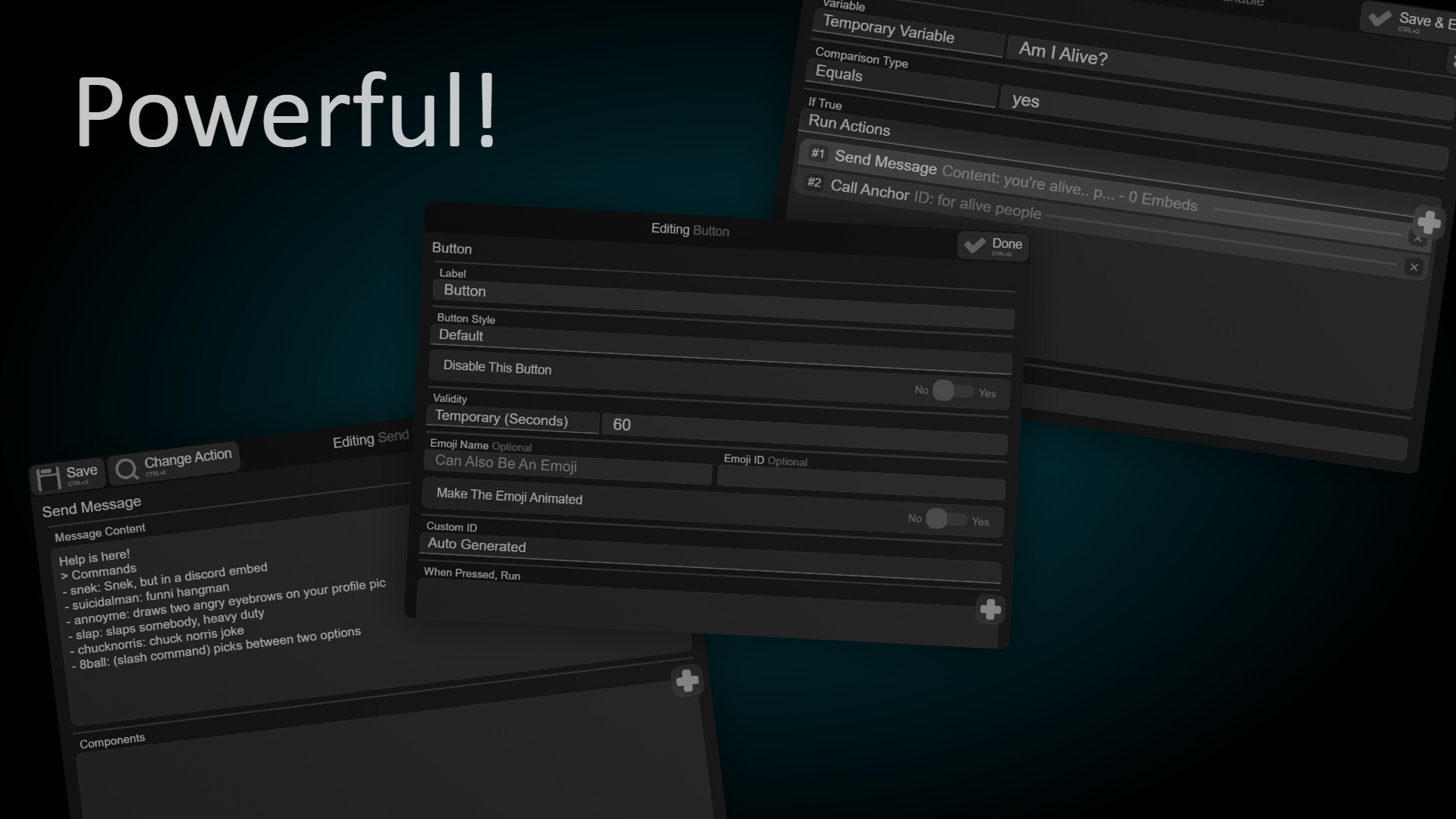
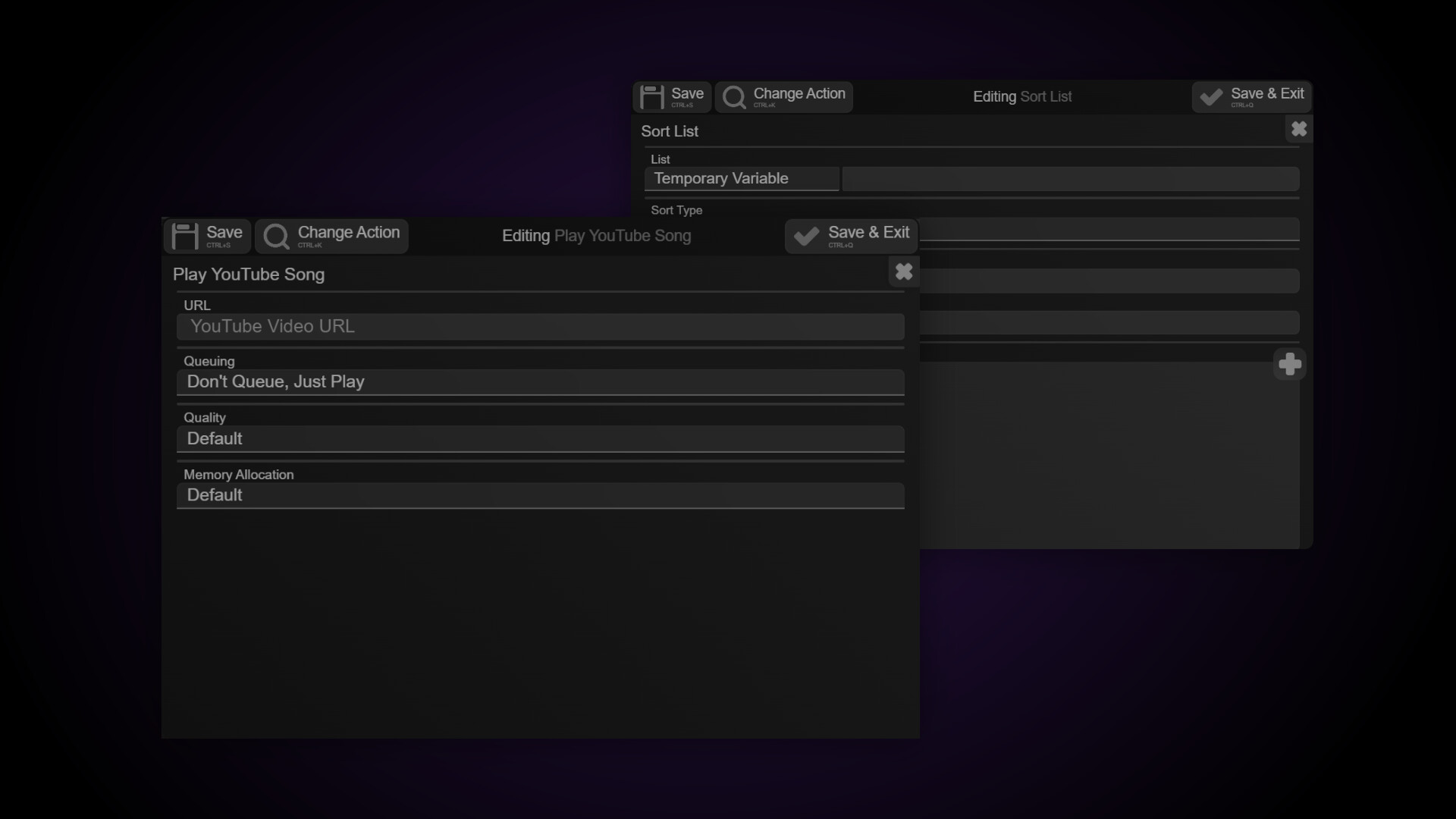
Actions are "functions" the user can tweak through an UI. Here's a screenshot of an action! (If you're wondering why everything is gray & blue, it's because of my theme)
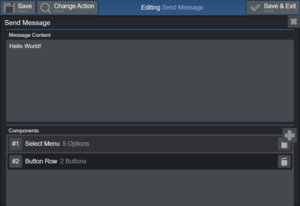
There are currently over 200 actions in BMD, and there could be even more as each update comes (And of course, if a modder creates actions aswell)
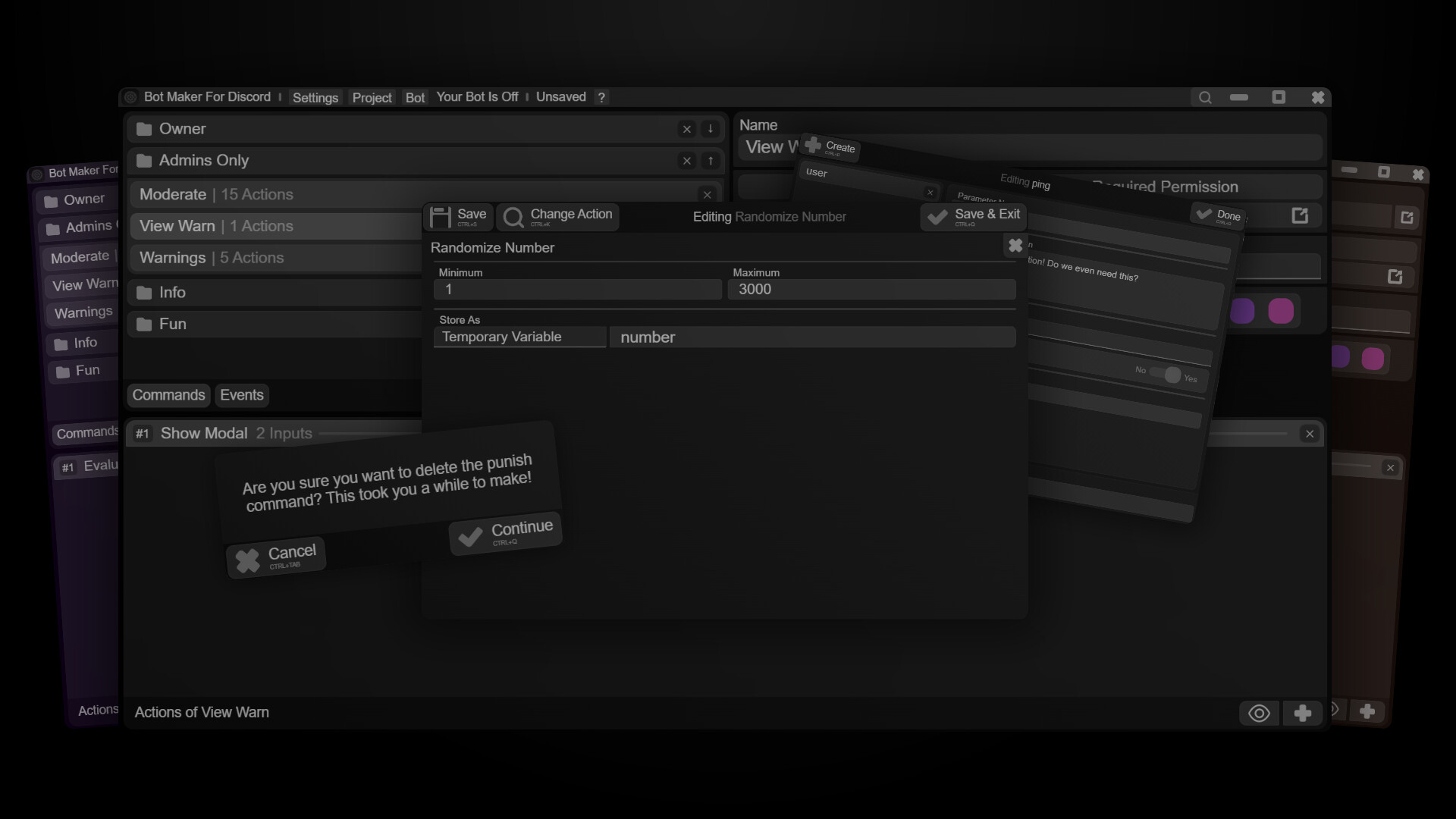
Now, you might be wondering why pick this over it's bunch of competitors. Short answer: follow your heart. Long answer: Quality of life. This app is packed to the brim with keybinds, customization, quality-of-life features (for example, focus mode) and whatever else! Huge answer:
Easy-to-share
Know somebody that already owns BMD and want to snatch a command from them? Not to worry, you can share any command - for matters of either "borrowing" or even support! Just right-click your command and select "Edit Data" - That'll give you backstage access to any command's (or event's) data!
Our approach to the community
In an attempt to avoid the mistakes of other bot makers' communities, our community stays away from strict rules and embraces offtopic conversation (which accounts for 90% of the server's messages), turning our discord server into an actual community!
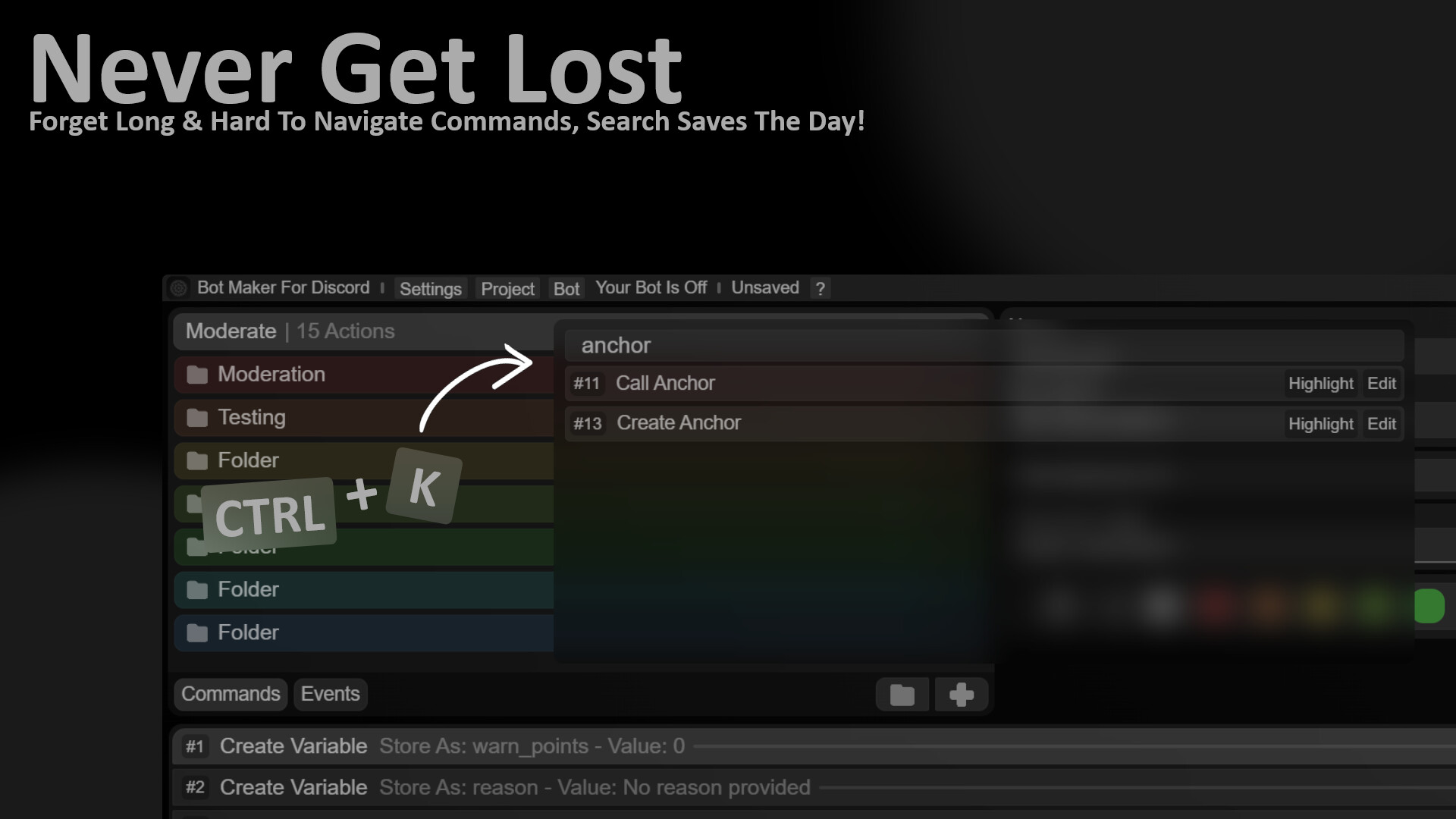
Great Navigation
Tired of constantly having to move your hand from your keyboard to your mouse to your keyboard and so on? Well.. problem solved, amigo! BMD offers some
heavy-duty support for keybinds - anywhere you go!
(Except the project manager, sorry!)Here's some examples of keybinds: Save & Exit out of an action: CTRL+Q; Change an action: CTRL+K; Exit: CTRL+TAB (applies to every popup); Move up or down in command / actions (based on latest selection): ARROW(Up/Down); Duplicate a command: CTRL+D; (I think these are enough to show there's effort put into keyboard navigation, hopefully)
Quality Of Life
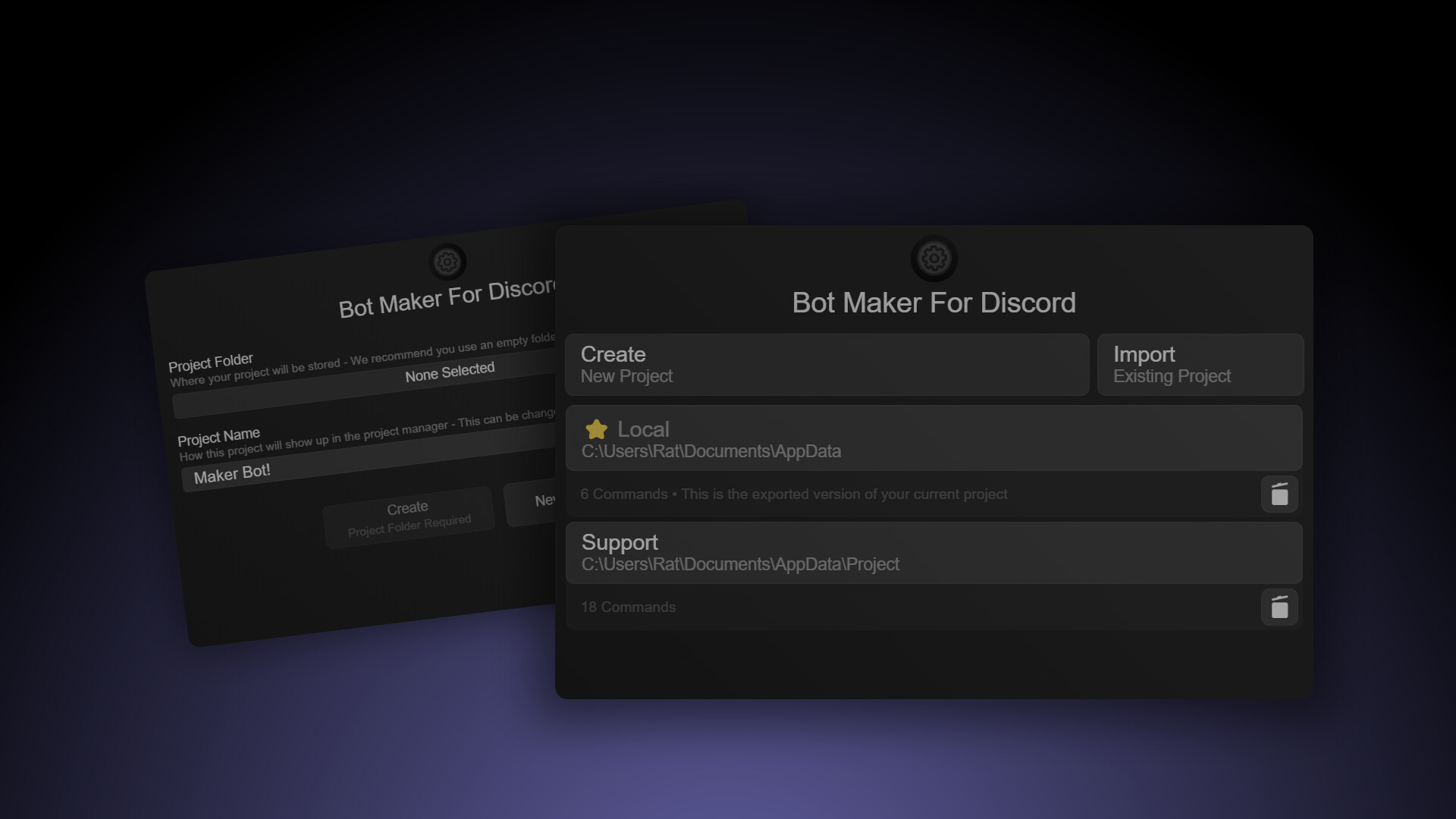
Ranging from right-clicking an input in any action to insert variables to the permissions editor.. everything just clicks! Aliases (so you don't have to copy-paste commands), folders (so you can organize your commands) ability to export projects (so you can host them on a PI or somewhere in the cloud), ability to switch inbetween projects with ease (thanks to our amazing project manager!) and so many more!
Feature-Rich
This can do anything you would want. Here's some examples:
- Make for a great message logging bot, welcome & goodbye messages and about anything else relying on events
- Slash Commands, Right-Click User Commands (User Apps) & Right-Click Message Commands (Message Apps)
- Image Manipulation
- Music (YouTube, Direct File Hosting, Local MP3)
- QuickDB (Local)
- Lists & Loops
- Awaiting Messages & Reactions (with filters!)
- Project Manager
- Dates! (No, not the romantic ones & neither the ones you eat, the ones that revolve around the calendar)
- Discord Buttons, Select Menus, Member Select Menus, Channel Select Menus, Role Select Menus
- Editing Messages
- Checking the permissions of roles & members
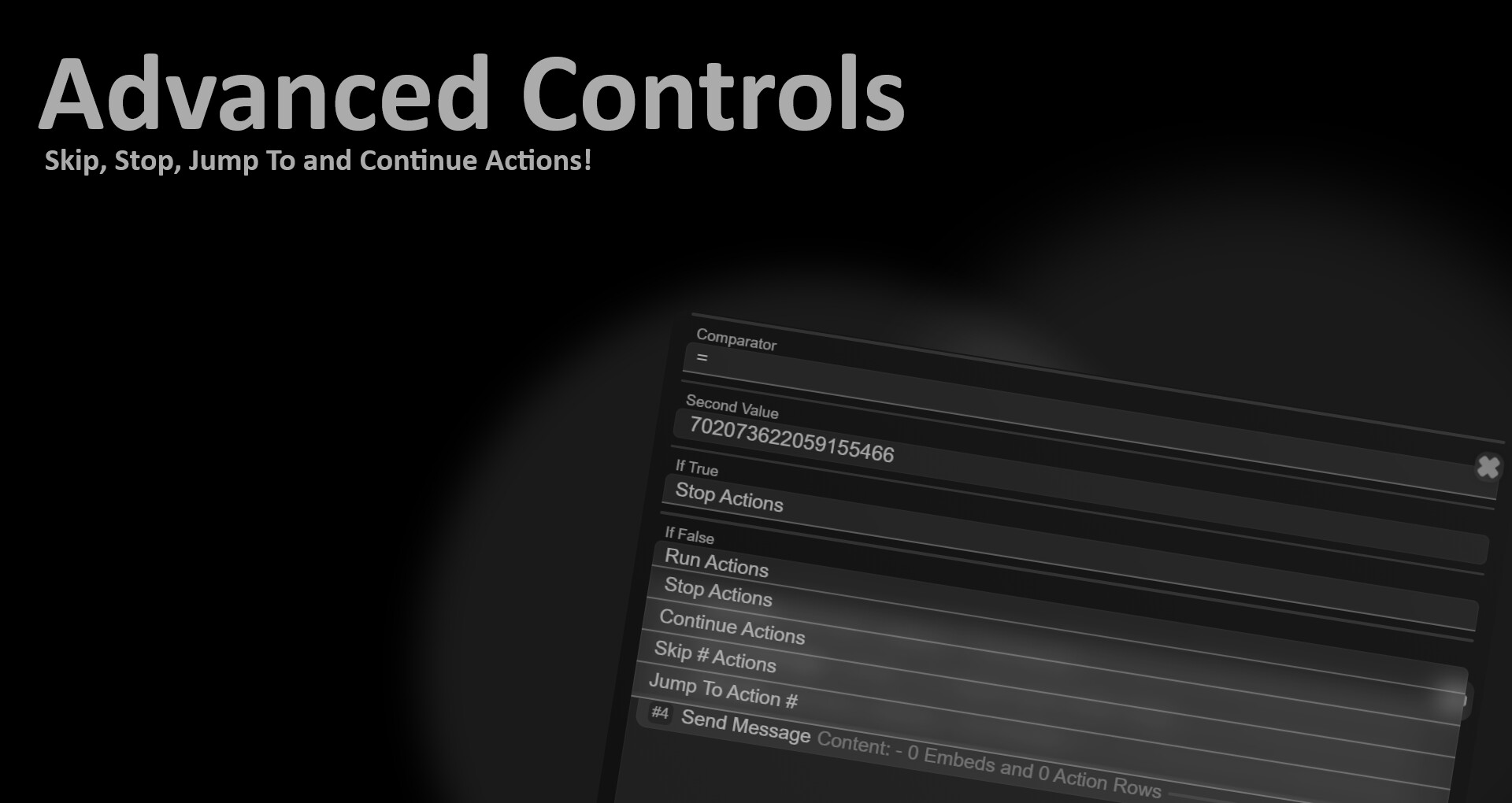
- Logic abilities. Run additional actions, jump to an action, skip a number of actions, stop running actions, calling anchors, jumping to anchors.
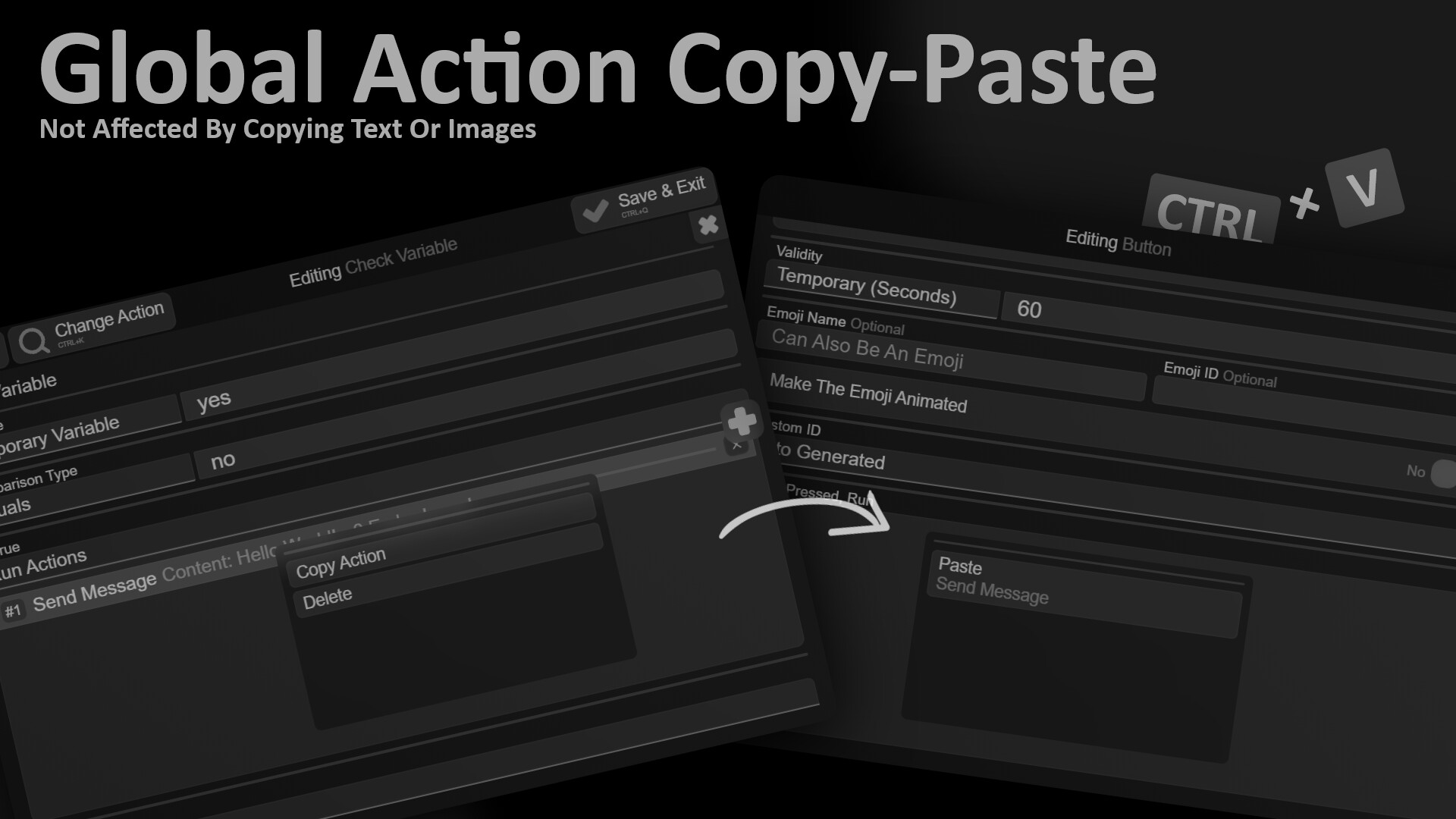
- Hassle-Free anchors, just create the action, copy the anchor ID (or just keep it in mind), and paste it anywhere
- Storing data (such as XP, Money, etc.) of: Members, Guilds (Servers), Channels, Users, Globally
- Randomizing Numbers & HEX Codes
- Waiting (such wow feature)
- Threads (Creating forum posts with tags, creating a thread bound to a message / channel)
- Bulk-Deleting messages
- Comparisons. Check if something matches something else (such wow feature)
- Running commands from another command (with Command IDs)
- Getting the list of: a channel's messages, a guild's roles, a guild's channels, a member's roles & a lot more!
- Adding & Removing Reactions
- Getting & Sending JSON from WebAPIs
- Folders
- Support is not guaranteed
Achievement icons by Iconduck.
Music by MetzMusic