
Stream Polls

Stream Polls

1 Review

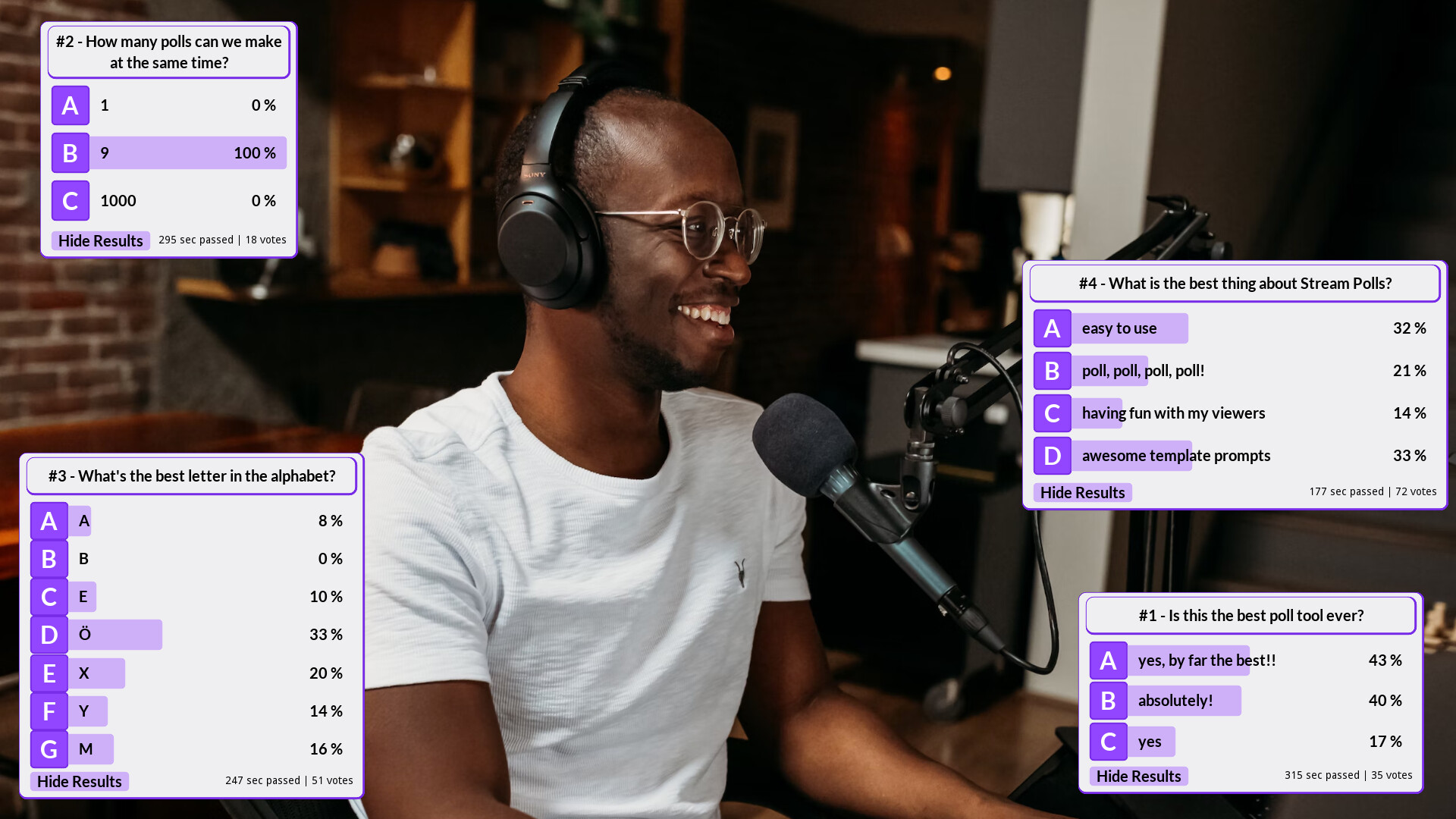
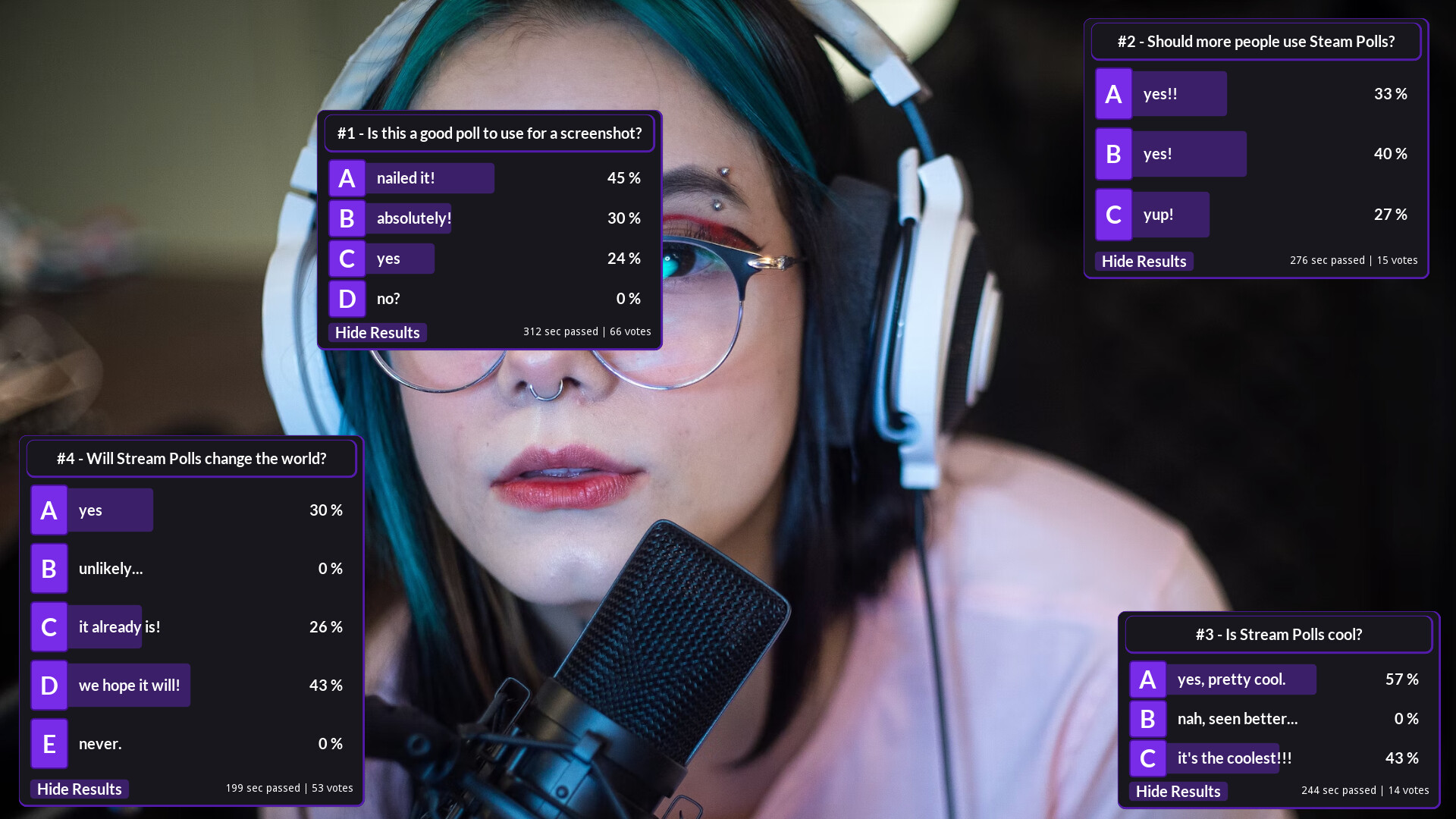
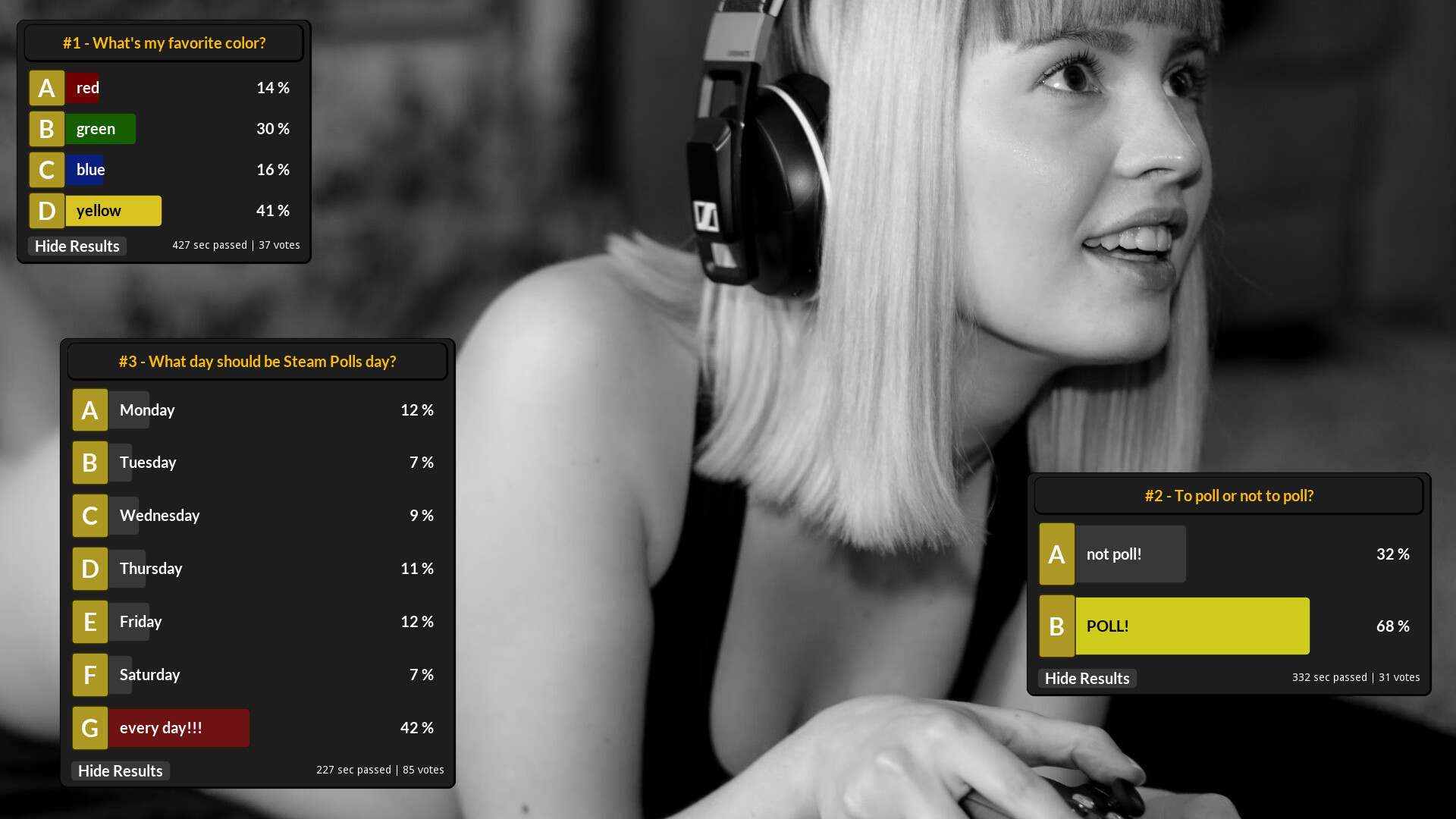
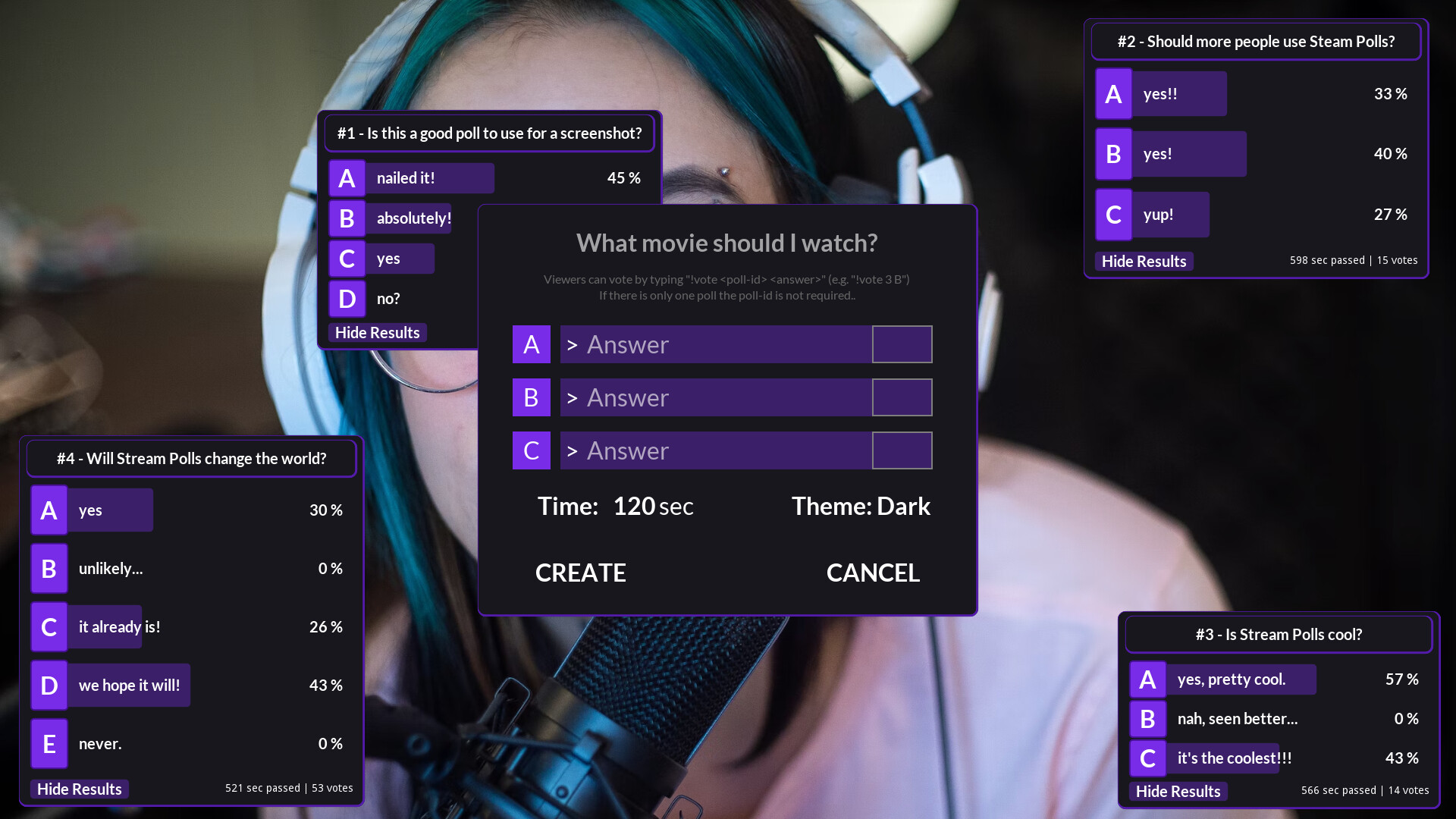
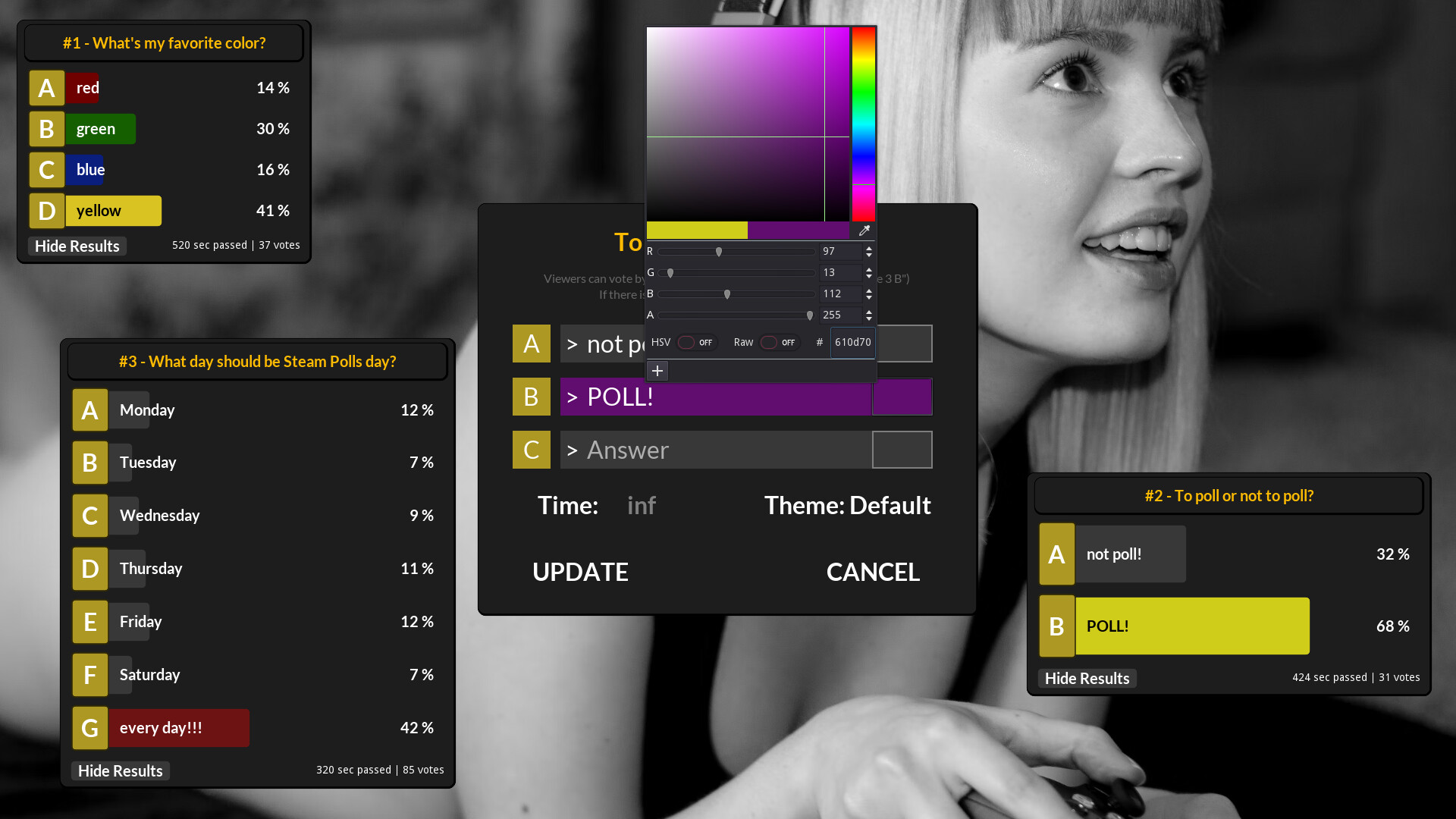
Looking for a new way to interact with your community? Stream Polls is the way! Start the application, enter your channel name, and go! Create one or multiple polls and let your viewers vote directly via Twitch chat. It's a fun and easy way to invite your audience to engage during your live stream.
ABOUT THIS GAME

How To Use

1) Setup your webcam recording software (e.g. OBS) with Stream Polls as overlay (don't forget to "allow transparency")

2) Connect to your twitch channel.
3) Create polls (up to 9 polls at the same time).
4) Let your audience vote.
5) Have a good time!

Features

  • Streamers can create up to 9 customizable polls at a time, with up to 7 answers each.
  • Streamers can reveal the results of the poll while the voting is still ongoing or wait until the end of the poll.
  • Streamers can delete polls at any time.
  • Viewers vote via twitch chat command: "!vote [poll number] [answer letter]".
    (e.g., "!vote 3 B" will vote the answer B on poll #3)
  • Viewers can change their vote by voting for the same poll again as long as the poll is ongoing, but a vote cannot be withdrawn.

Why Use Stream Polls

  • Easy to use: No tedious additional steps like account registration or twitch access token required. Launch the application and go.
  • Pretty themes: We have created pretty themes for you to use for your polls.
  • Fun sample prompts: We provided a list of sample poll titles in case you are having a uncreative day.
Read more

Stream Polls

Stream Polls
Steam reviews
  • 1 user reviews (1)
  • 100%
    0%
Popular Tag
Utilities

Show more