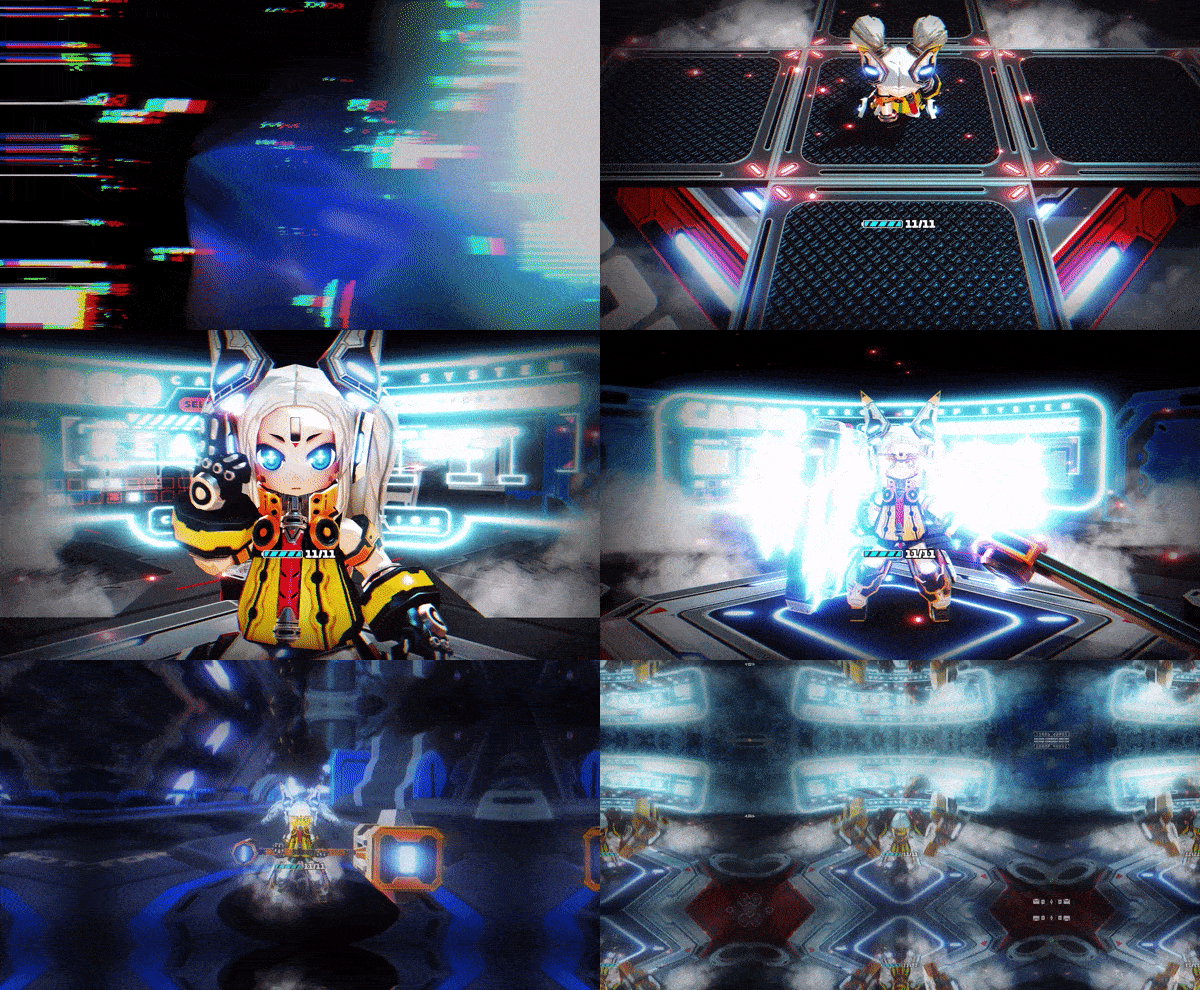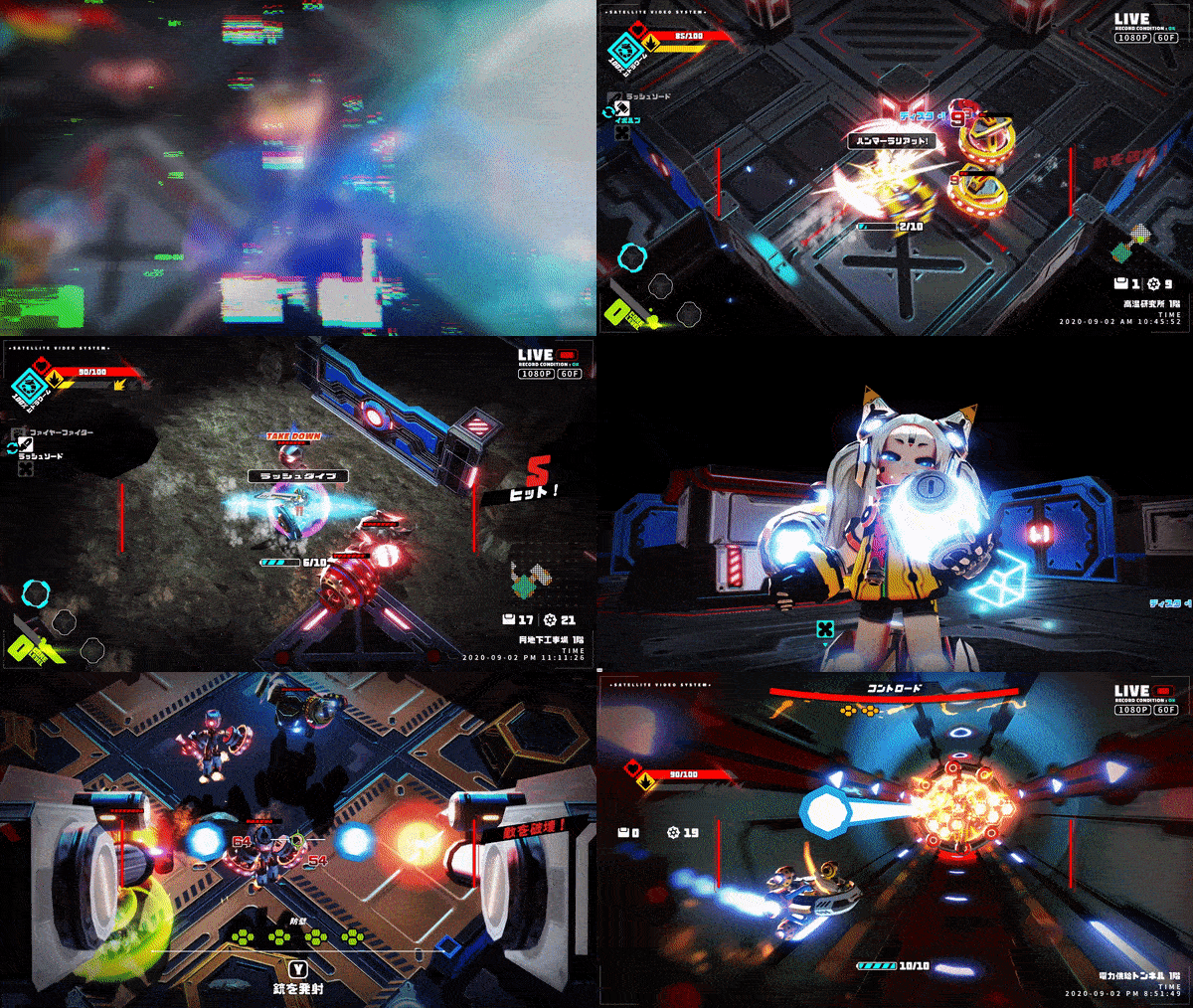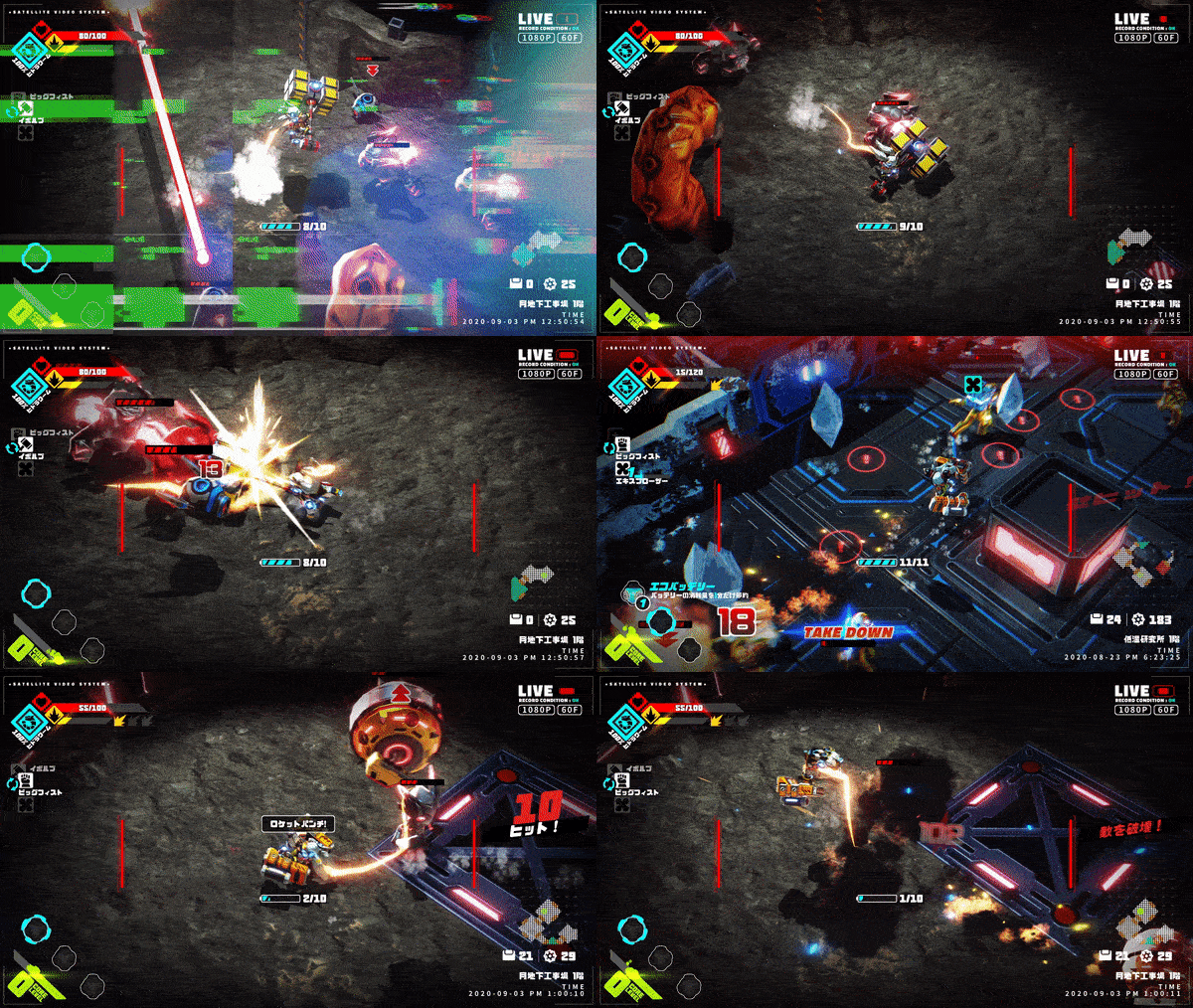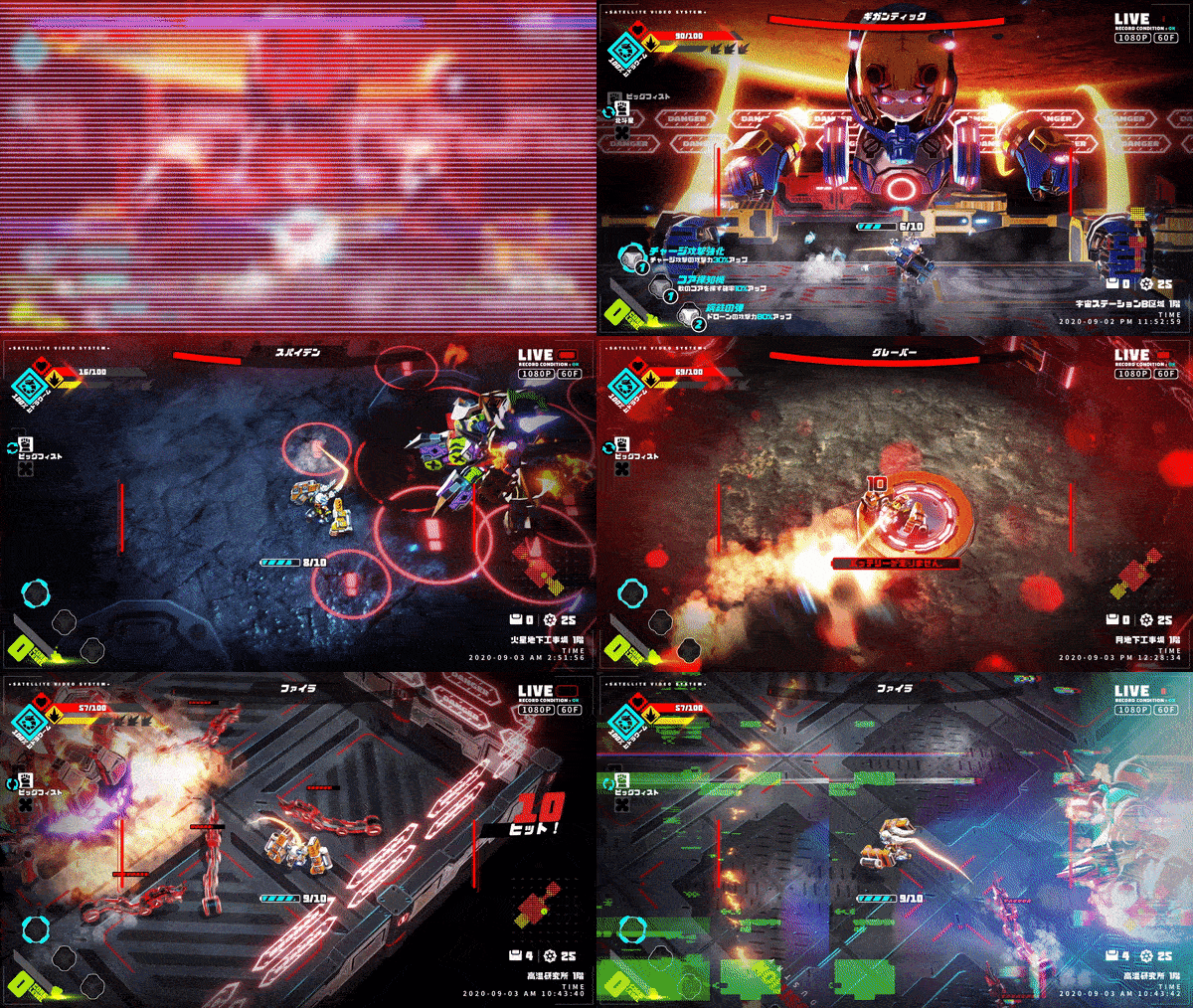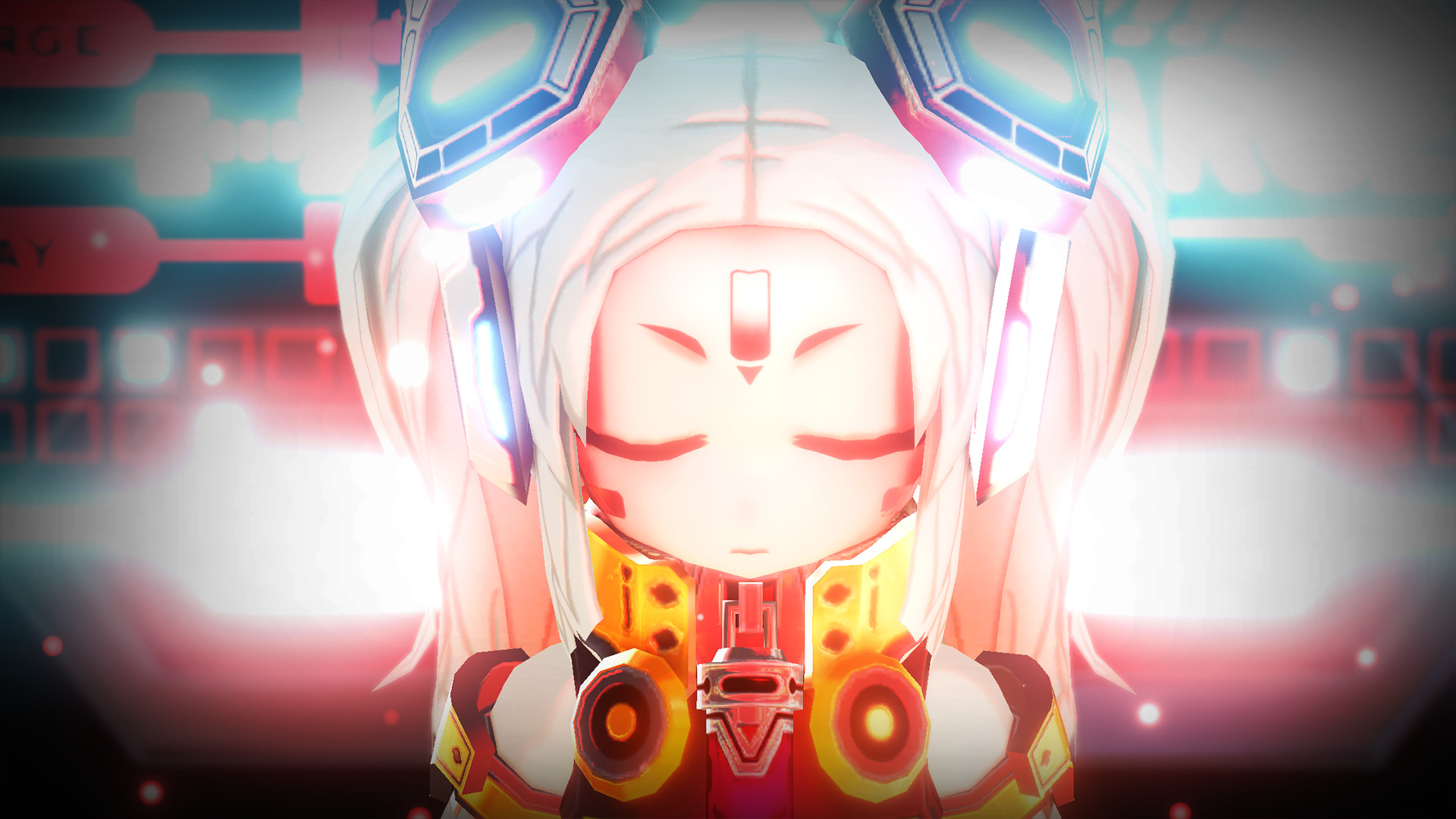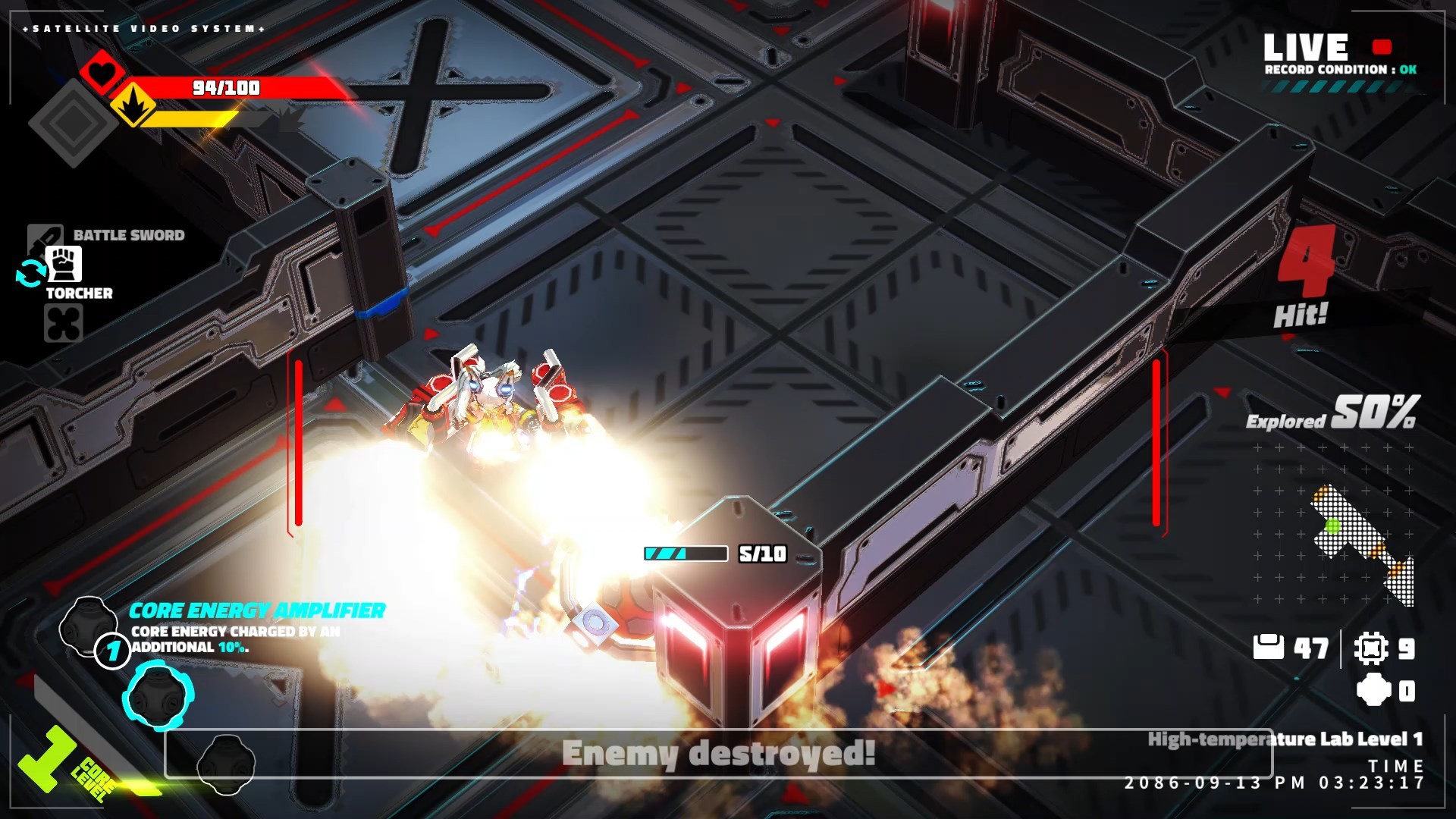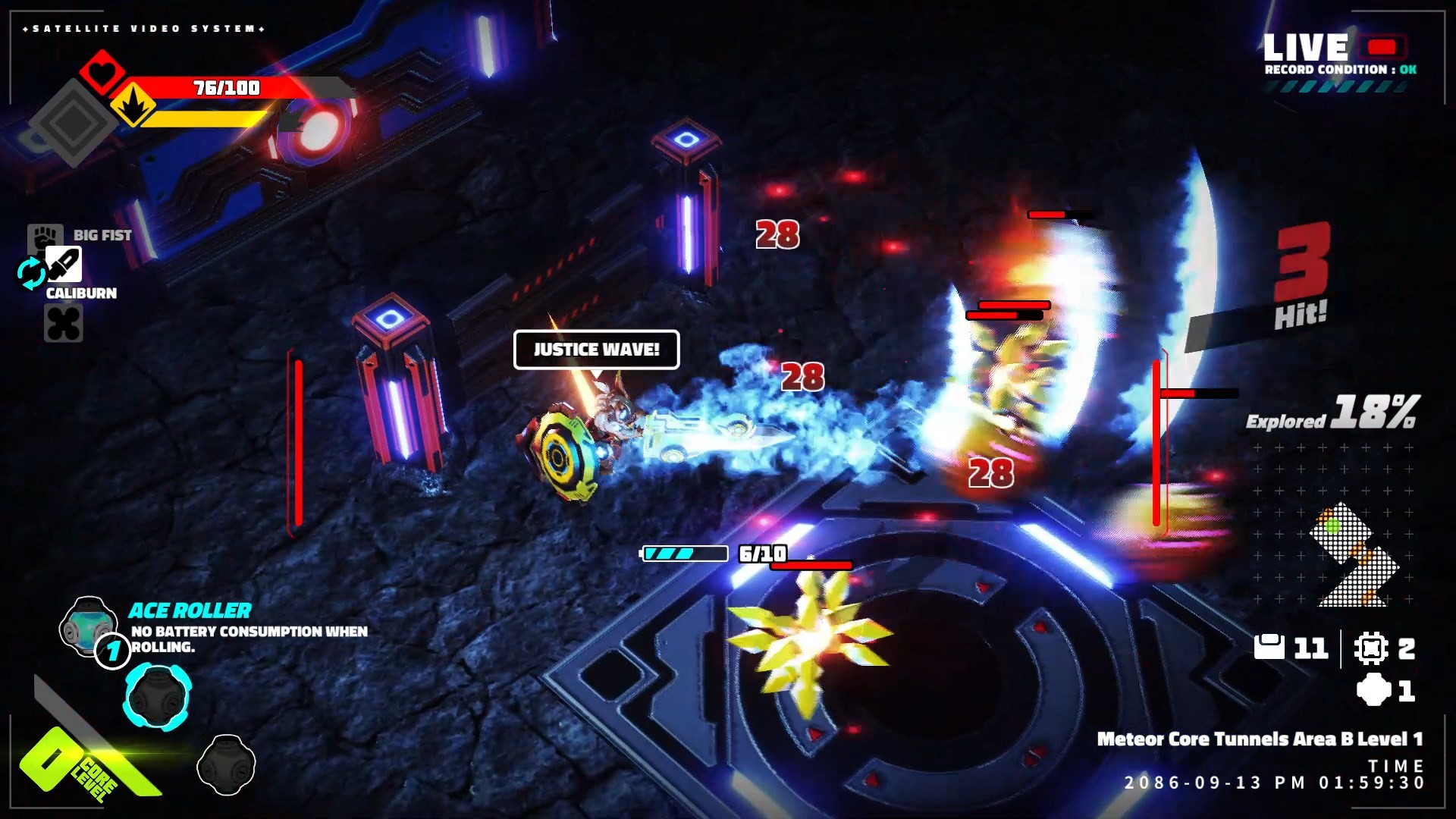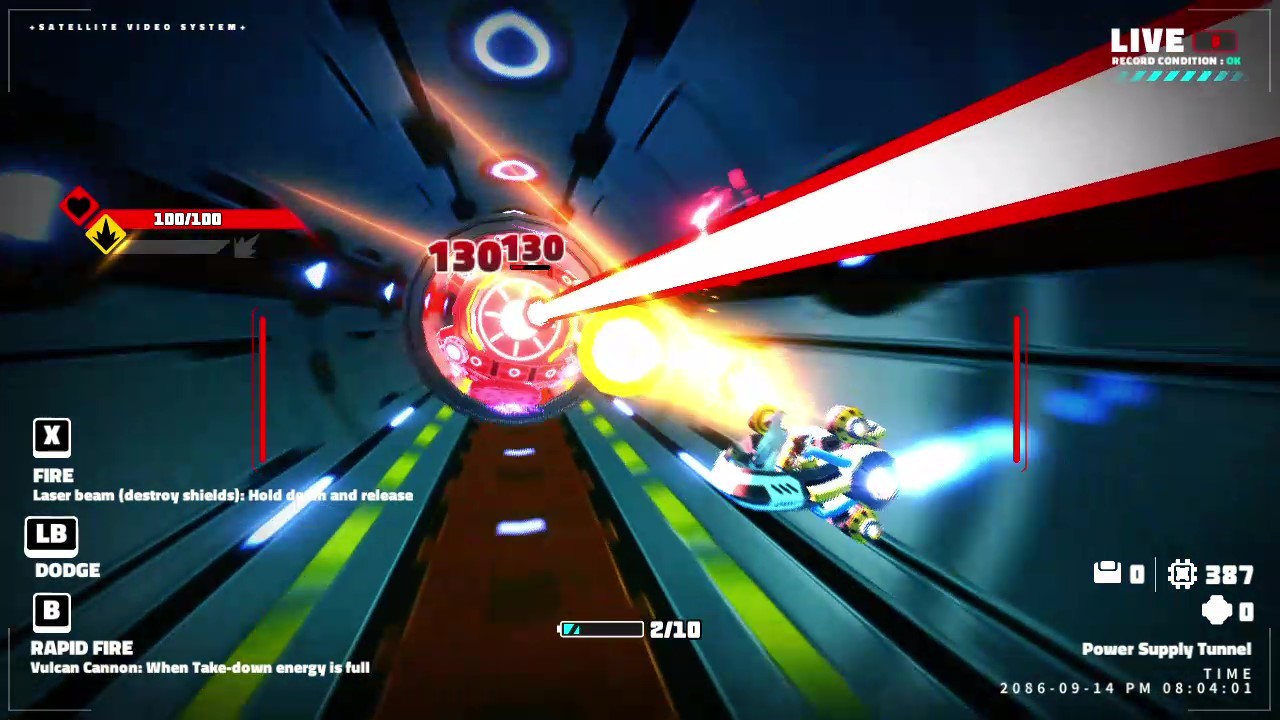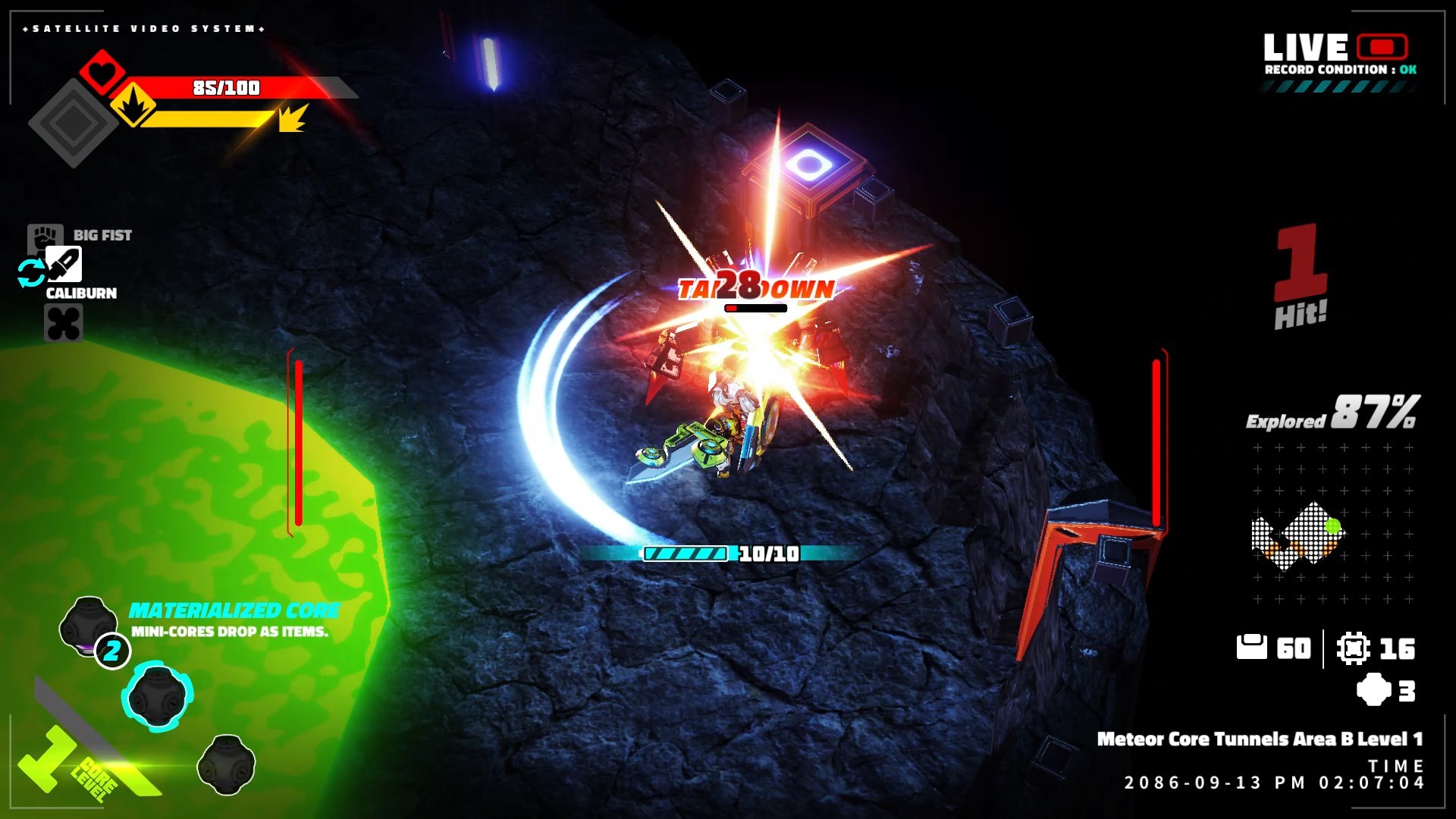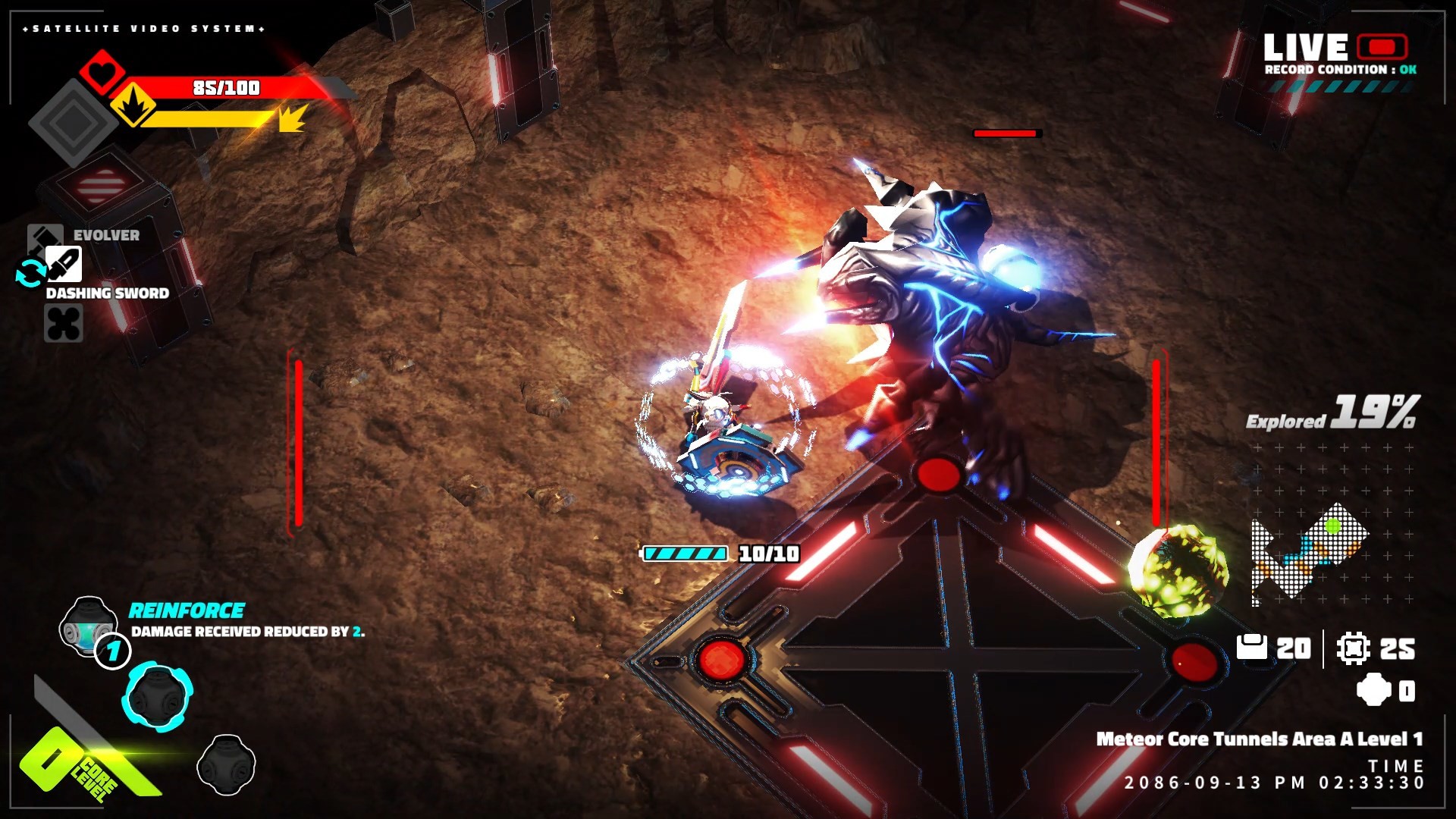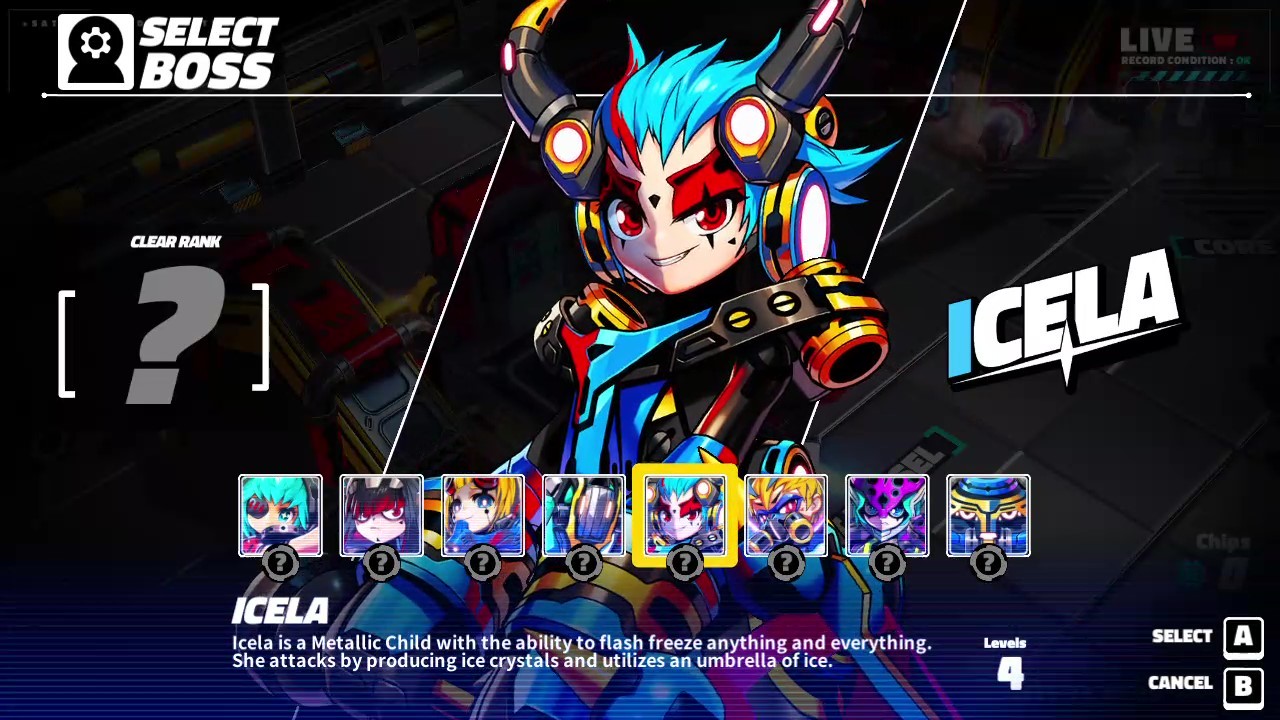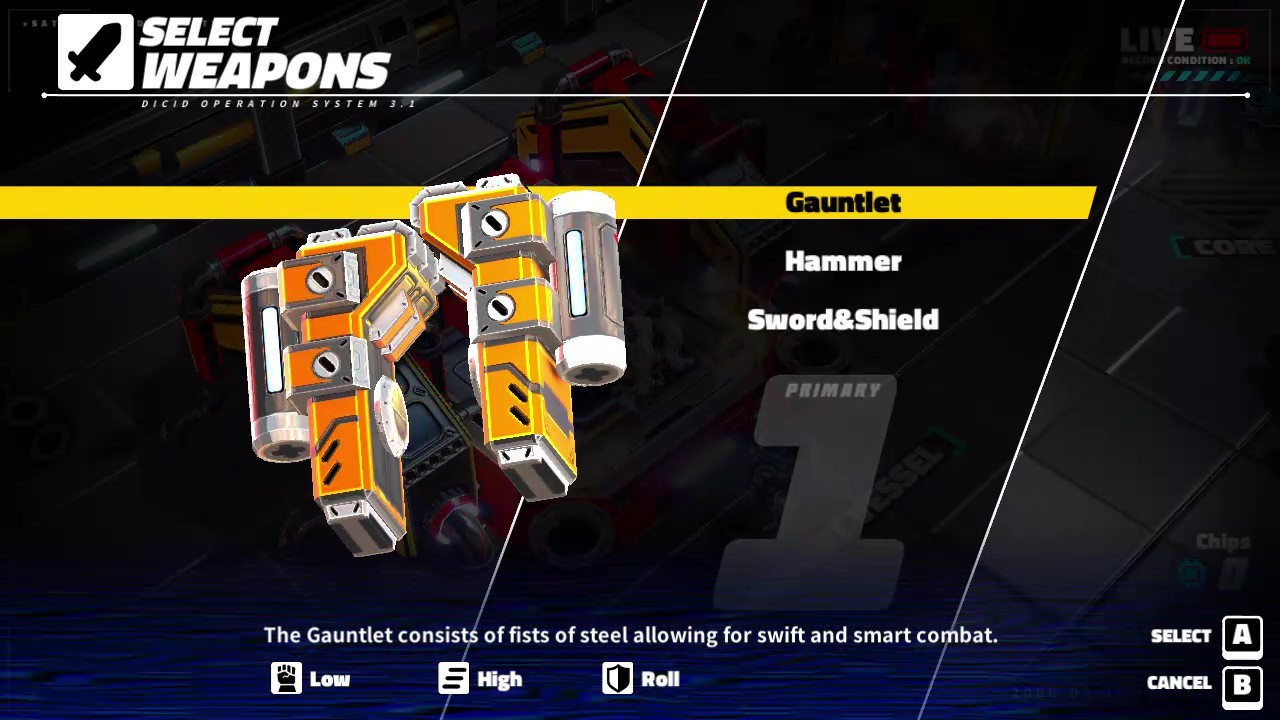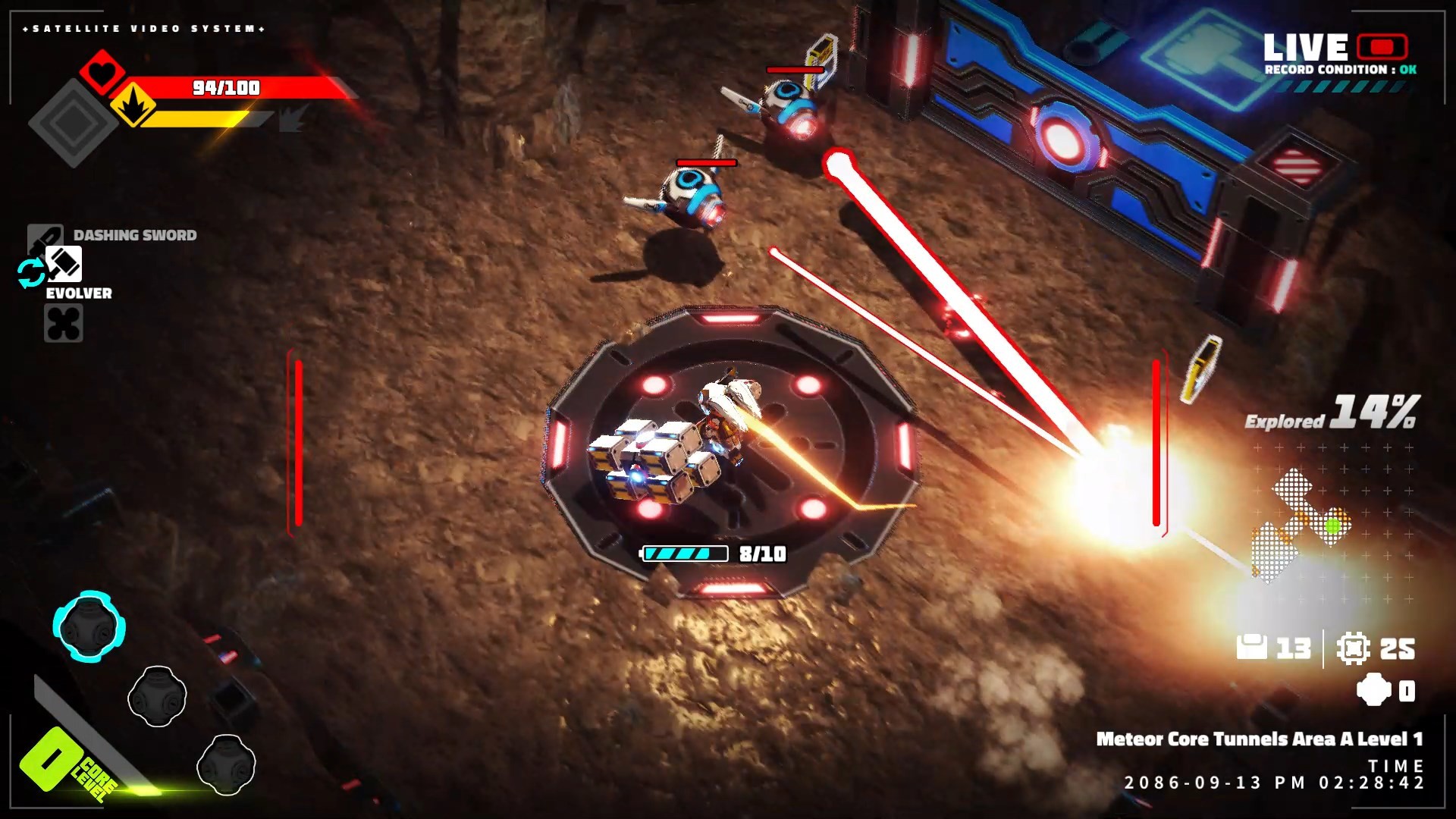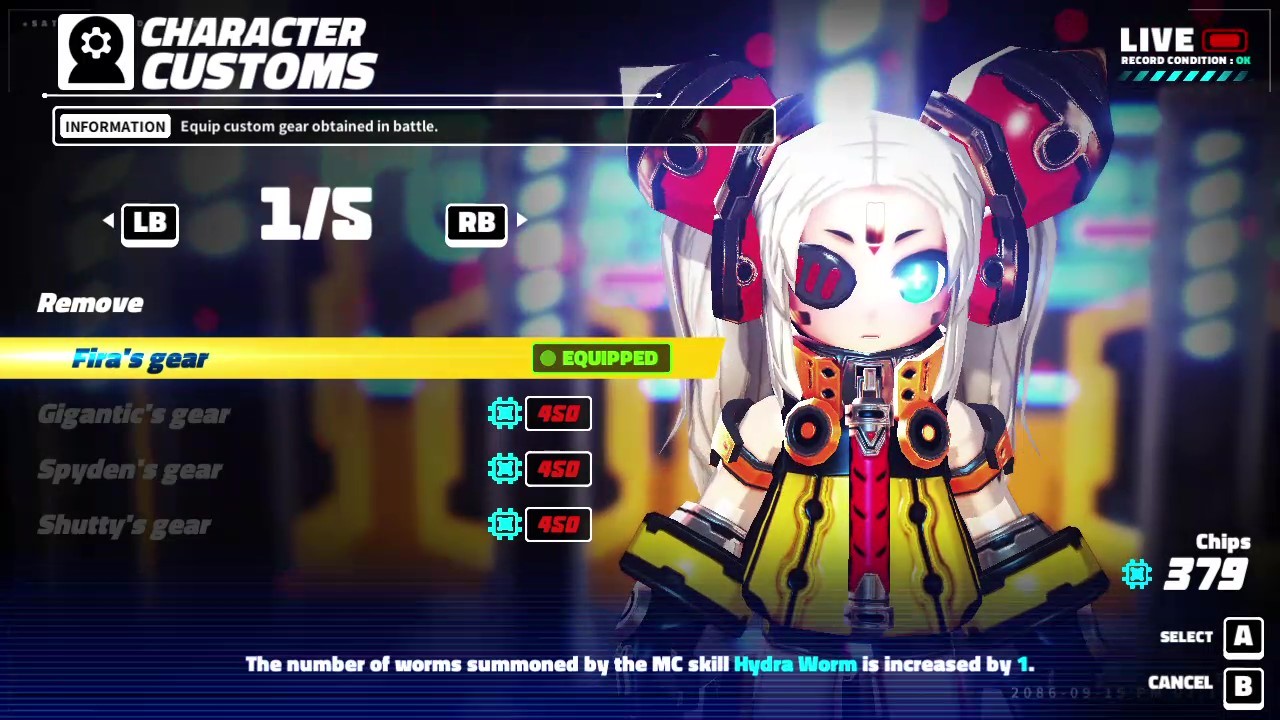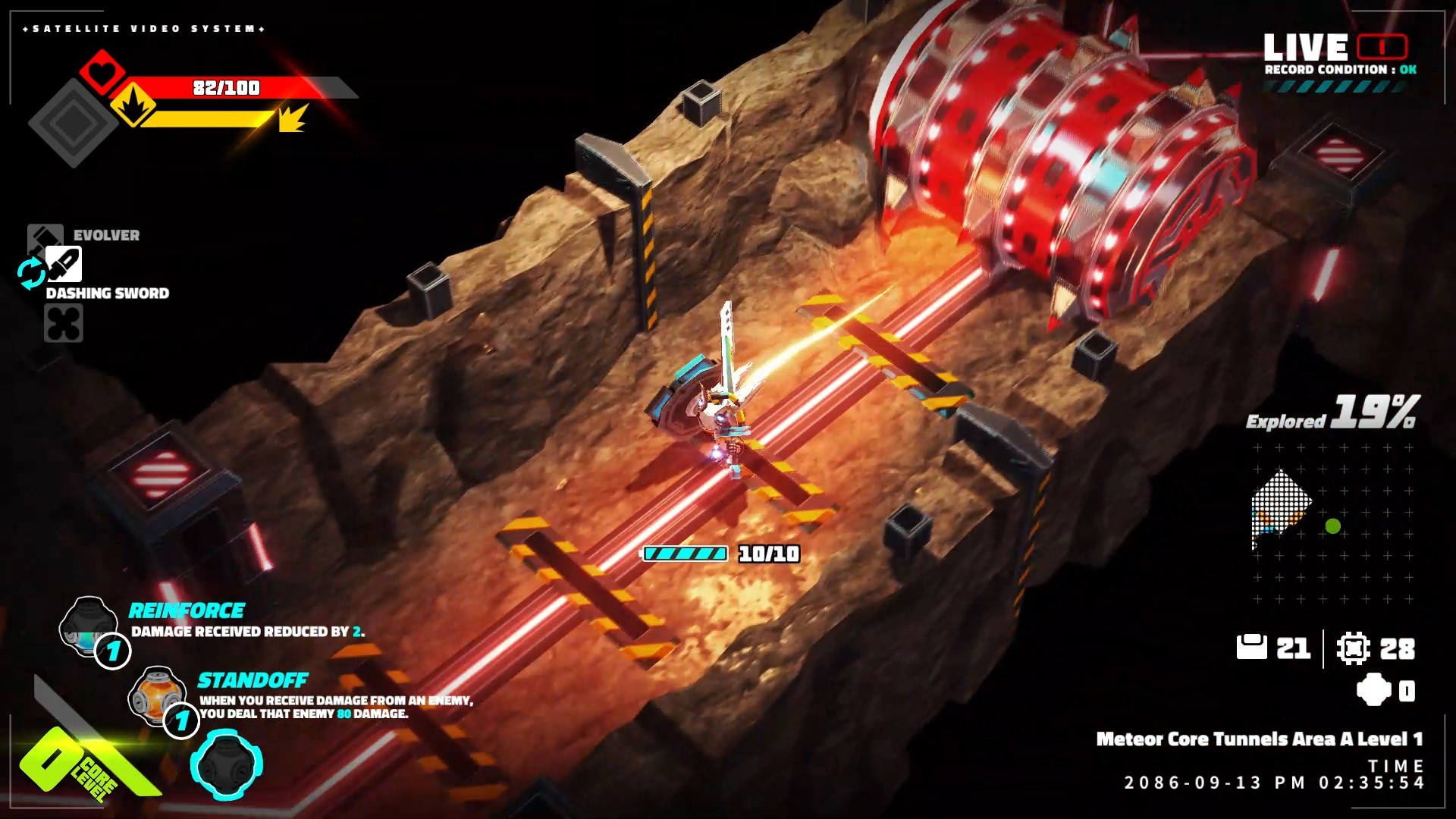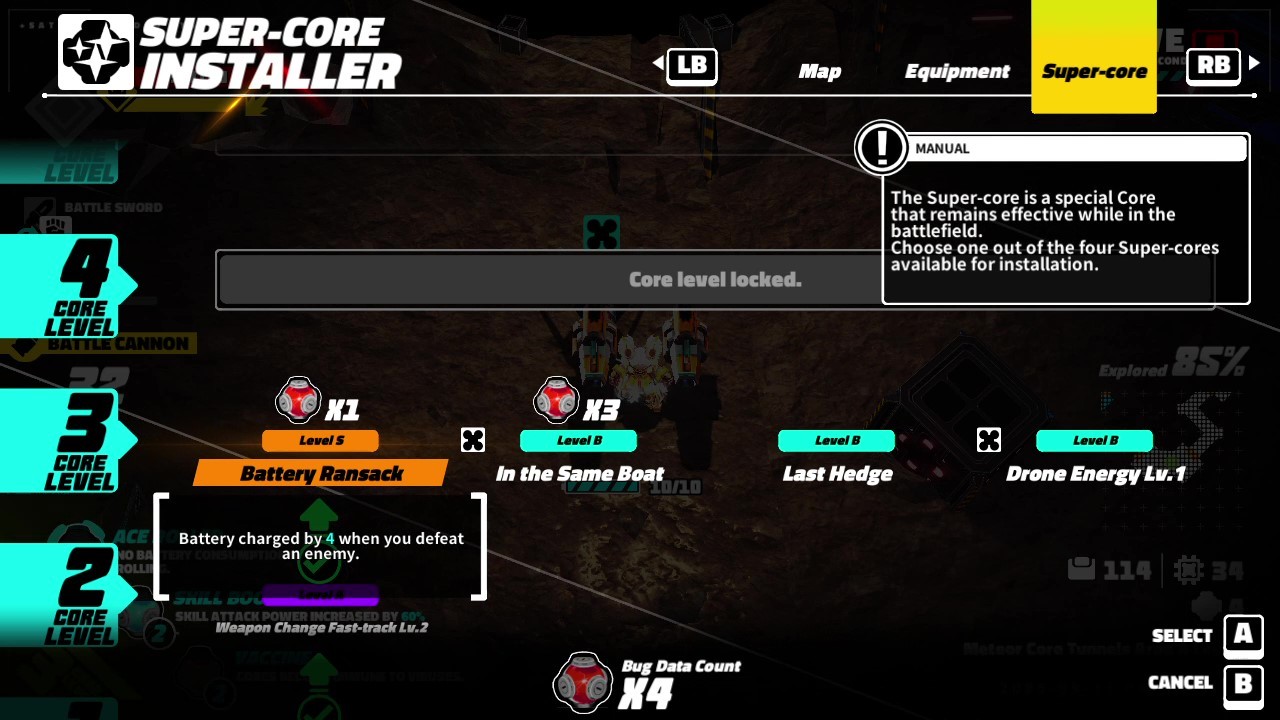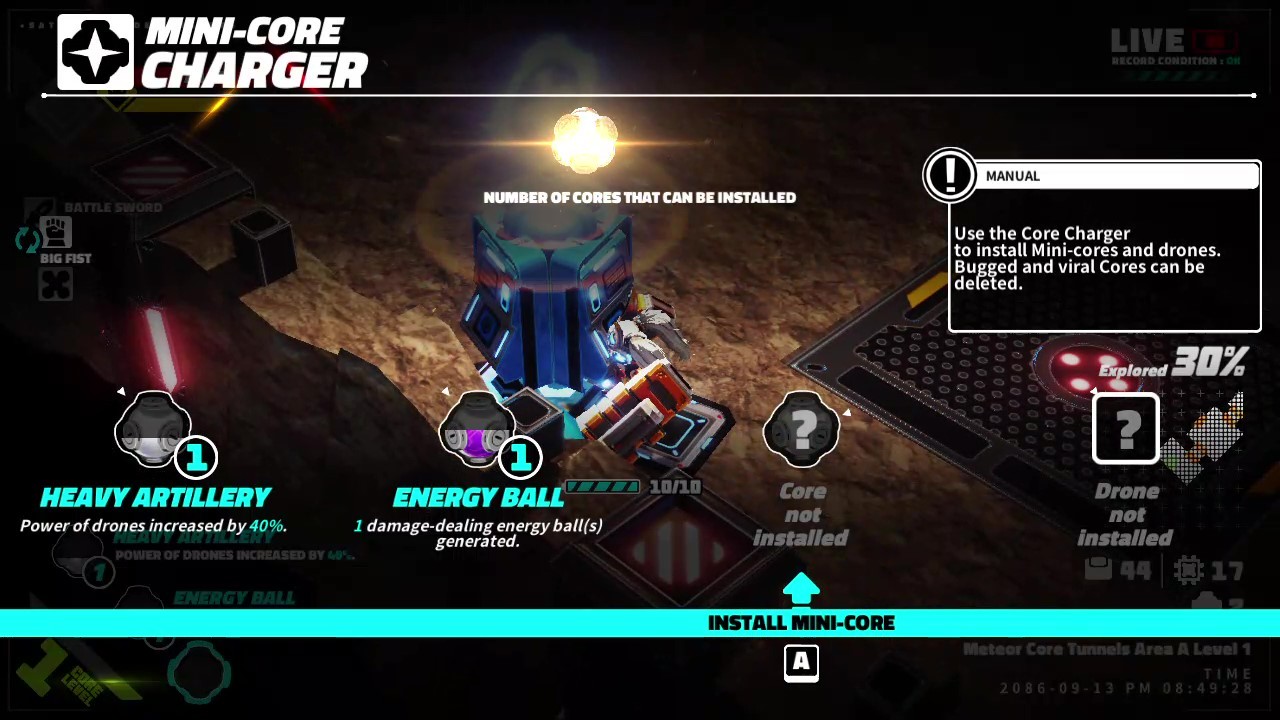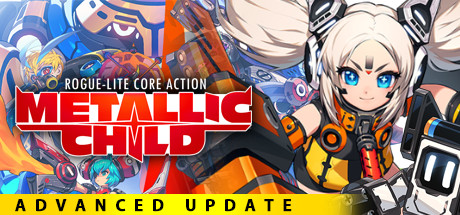

“Grab, hurl, and eliminate” Rogue-lite Core-Action!! A large-scale rebellion erupts within the spacecraft “Life Stream.” With the help of you, Rona, an android known as “Metallic Child,” stands up against a fleet of massive robots to stop the plot devised by her own creator, Doctor Irene.
We have finally identified and fixed the issues that have been pointed out in the forums regarding the METALLIC CHILD Original Soundtrack.
The issues that have been fixed are as follows:
- The track "Chasing (Arranged)" was accidentally replaced by a version of the track "Theme of Icela."
- The version of "Run, Run" included in the album was an older version which differed from the actual track used in the game.
Note: The older version of "Run, Run" is still included in the album, but renamed as "Run, Run (Initial Version)."
Yes, it's quite late, but here is the link to the store page:
https://store.steampowered.com/app/1759770/METALLIC_CHILD_Original_Soundtrack/
Those who have already purchased the album,
please follow the steps below to obtain the updated files.
-Automatic updates enabled:
Go to your library, open up the METALLIC CHILD Original Soundtrack, and click "Browse Local Files" to open up the download folder (METALLIC CHILD Original Soundtrack).
-Automatic updates disabled:
First, go to your library, open up the METALLIC CHILD Original Soundtrack, and click "Update."
Then, click "Browse Local Files" to open up the download folder (METALLIC CHILD Original Soundtrack).
Please accept our apologies for taking so long to resolve this problem.
We thank all of you who have contributed to drawing attention to this issue.
The issue has been resolved regarding the announcement we made on September 24th, in which the actual product cannot be obtained when purchasing the METALLIC CHILD Digital Artbook and the bundles that include it.
Turns out, it was a technical glitch.
The products that were affected are listed below:
METALLIC CHILD - Digital Deluxe Edition
METALLIC CHILD - Digital Artbook Package
METALLIC CHILD Digital Artbook
Those who have already purchased the artbook,
please follow the steps below to obtain the file.
-Automatic updates enabled:
Open up the game's Properties and select the LOCAL FILES tab to open up the download folder.
-Automatic updates disabled:
First update the main game app, then open Properties and select the LOCAL FILES tab to open up the download folder.
Please also make sure the artbook is enabled for installation in the DLC tab of Properties.
We thank you all for your understanding.