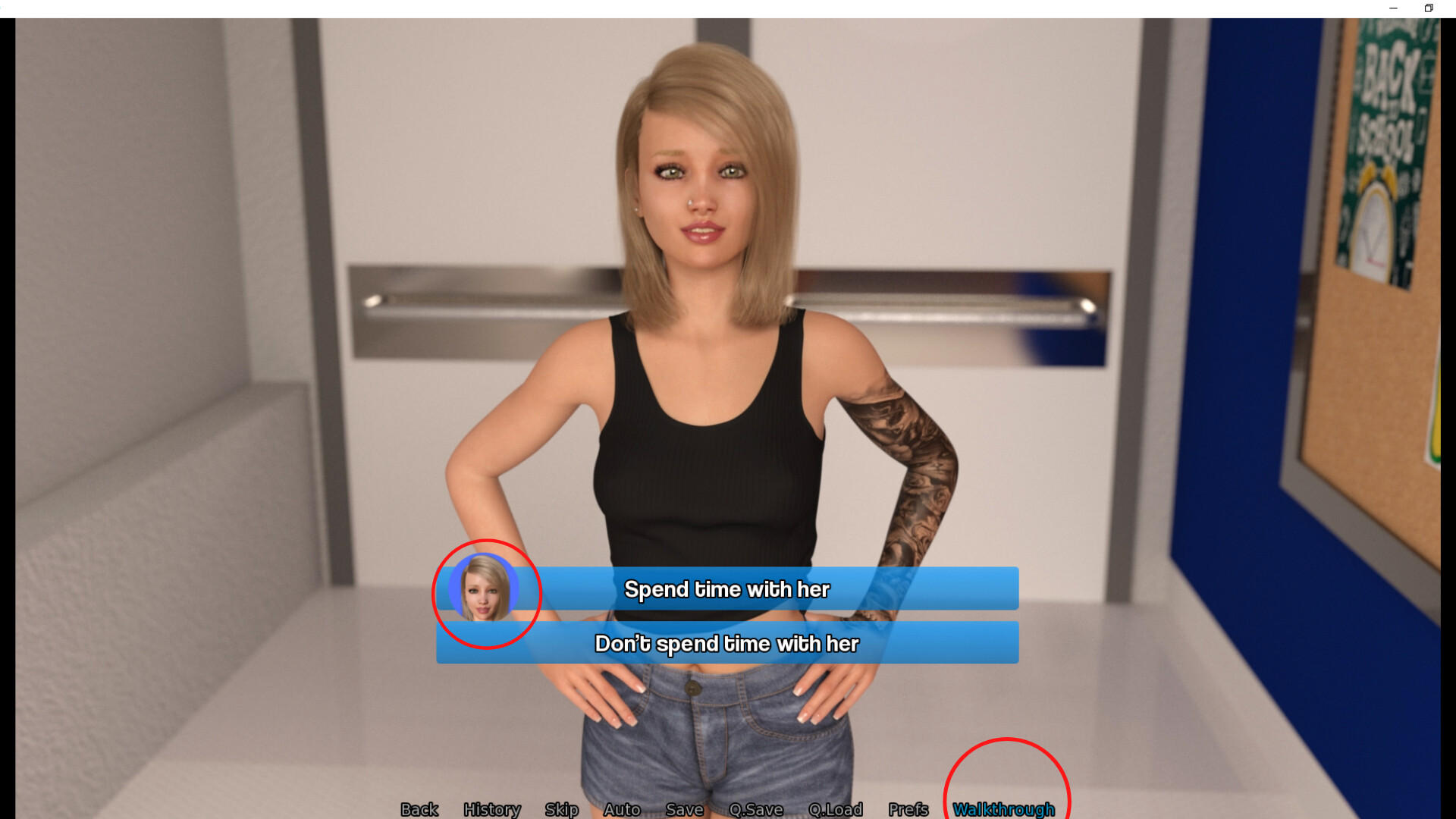
Official in-game walkthrough for the visual novel Picture Perfect.
HOW TO USE: To access the PDF that contains the password needed for the in-game walkthrough, please go to where you installed the game and you will see "PP In-Game Walkthrough Password" alongside the other game files. If you don't know how to do that, you can look at the directions below.
1) Right click the Picture Perfect game on Steam client.
2) On the window that pops up click "local game files."
3) Click "browse" and you should be looking at the installed game files where the walkthrough is located.
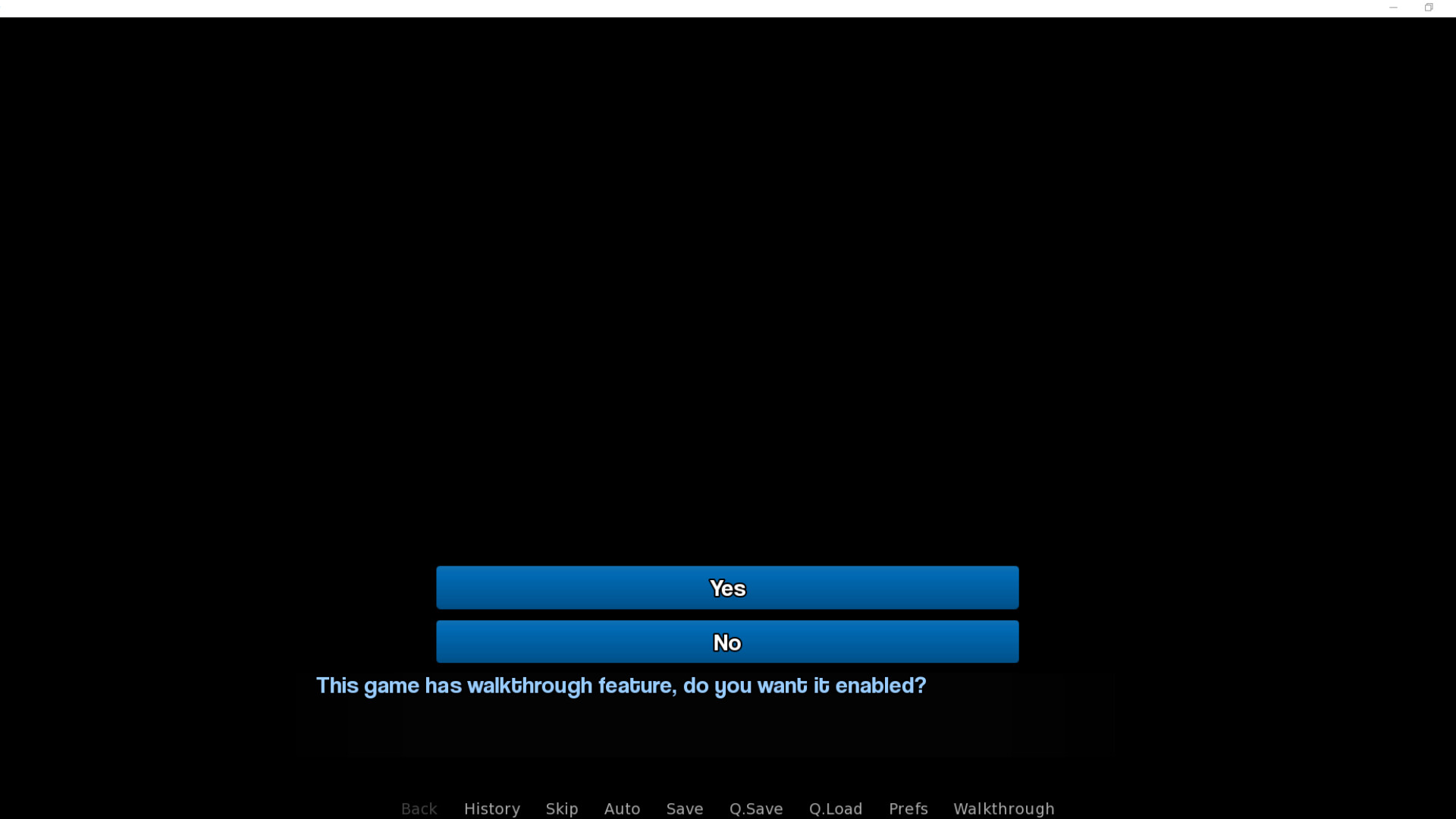
4) Open it for the password you will use for the main game .
5) Open Picture Perfect to start a new game where you will be asked to enter the password to activate the walkthrough.