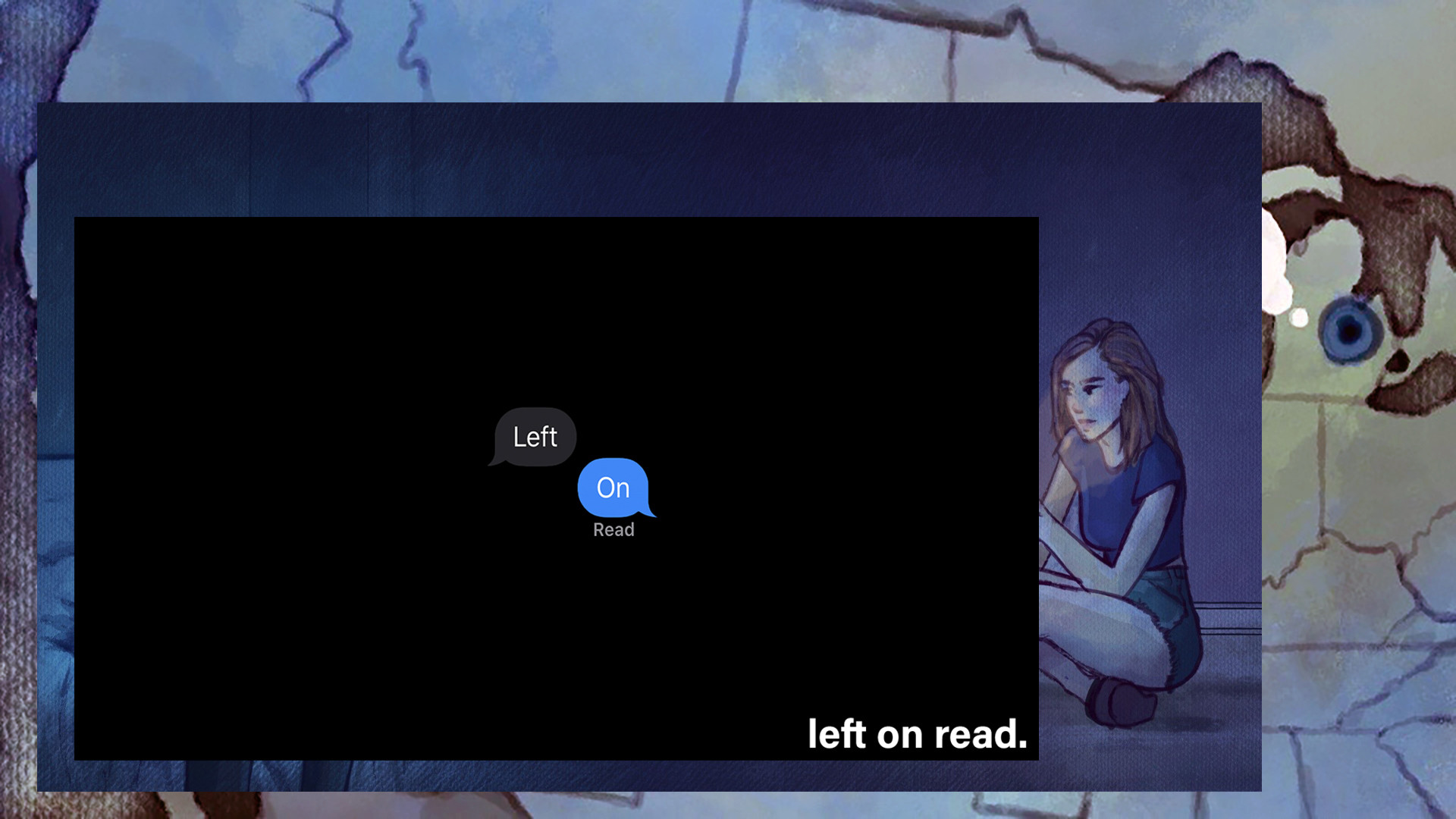
Left on Read Fan Pack: with four high quality wallpapers so you can be crushed by reality every time you turn on your computer!
To find them: 1. Open Steam, go to the Library tab, and right-click on Left on Read in your game list. 2. Select Properties and click the "Local Files" tab. 3. Click "Browse Local Files...". 4. Open the "Wallpapers" folder.