Before you start
IMPORTANT:
Before using PSMoveService for the first time, you will need to follow the instructions in the "Initial Setup Documentation" section of the PSMoveService Wiki (View the manual).
It is recommended to use the "IPISoft PS3EYEDriver" driver for the Sony Playstation Eye camera (link given in "PSEye Software Setup" section of the PSMoveService Wiki).
You can launch the "PSMoveConfigTool" described in the Wiki by selecting the "Configure PSMoveService" option from the iVRy "Launch" button. PSMoveService will be started automatically.
NOTE:
PSMoveService is experimental "alpha" quality software. It is provided in DLC form as a convenience for those users who wish to experiment with it. It is complicated to set up, not suitable for all purposes, with no guarantee of success. If you are not comfortable with experimental software, that requires a lot of tweaking, and may not be suitable for your purposes, then please do not use it. It is not, under any circumstances, to be considered as "production level quality" software. It is open-source software, made by volunteers, in their free time.
About the Game
What is the iVRy PSMoveService Driver for SteamVR DLC?
• It is a version of the PSMoveService & PSMoveSteamVRBridge software that has been customised to simplify installation and configuration for use with the iVRy Driver for SteamVR.
What is PSMoveSteamVRBridge?
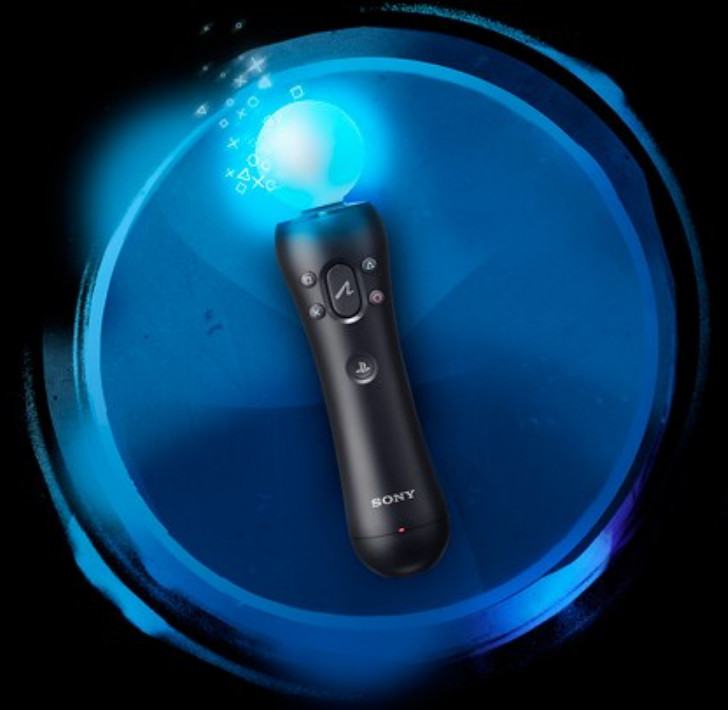
• PSMoveSteamVRBridge is a client for PSMoveService that takes the pose and button data of PSMove/DualShock4/PSNavi controller and forwards it into SteamVR.
What is PSMoveService?
• PSMoveService is a background service that manages multiple PSMove Controllers and PS3 Eye Cameras. Clients connect to the service and stream PSMove Controller state (position, orientation and button presses). A visual client front-end is used for controller/tracker configuration.
What does that mean?
• Want to use your Sony Playstation Move controllers to play PC VR* (Virtual Reality) titles?
• Want to add 6DOF (orientation & positional) tracking** to your iVRy VR headset?
• With iVRy, the PSMoveService Driver for SteamVR and 2 or more Sony Playstation Eye cameras you can!
* Valve OpenVR/SteamVR. Requires Valve Steam & SteamVR on Windows 7 or later.
** Requires LED ball or additional PS Move controller (see "Virtual HMD" section of PSMoveService Wiki, ignore "Additional Software" section)