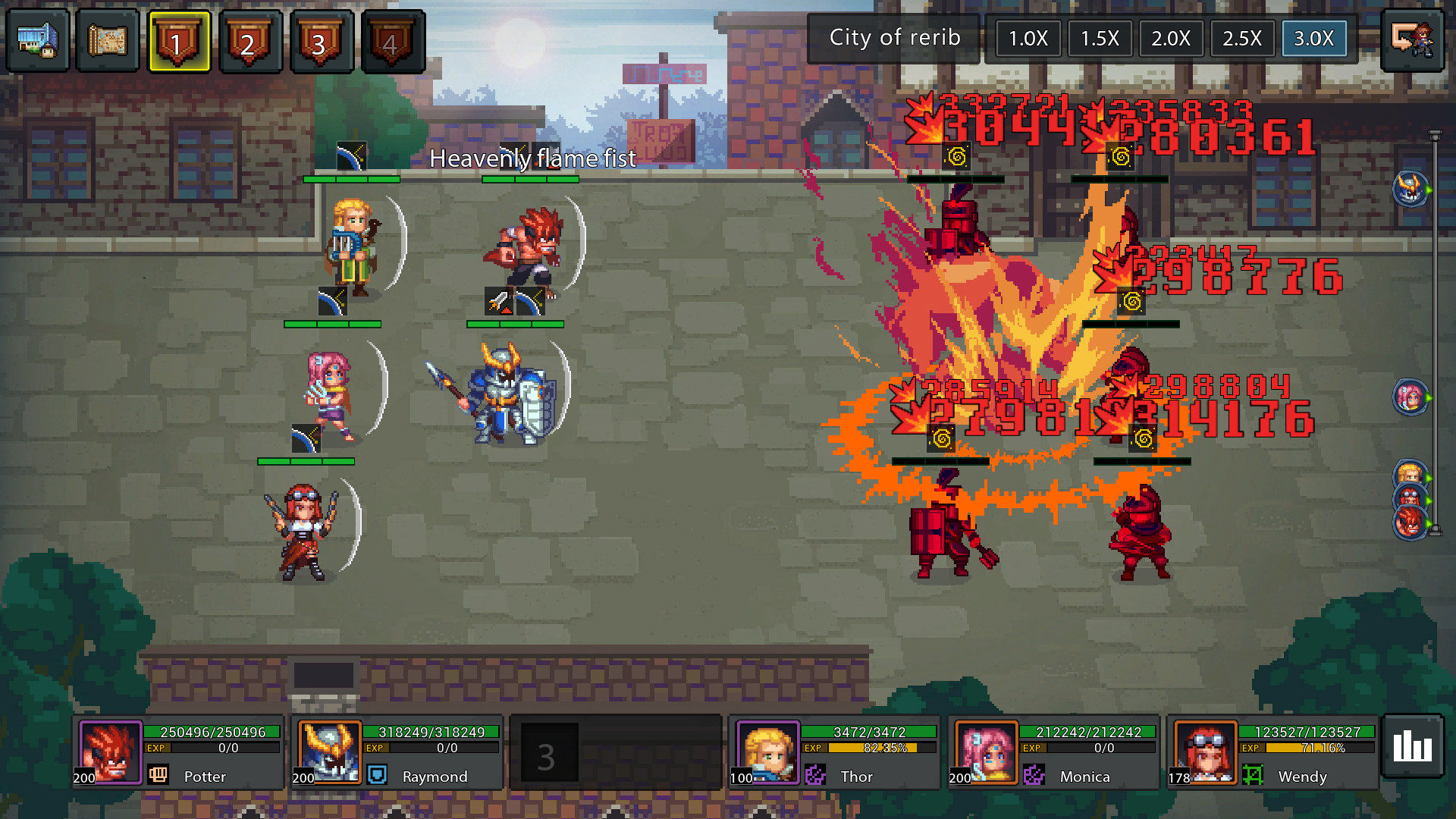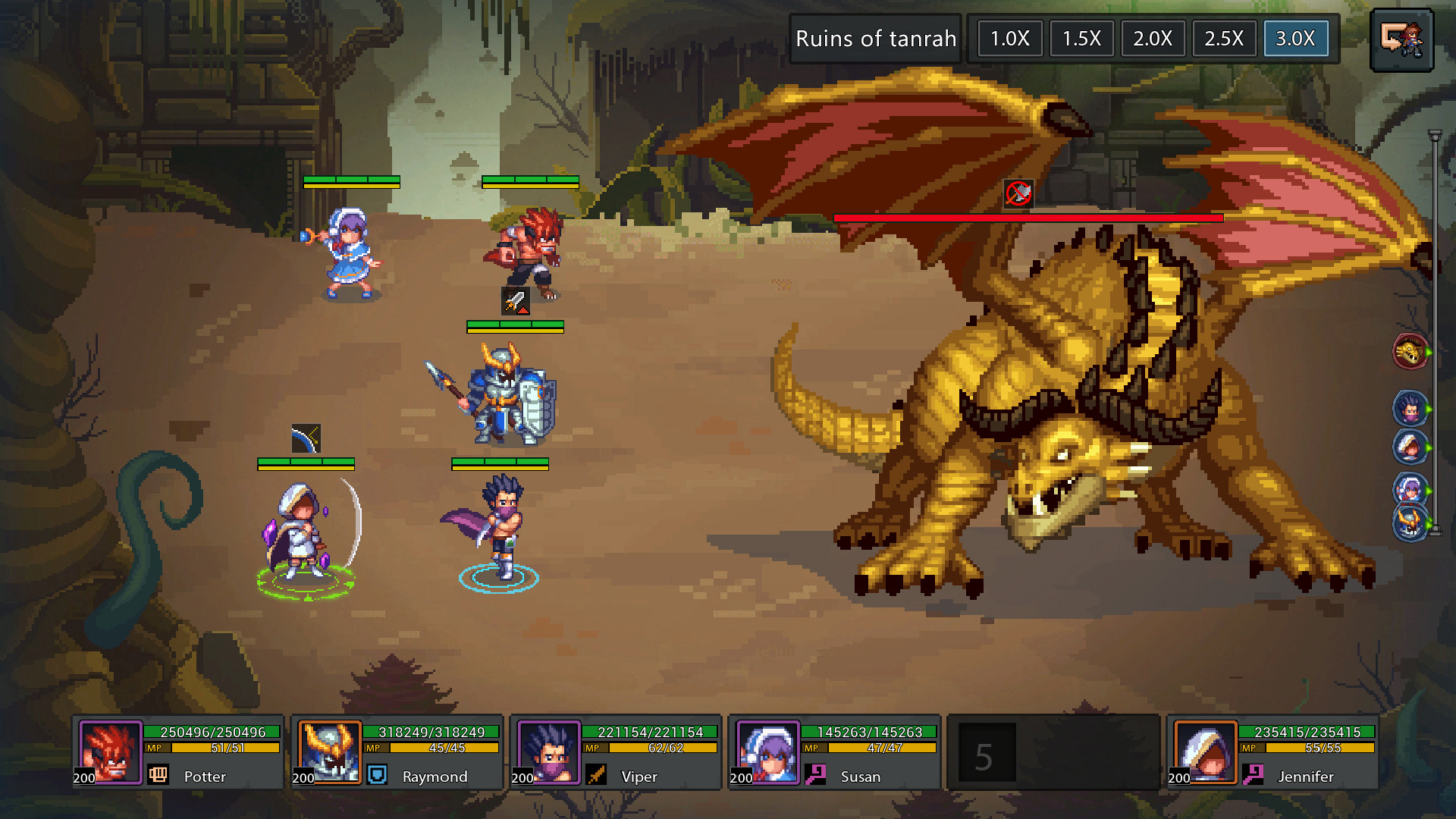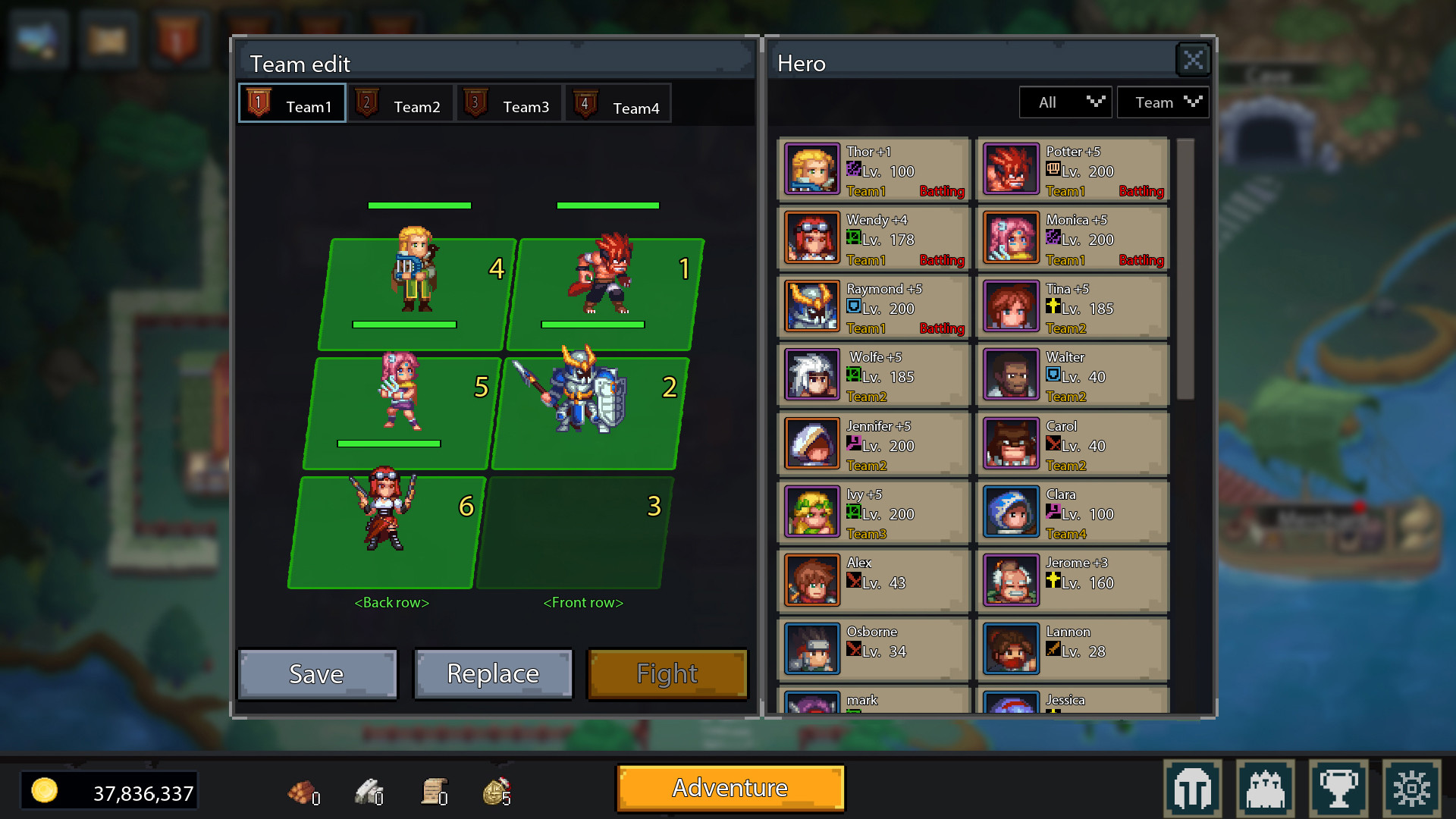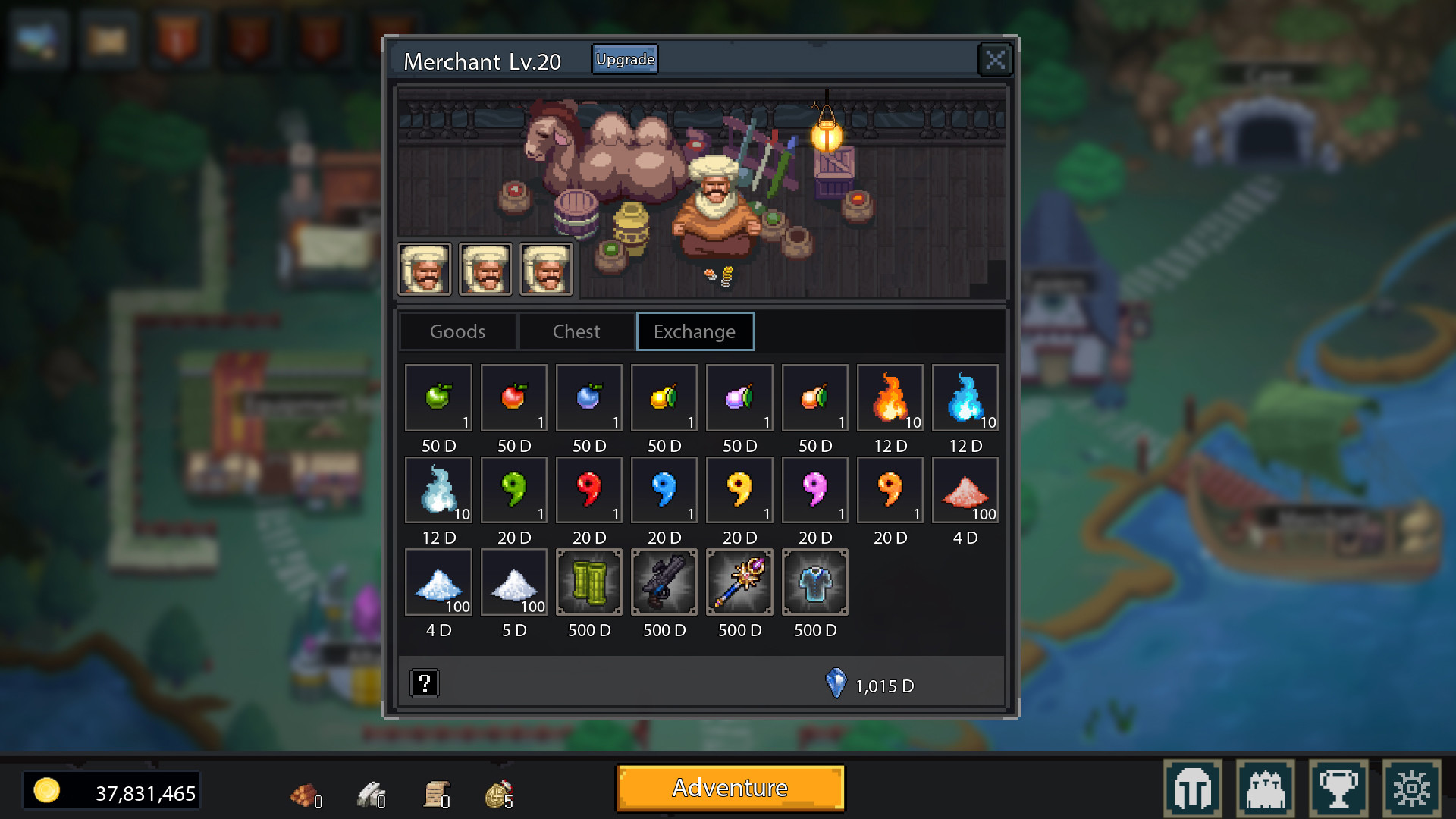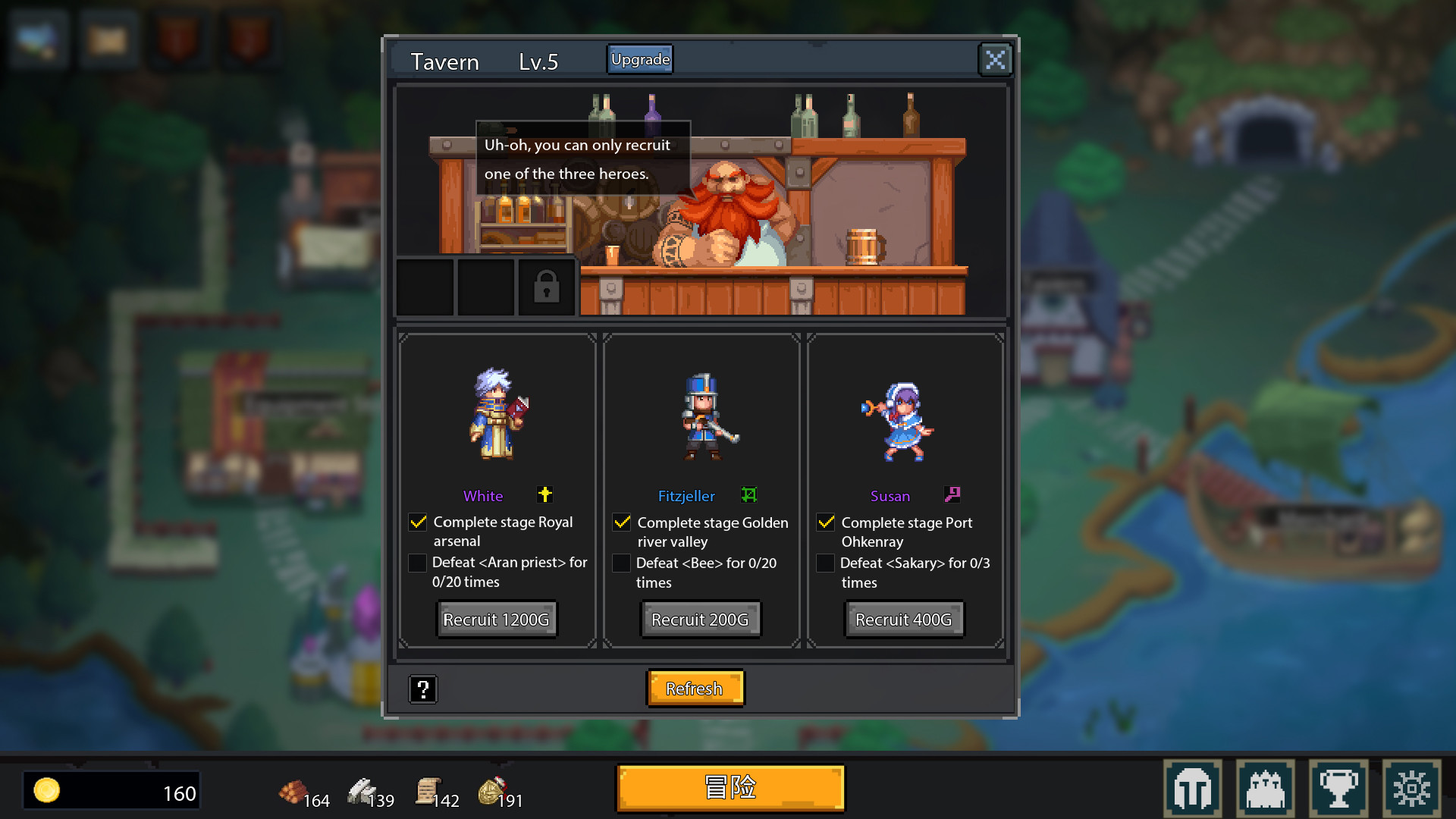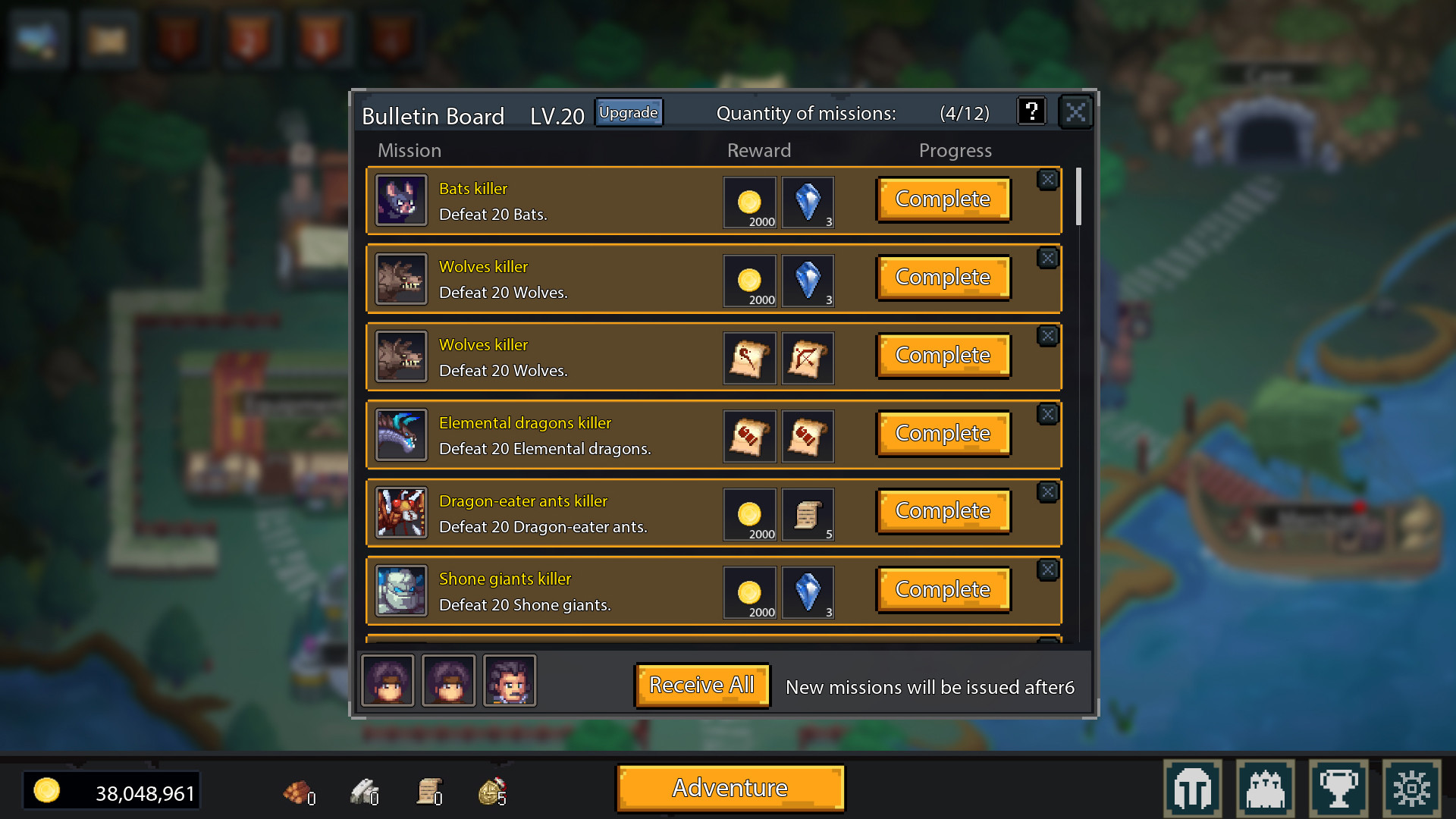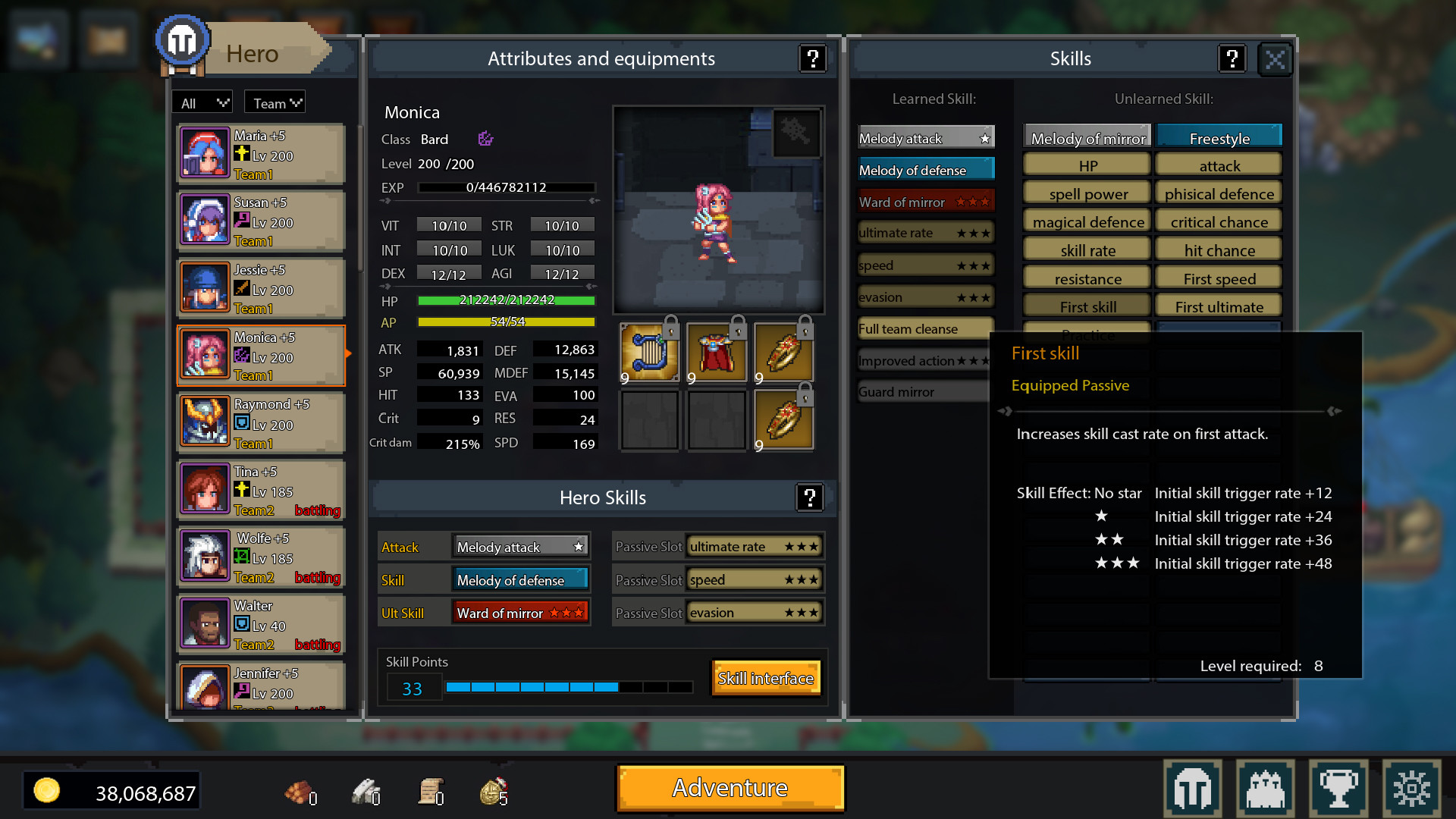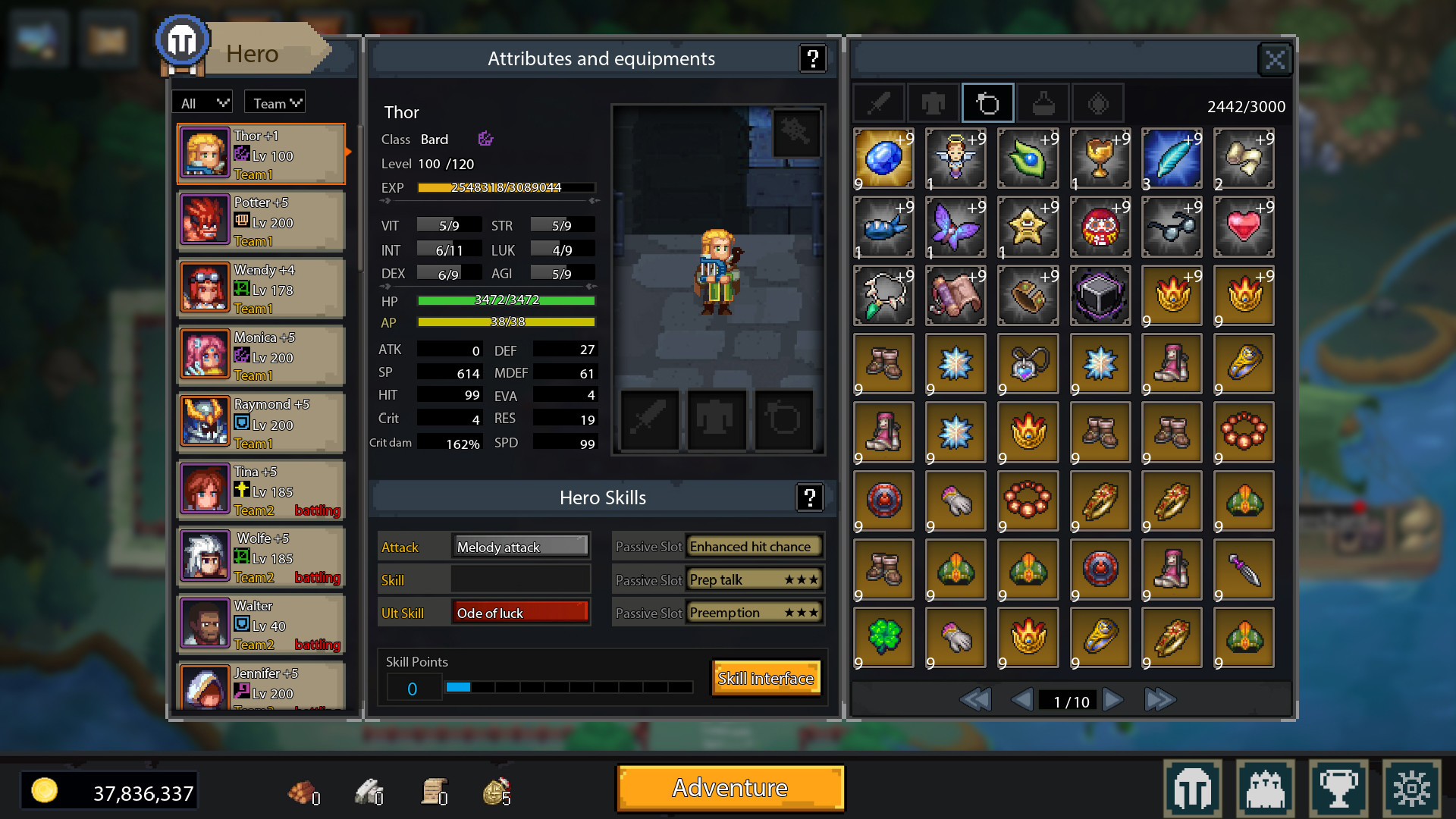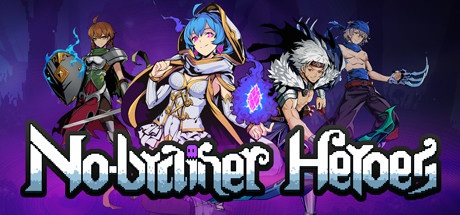

No-brainer Heroes is a pixel style semi-idle RPG game. As a lord, you need to run your town, recruit your heroes, defeat level monsters, solve random events, collect powerful treasures, and finally defeat evil dragons.
Game save path: C: \ Users \ {User Name} \ AppData \ Local \ DragonKiller \ Saved {} is the user name of the computer. If there is a problem with the save, please do not close the game and immediately save the backup because the savings will be saved after the game is closed.
Upload to steam cloud.
Added archive backup and automatic restore functions.
The file identified by bk1 is an automatic restoration file. When the archive is broken, it will be automatically restored without manual operation.
The file identified by bk2 is a manually restored file. When the automatic restoration fails, you can manually restore it by modifying the file name.
recovery method for Cloud Archive synchronization error
In order to avoid incorrect coverage of cloud archives caused by some unknown reasons.We have added a local restore method to the archive. If this situation happens, you can restore the archive to a local archive saved by your computer in the following ways.
1. Under the game's archive directory, find the "savegames" folder.
2. Enter "savegames" to find the file with the suffix "backup" corresponding to the archive file.
3. Delete the original archive file and change the suffix name of the corresponding ".backup" file to ".sav".
For example, if you want to restore the first archive to a local archive in endless mode by this way, you need to delete "HHH.sav" and change "HHH.backup" to "HHH.sav".
To solve the problem that Direct3D 12 causes the game to crash, you can try the following solutions:
1. Open the game root directory and find Game.exe;
2. Create a shortcut of Game.exe on the desktop;
3. Right-click the shortcut and click Properties;
4. Enter "-DX12" at the end of the ”Target” input box (there is a space in front of "-", don't forget);
5. Then start the game through a shortcut;
Alt + D hides the game, Alt + W or CTRL + ALT + E calls out the game.
It may not work if the registry shortcuts conflict.
Close the boss key:
Paste the following content in the "Game.ini" file to close the boss key and it will take effect after restart.
[/script/game.dragonkillerconfig]
OpenBossKey = False
The "Game.ini" file path is as follows:
C: \ Users \ {username} \ AppData \ Local \ DragonKiller \ Saved \ Config \ WindowsNoEditor
({Username} is the user name of the computer)